Business Software

Practical guides and reviews on business and management software, from time and attendance systems to event, entity, and workflow tools. Learn how to choose, compare, and implement the right software to run your business more efficiently.

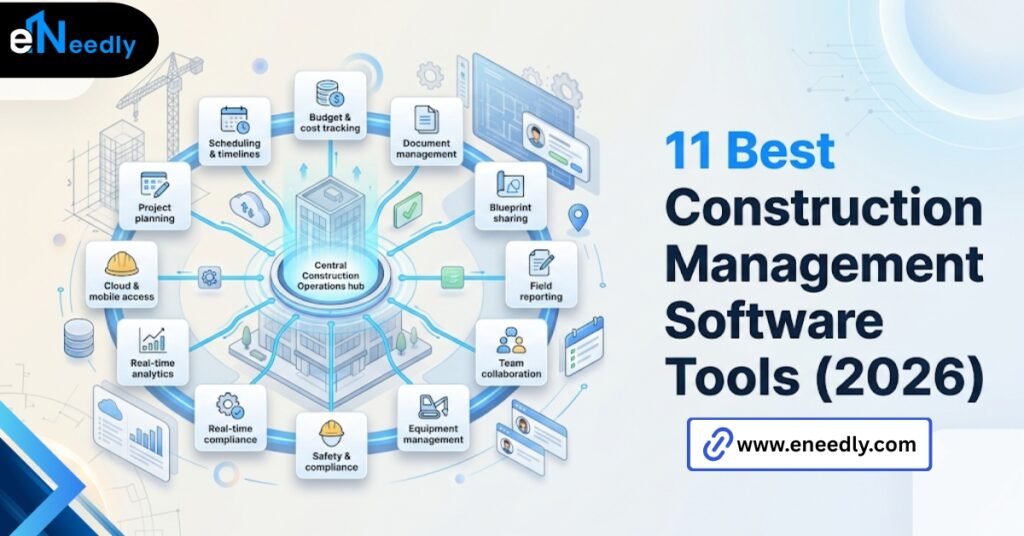
11 Best Construction Management Software Tools (2026)

11 Best Construction Management Software Tools (2026)

The best construction management software is the one that matches your firm’s size, job costing needs, and field conditions, not the highest-ranked option on a review site. A ten-person specialty contractor and a 300-person GC need different tools entirely. Fit matters more than feature count. Ask ten contractors what the best construction management software is,

11 Best Construction Management Software Tools (2026) Read More »
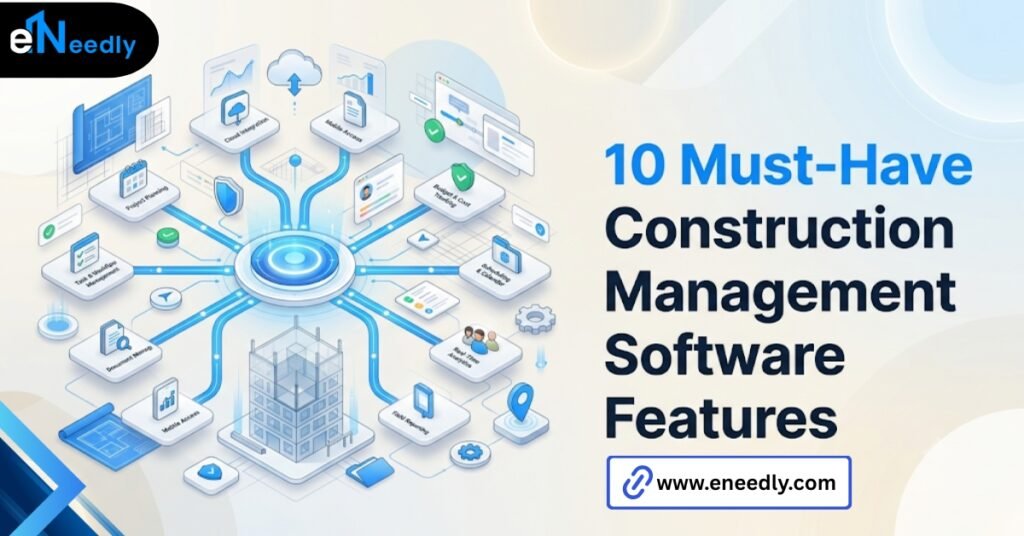
10 Must-Have Construction Management Software Features

10 Must-Have Construction Management Software Features

Quick Answer: Construction management software features that matter most are scheduling, budgeting, document control, RFI tracking, and punch lists.  These tools work by giving every team member, office, and field one shared source of project data. Businesses prioritize them to cut delays and rework caused by outdated or scattered information. Which Construction Management Software Features

10 Must-Have Construction Management Software Features Read More »

Akumina construction management software: 7 key benefits

Akumina construction management software:7 key benefits

Quick Answer: Akumina construction management software is a digital workplace and intranet platform, not a construction management system.  It connects office staff, site teams, and subcontractors through a shared portal for communication, documents, and company updates. Construction firms use it to fix internal communication gaps, not to run projects. What Akumina for Construction Companies Actually

Akumina construction management software:7 key benefits Read More »

Virtual event platform

10 Best Virtual Event Platforms in 2026 (Hands-On Picks)

A virtual event platform is software that hosts live or on-demand events online, combining streaming, attendee interaction, and often networking tools in one system. It works by streaming content while layering in polls, chat, and virtual booths around the session. Businesses use it to run conferences, webinars, and hybrid events without a physical venue. The

10 Best Virtual Event Platforms in 2026 (Hands-On Picks) Read More »

Navisworks Tutorial for Beginners: Master it in 7 steps

Navisworks Tutorial for Beginners: Master It in 7 Steps

Quick Answer: A Navisworks tutorial for beginners walks a new user through installing Navisworks Manage, reading the interface, importing files from other software, and using core review tools like clash detection and viewpoints.  It works by combining models from different disciplines into one federated view. Businesses use it to catch design conflicts before construction starts,

Navisworks Tutorial for Beginners: Master It in 7 Steps Read More »

Navisworks system requirements 2026: complete specs

Navisworks System Requirements 2026: Complete Specs

Someone in IT pulls the official spec sheet, buys hardware that matches it exactly, and hands out laptops across the whole office without asking who actually needs what. Three weeks into a real project, the BIM coordinator is staring at a spinning cursor every time they load the federated model. Navisworks system requirements, as published

Navisworks System Requirements 2026: Complete Specs Read More »

Navisworks manage vs simulate: 5 critical differences

Navisworks Manage vs. Simulate: 5 Critical Differences

Somebody on the project team already has an opinion about which tier to buy. It is usually based on a demo, not on how many concurrent trades your project actually has running clash tests every week. Navisworks Manage vs Simulate comes down to one capability: Manage includes clash detection; Simulate does not. Simulate covers 4D

Navisworks Manage vs. Simulate: 5 Critical Differences Read More »

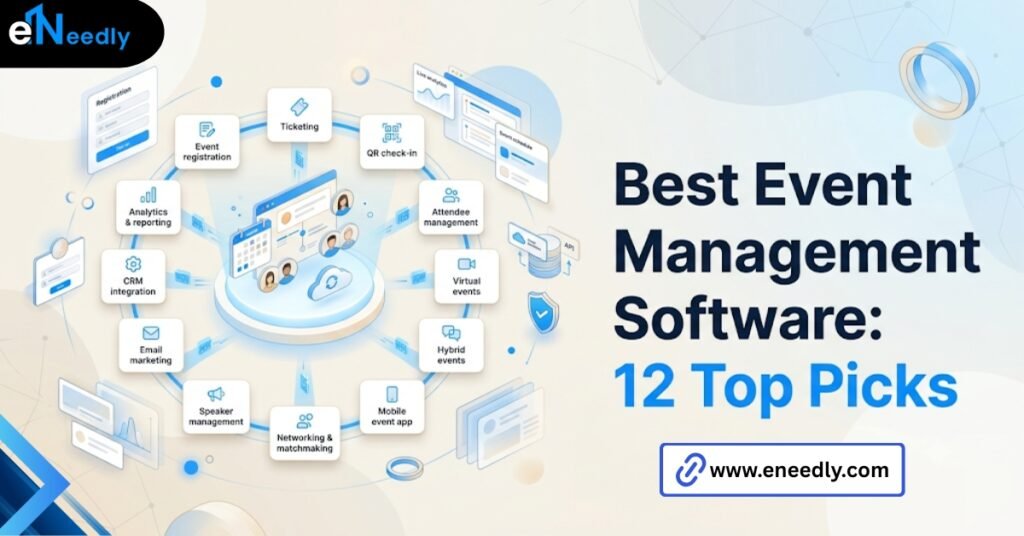
Best event Management software:12 top picks

Best Event Management Software: 12 Top Picks

Quick answer: The best event management software handles registration, ticketing, scheduling, and attendee data in one system built around how your team actually runs events.  It automates the logistics of planning, promoting, and running an event while keeping attendee data usable afterward. Businesses use it to cut manual work and turn event data into something

Best Event Management Software: 12 Top Picks Read More »

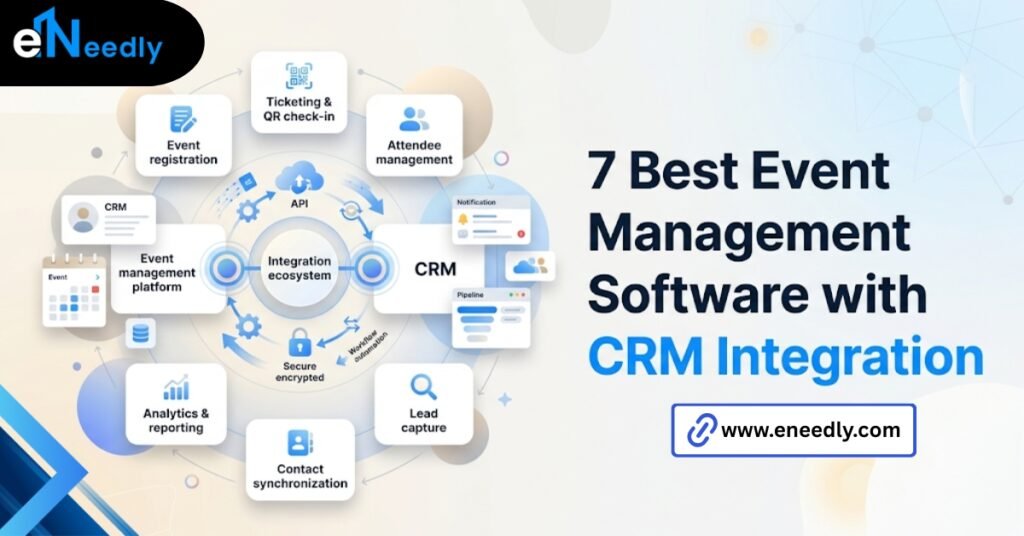
7 best event management software with CRM integration

7 Best Event Management Software with CRM Integration

Quick answer: Event management software with CRM integration automatically pushes registration and attendee data into your CRM, so leads and contacts don’t need manual entry.  It works by syncing fields like name, email, and event activity, either in real time or on a scheduled batch. Businesses use it to act on leads while interest is

7 Best Event Management Software with CRM Integration Read More »

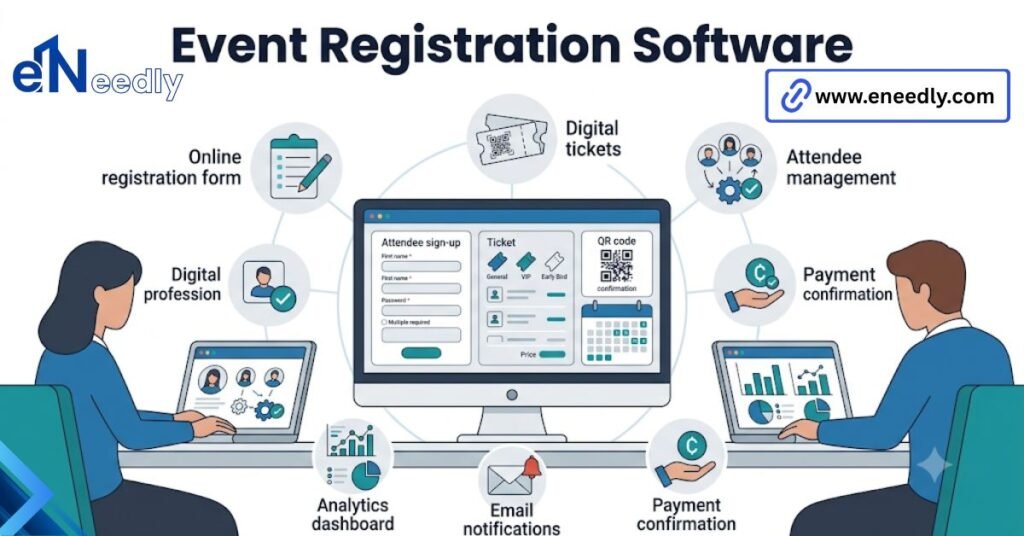
Event registration software

Best Event Registration Software: Tested & Compared

Quick answer: Event registration software is a system that handles sign-ups, ticketing, payments, and check-in for events. It works by collecting attendee information and generating a ticket or badge for check-in. Businesses use it to cut manual admin work and keep attendee data organized. The registration page is where you lose people before the event

Best Event Registration Software: Tested & Compared Read More »