
Somebody on the project team already has an opinion about which tier to buy. It is usually based on a demo, not on how many concurrent trades your project actually has running clash tests every week.
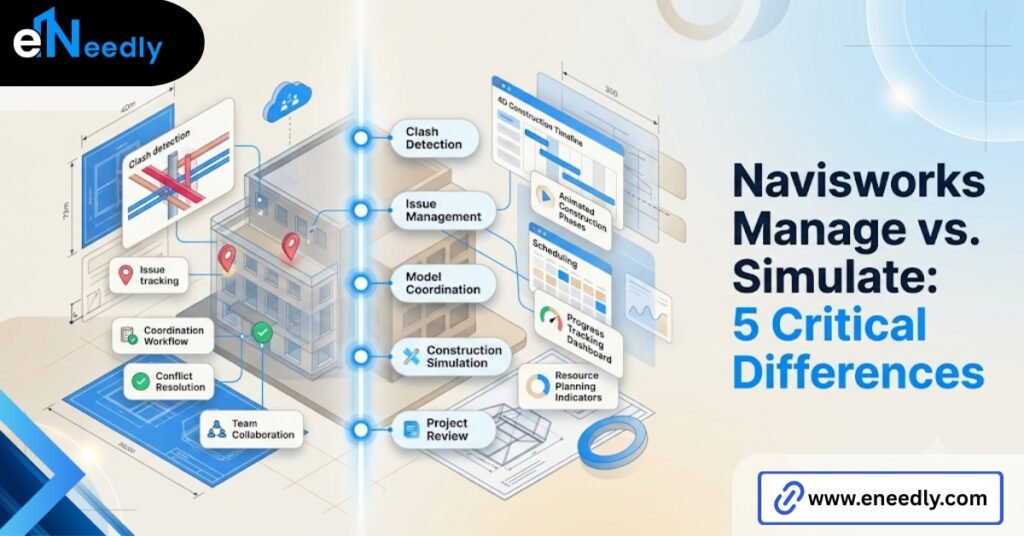
Navisworks Manage vs Simulate comes down to one capability: Manage includes clash detection; Simulate does not. Simulate covers 4D sequencing and quantification.
Manage covers those same two things plus the full clash test engine. The right choice depends on whether formal coordination is a weekly need or an occasional check.
That single missing feature, clash detection, decides almost the entire buying decision. Everything else in this comparison- licensing cost, team roles, workflow fit- sits downstream of that one line item.
What Navisworks Manage vs Simulate Actually Does
Simulate is the middle tier, and it gets overlooked because Manage sounds like the “complete” option by name alone. That is a naming problem, not a capability gap for every team.
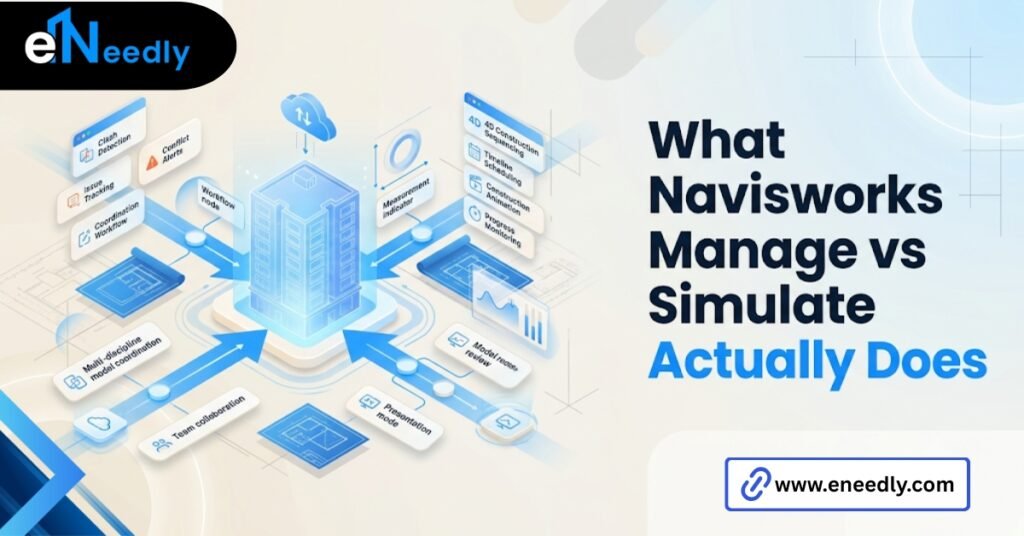
Simulate 4D construction sequencing, link the federated model to a schedule from Microsoft Project or Primavera, and watch the build happen in fast forward, phase by phase.
It also handles quantification. Pull square footage, linear footage, and item counts straight from the model instead of counting off 2D sheets by hand.
What Simulate does not include
No clash detection engine. None. A team relying only on Simulate is doing visual review and manual spotting, not automated conflict checking across disciplines.
Who Simulate suits actually
A general contractor managing sequencing on a single trade scope. A scheduler who needs quantity takeoffs but has no multidiscipline clash volume worth automating. Teams this size often find Manage’s extra cost buys them a feature they would rarely open.
Think of a renovation project with one structural scope and light MEP overlap. The sequencing questions are real. Crane access, phased demolition, material staging.
But the clash volume between disciplines is low enough that a formal automated detection engine mostly confirms what the team already suspected in a walkthrough.
That is the honest case for Simulate. Not that clash detection has no value anywhere, but that its value scales with how many disciplines are genuinely fighting for the same physical space at the same time.
What Navisworks Manage Adds
Manage includes everything in Simulate. That part rarely gets emphasized enough. Buyers sometimes assume they are choosing between two separate feature sets, when Manage is really Simulate plus one significant addition.
The addition is the clash detection engine. Hard clashes, where solid geometry physically overlaps. Clearance clashes, where required access or code-mandated spacing gets violated. Duplicate clashes, where two teams modeled the same element without knowing it.
Firms that already own Manage often use only the clash detection engine and never touch the quantification tools bundled into the same license. That is paid capability sitting idle, and it happens more than vendors like to admit.
Where Manage earns its cost
Multidiscipline coordination on a recurring schedule. Structural, mechanical, and electrical models running weekly clash tests against each other for the length of a project.
That volume is where the extra license cost stops being a line item and starts being the reason change orders drop. Building a clash rule set is not a one-time setup task, though buyers often treat it that way.
Rules need adjusting as the project moves from design development into construction documents, because tolerance for a clearance clash in early design is not the same as tolerance once fabrication drawings are locked.
A rule set that flags every minor overlap early on buries the real conflicts in noise. A rule set left too loose late in the project lets serious conflicts through.
Someone has to actually tune this over time, and that ongoing attention is part of what Manage is really paying for, not just the initial license fee.
Common Buying Mistakes With Manage and Simulate
Most of the mistakes here are not about the software. They are about how the buying decision gets made in the first place, usually under time pressure before a project kicks off.
Buyers assume moving from Simulate up to Manage later is a smooth upgrade. It is not, in practice. Retraining the team and building out clash rule sets after the fact takes longer than deciding on the right tier upfront, because by then the coordination habits are already set.
Manage costs meaningfully more than Simulate. That gap only pays for itself once a team is coordinating enough concurrent trades to generate real clash volume worth managing repeatedly.
There is a third mistake that shows up less often but costs more when it does. Some teams buy Manage for the whole project duration, when clash volume is actually concentrated in a narrow window, typically between design development and the start of fabrication.
The viewer test nobody runs
Teams rarely test how their federated model actually looks in the free Freedom viewer, with the wider group of stakeholders who will actually open it, before committing to a Manage or Simulate purchase.
Viewer-side friction gets discovered late, usually in the first coordination meeting where half the room cannot open the file the way they expected to.
How eNeedly Helps Teams Avoid Choosing the Wrong Tier
This is where a lot of software decisions go wrong before the software itself even gets evaluated properly. Someone picks a tier based on a sales call, and six months in, the team is either paying for clash detection nobody runs or missing it on a project that badly needed it.
eNeedly has spent 8+ years helping businesses evaluate the actual workflow behind a software decision, not just the feature list on a vendor page.
For Navisworks specifically, that means looking at how many disciplines are coordinating, how often, and whether clash volume is a weekly operational fact or a one-time due diligence step before handover.
Getting that assessment right before purchase saves a licensing decision from becoming a mid-project retraining problem. eNeedly also sets up the clash rule sets and federated model workflows so the tier chosen actually gets used the way it was bought to be used.
Where Navisworks Freedom Fits In
Freedom is free. That single fact changes how it should factor into a Navisworks Manage vs Simulate decision, because it is not really competing with either paid tier.
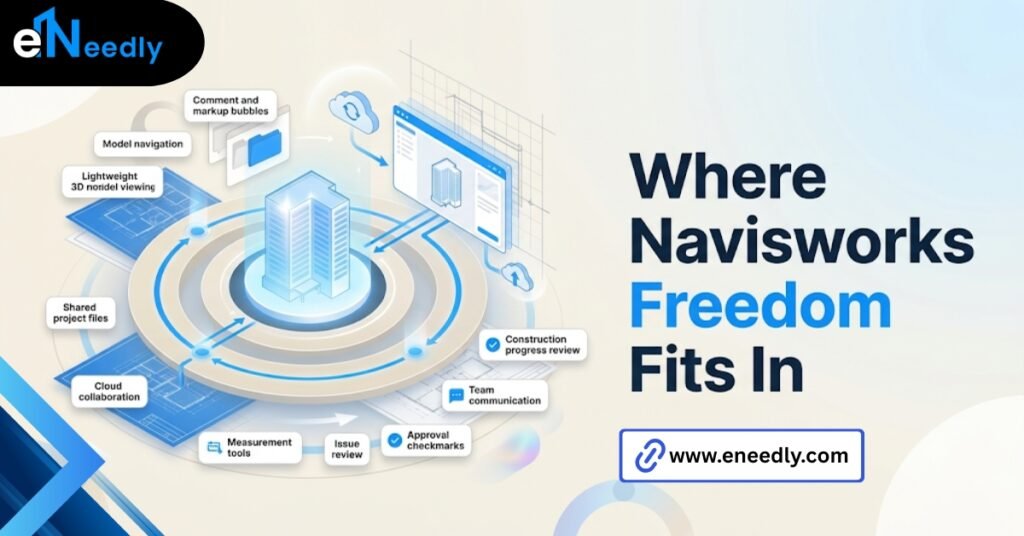
Freedom is read-only. No clash detection, no sequencing, no quantification. It exists so anyone on a project, including an owner who has no reason to buy a license, can open the federated model and look around.
Navisworks Manage vs Simulate Freedom is not really a comparison of equals. Freedom is the viewer layer that sits underneath whichever paid tier the coordinating team actually uses.
Why Freedom still matters to the buying decision
If stakeholders cannot open and understand the federated model through Freedom, the paid tier’s clash reports and sequencing simulations lose most of their audience. A Manage license does not help if the people who need to see the results cannot access them comfortably.
Licensing and Cost Considerations
Autodesk prices Navisworks through subscription licensing, typically bundled inside broader AEC Collection agreements rather than sold as a fully standalone product in most regions. Manage sits at the top of the pricing tier, Simulate below it, and Freedom is free.
The gap between Simulate and Manage is not small, and it should be weighed against actual clash test frequency rather than a general sense that more features are always worth more money.
Multi-seat licensing questions come up often on larger teams. Not every seat needs Manage. A BIM manager running clash tests needs it. A field superintendent reviewing sequencing might only need Simulate, or even Freedom, depending on their actual role in coordination.
Larger firms sometimes buy Manage seats for an entire coordination team by default, on the assumption that everyone should have the same access. That approach ignores how few people on a typical project actually configure clash rules or run the tests themselves.
A more deliberate seat allocation looks at who initiates clash runs versus who reviews the output. The person initiating needs Manage.
The person reviewing a shared report can often work from Freedom, since the clash results themselves are viewable without the license that generated them.
How Each Tier Fits Into an Existing Workflow
Neither tier exists in isolation. Both plug into a broader stack of design and project management tools, and that surrounding stack often matters as much as the Navisworks feature list itself.
Teams already working inside Autodesk Construction Cloud or BIM 360 tend to find Manage integrates more naturally, since clash results and markups can sync back into the same platform stakeholders are already using for document control.
Simulate’s sequencing output depends heavily on how clean the linked schedule is. A Primavera schedule with poorly defined activity codes produces a 4D simulation that looks precise but tells the team very little. The software cannot fix a scheduling input problem.
Where this trips teams up
Firms sometimes evaluate Navisworks tiers in isolation from the rest of their software stack, then discover mid-project that the clash reports or sequencing outputs do not flow anywhere useful. The tier decision and the surrounding workflow decision need to happen together, not one after the other.
Which One Actually Fits Your Project
The real decision is whether formal clash detection is a recurring operational need or a one-time check, not which tier’s feature list reads more impressively on a sales page.
A project with three or four disciplines coordinating weekly, on a schedule with real interdependency, justifies Manage. The clash volume alone makes the cost difference back in avoided rework.
A project focused mainly on scheduling visualization and quantity takeoffs, without heavy cross-discipline conflict, fits Simulate more honestly. Buying Manage there is paying for an engine that sits unused.
Freedom, for its part, is never really a decision point on its own. It is the layer everyone else in the project uses to see what the paid tier produced.
A few questions settle the decision faster than a feature comparison ever will. How many disciplines are modeling concurrently on this project? How often does the team actually meet to review coordination, weekly or only at major milestones?
Has clash volume on past, similar projects justified a dedicated engine, or did most conflicts get caught through simple visual review?
Answer those honestly, based on how the last few projects actually ran rather than how this one is hoped to run, and the Navisworks Manage versus Simulate choice usually becomes obvious.
Frequently Asked Questions
What is the main difference between Navisworks Manage and Simulate?
Manage includes clash detection along with everything Simulate offers. Simulate covers 4D sequencing and quantification but has no clash detection engine.
Is it worth paying extra for Navisworks Manage?
It depends on clash volume. Teams coordinating multiple disciplines on a recurring schedule usually recover the extra cost. Teams with light cross-discipline conflict often do not.
Can you upgrade from Simulate to Manage later?
Technically yes, but it is not seamless. Clash rule sets and team habits built around Simulate need to be rebuilt, which takes real time mid-project.
What is Navisworks Freedom used for compared to Manage?
Freedom is a free, read-only viewer with no clash detection, sequencing, or quantification. It lets stakeholders view the federated model that Manage or Simulate users are actually working in.
Does Navisworks Simulate include 4D scheduling?
Yes. Simulate links the federated model to a project schedule and runs construction sequencing simulations, without any clash detection capability attached.
How many people on a project actually need a Manage license?
Usually fewer than expected. BIM managers and coordinators running clash tests need it. Many other stakeholders can work from Simulate or the free Freedom viewer instead.
Is Navisworks Manage required for every construction project?
No. Smaller projects or those with limited multidisciplinary overlap can run adequately on Simulate or even Freedom for review, depending on how much formal coordination the project actually requires.
Do Manage and Simulate work with the same model files?
Yes. Both tiers open the same federated model files built from Revit, Civil 3D, and similar programs. The difference sits entirely in which tools are available once the model is open, not in what files each tier can read.