
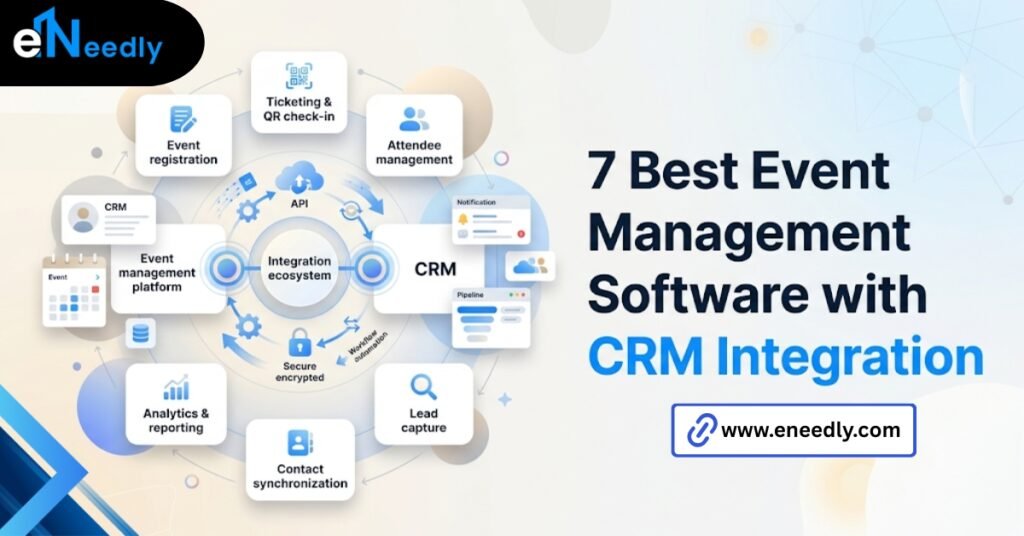
Quick answer: Event management software with CRM integration automatically pushes registration and attendee data into your CRM, so leads and contacts don’t need manual entry.
It works by syncing fields like name, email, and event activity, either in real time or on a scheduled batch. Businesses use it to act on leads while interest is still fresh, instead of days later.
“Integrates with your CRM” doesn’t mean what you think it means
Every event platform’s website says it integrates with Salesforce or HubSpot. That line does almost no work in an evaluation because it’s true of nearly every tool on the market at some level.
The real question is what that integration actually does once someone registers. Does the contact appear in your CRM within seconds, or does it show up the next morning in a batch job nobody scheduled around your event’s timing?
That distinction rarely comes up in a demo. It comes up the first time a sales rep tries to follow up with a hot lead an hour after they left your booth and finds nothing in the system yet.
What CRM integration in event software actually does
Event management software with CRM integration is a system that syncs attendee and registration data directly into a customer relationship management platform. That’s the plain definition, and it’s worth being precise about because the term gets used loosely.
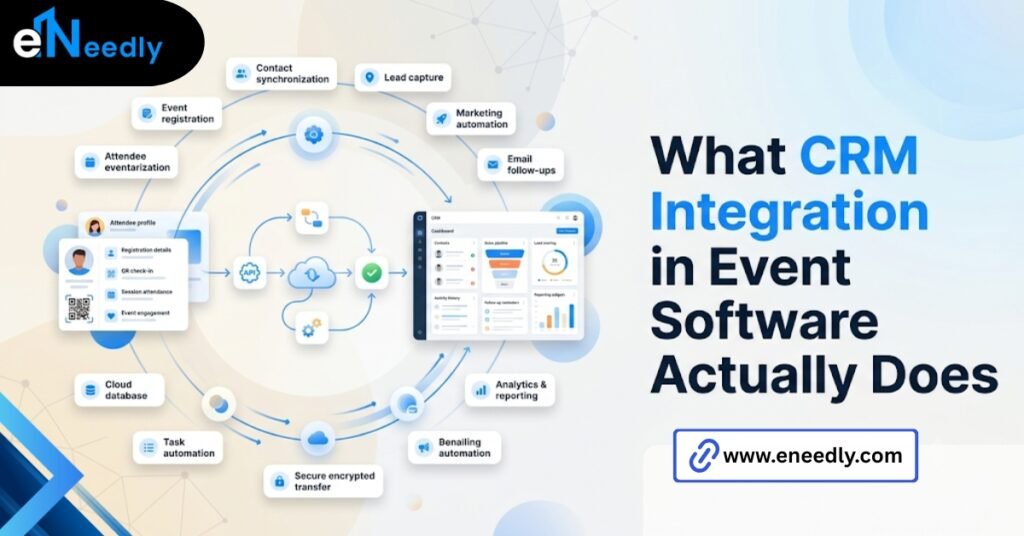
In practice, it moves a defined set of fields, typically name, email, company, and some event-specific activity like session attendance or check-in status, from the event platform into matching contact or lead records.
What it does not automatically do is guarantee that data lands cleanly. Field mapping, duplicate handling, and custom fields are all decisions someone has to configure, not defaults that just work.
How the sync actually works, step by step
Most vendors gloss over the mechanics because the mechanics are where the limitations live. Here’s roughly what happens under the hood.
- A person registers for the event and fills out a form.
- The event platform checks whether that email already exists as a contact in the connected CRM.
- If it’s a match, the platform updates the existing record. If not, it creates a new one.
- Event activity, like check-ins or session attendance, gets logged against that record, either immediately or in a scheduled batch.
- Sales or marketing automation rules in the CRM trigger off that updated record if any are set up to do so.
That sounds simple written out. Step three and step four are where almost everything actually breaks. Take a webinar with 300 registrants.
If step three runs a strict email match, a handful of people who registered from a phone using a slightly different email than the one on file will create duplicate records instead of updating existing ones.
Multiply that across every event your team runs, and the CRM accumulates clutter fast.
Real-time sync versus batch sync
This is the single biggest differentiator between platforms, and it’s rarely front and center in a sales pitch. Real-time sync pushes the record the moment someone registers or checks in. Batch sync waits, often overnight, before anything moves.
For a trade show where reps are working the floor, batch sync means the lead they just spoke to isn’t in the CRM until the next day. The follow-up window most reps actually work in has already closed by then.
Batch sync isn’t automatically the wrong choice, though. A quarterly training event with no sales follow-up attached to it doesn’t need real-time updates, and paying extra for that capability is money spent on a problem that doesn’t exist.
What gets mapped and what gets dropped
Standard fields like name and email map cleanly almost everywhere. Custom fields, like a specific lead score or a pipeline stage tied to your sales process, usually don’t map by default. Vendors do not advertise that most integrations only map the standard fields cleanly.
So anything custom, like a lead score or a specific pipeline stage, usually needs manual configuration that never makes it into the sales pitch. Budget time for this during setup, not after the first event.
Event management software with CRM integration for marketers
Marketers evaluating this category usually care less about the ticketing mechanics and more about whether event activity feeds campaign attribution cleanly. Did this contact convert because of the event, or did they already exist in the pipeline?
That answer depends on whether the platform logs event activity as a trackable touchpoint in the CRM, not just a static contact update. A basic sync that only creates the contact record misses that entirely.
Look specifically for platforms that let you tag event activity to a campaign object in your CRM. Without that tag, attribution reporting after the event becomes a manual reconciliation project.
This is where the difference between a basic connector and a properly built one shows up most clearly. A basic connector moves a name and email. A properly built integration moves the context around why that contact exists in the CRM at all.
Multi-touch attribution makes this harder still. If someone attends three events over a year before converting, the platform needs to log each one as a separate touchpoint rather than overwriting the same field each time.
Ask specifically how repeat attendance gets handled, since this is rarely covered in a first demo. This becomes a bigger issue for companies running frequent webinars rather than a single annual conference.
A contact who attends monthly sessions needs an activity trail that shows engagement building over time, not a single field that resets with every registration.
Event software that connects to your CRM without breaking it
“Breaking it” usually means duplicate records, mismatched fields, or contacts landing in the wrong pipeline stage because of how the sync handled an edge case. This is more common than vendors let on.
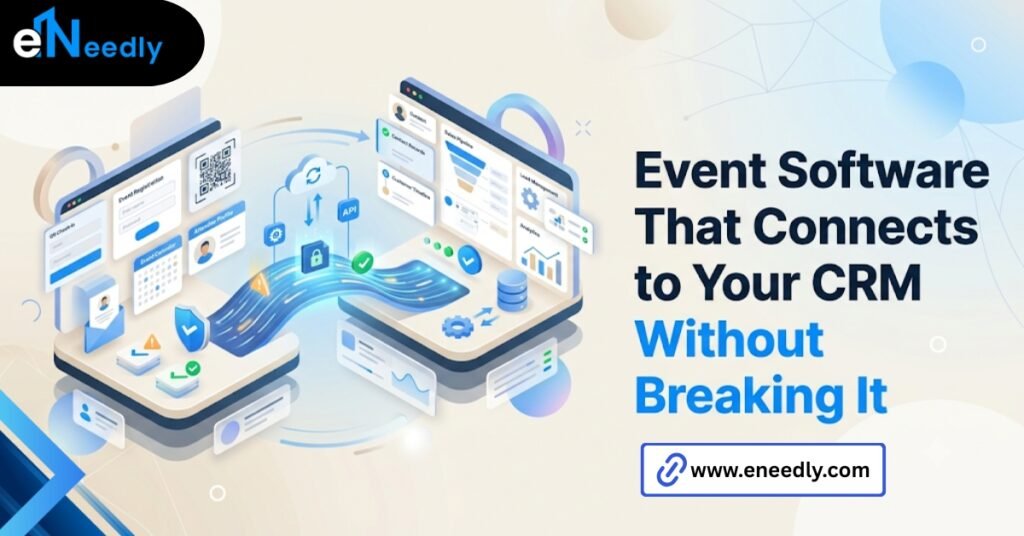
A clean connector respects your CRM’s existing data structure instead of forcing its own. That means matching on the fields your sales team already relies on, not just email address, and giving you visibility into what changed after each sync.
Ask a vendor directly how their platform handles a contact who already exists with slightly different information. The answer tells you more about integration quality than any feature list will.
Permissions matter here too, and they get overlooked. If your event team has admin access to the event platform but not the CRM, someone still has to manually approve field mappings and object connections, which slows down setup more than the software itself does.
A platform built well in this category also logs what changed during each sync, not just that a sync happened. Without that log, tracing a bad data entry back to its source turns into guesswork days after the fact.
The lead nurture problem no one mentions in the demo
What actually matters is how fast a sales rep can act on a hot lead while the conversation is still fresh, not whether the integration exists on paper, and that gap is where most of these tools quietly fail.
A lead captured at 2 pm on event day and synced to the CRM at 2 am the following morning has cooled significantly. The conversation, the context, the specific thing the prospect cared about, all of that fades fast.
This is not a small detail. It is often the entire reason a company bought event software with CRM integration in the first place, and it’s the part that gets tested least during evaluation.
What happens when two records disagree
The obvious but skipped step is deciding, before the event, which system wins when a record conflicts, because by default, most syncs either duplicate the contact or silently overwrite one side.
Picture someone who registered for the event with a personal email but who already exists in the CRM under a work email from a previous interaction. Most syncs won’t catch that automatically.
Decide in advance whether the CRM or the event platform is the source of truth for conflicting fields. Leaving this undecided means your sales team inherits the mess after the event, not before.
There’s a second version of this problem that’s less obvious. Two team members registering for the same event under a shared company email can merge into one contact record, silently erasing one person’s activity history.
Most platforms don’t flag this. It just happens quietly, and the first sign is usually a rep asking why someone they know attended has no record of it at all.
What eNeedly sees after the integration goes live
The evaluation phase gets most of the attention. What actually determines whether the integration works is what happens in the weeks after the first event runs through it.
eNeedly has spent 8+ years watching this exact pattern play out. The sync looks fine in testing with a handful of sample contacts, then the first real event brings in duplicate emails, incomplete forms, and edge cases nobody configured for.
That’s usually when a company realizes the integration needs custom logic that the shelf connector doesn’t support, whether that’s deduplication rules, custom field mapping, or routing leads to the right owner automatically.
For teams working specifically with Salesforce, our pillar guide on event management software Salesforce integration covers the integration patterns that hold up under real event volume.
eNeedly builds that layer when the native connector isn’t enough, rather than leaving a sales team to manually clean up records every Monday after an event.
That work usually starts with an audit of the first event’s actual sync results rather than the vendor’s stated capabilities. What got mapped correctly, what didn’t, and what a rep had to fix by hand tells you more about the integration than the sales deck ever will.
Is native integration always better than a middleware connector?
Not always. Native integration suits teams whose CRM and event platform are both mainstream tools with a direct, well-maintained connection between them.
Middleware, like Zapier or a custom integration layer, suits teams with a less common CRM, complex field mapping needs, or multiple event tools feeding into one system. It costs more to set up and gives you more control over exactly how data moves.
The trade-off is straightforward. Native integration is faster to launch and harder to customize. Middleware takes longer to configure and bends to your actual process instead of the vendor’s default one.
There’s a middle path worth knowing about, too. Some platforms offer native integration with limited custom field support, which covers most teams without the added cost of middleware. Check whether that middle option exists before assuming it’s an either-or decision.
Frequently Asked Questions
Does event management software really sync with Salesforce in real time?
Some platforms do, but many rely on batch syncing that runs on a delay, often overnight. Confirm the sync method directly with the vendor rather than assuming “integrates with Salesforce” means real time.
What CRM fields does event software typically update?
Most platforms reliably update standard fields like name, email, and company. Custom fields, lead scores, and pipeline stages usually require manual configuration during setup.
Can event software cause duplicate contacts in my CRM?
Yes, this is a common issue when a registrant’s email doesn’t exactly match an existing record. Ask how the platform handles matching and conflicting data before you commit.
Is native CRM integration better than using middleware like Zapier?
It depends on your CRM and how much customization you need. Native integration is simpler and faster; middleware offers more control for complex or nonstandard setups.
How quickly can sales follow up with leads from a synced event platform?
That depends entirely on whether the sync is real-time or batch. A real-time sync lets reps follow up within minutes; a batch sync can delay that by a full day.
Do I need a developer to set up CRM integration for event software?
Basic setups often don’t require one, but custom field mapping, deduplication rules, or middleware connections usually benefit from technical support to avoid data issues later.
What happens to attendee data if I switch event platforms later?
That depends on the platform’s export options and whether your CRM already holds the historical data independently. Confirm export formats before signing with a new vendor to avoid losing event history.
Can CRM integration handle repeat attendees across multiple events?
Good integrations log each event as a separate touchpoint on the same contact rather than overwriting prior activity. Ask specifically how the platform treats a contact who registers for more than one event.