
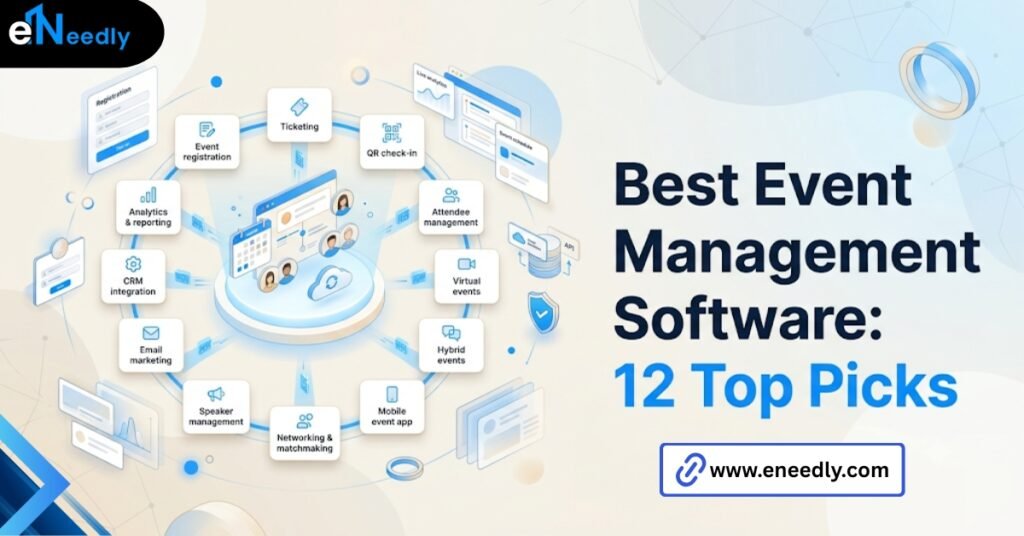
Quick answer: The best event management software handles registration, ticketing, scheduling, and attendee data in one system built around how your team actually runs events.
It automates the logistics of planning, promoting, and running an event while keeping attendee data usable afterward. Businesses use it to cut manual work and turn event data into something sales or marketing can act on.
The event you’re planning decides the software, not the other way around
A 40-person client dinner and a 2,000-person hybrid conference are not the same buying decision, even though both fall under “event management software.” Most comparison articles ignore that and rank tools by feature count instead.
That approach produces a list that is technically accurate and practically useless. The best event management software for a quarterly sales kickoff will frustrate a team running weekly webinars, and vice versa.
Start with the shape of your events, not the shape of the software category. Frequency, attendee count, and whether the event is a one-time push or a recurring program should drive the shortlist before a single demo happens.
What does event management software actually cover
Event management software is a platform that handles registration, ticketing, scheduling, and attendee communication for in-person, virtual, or hybrid events.
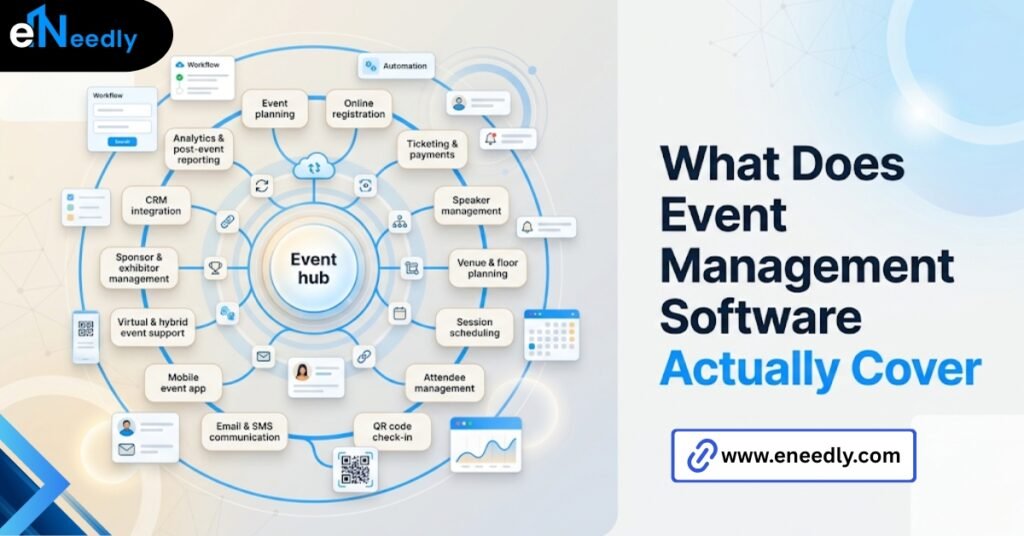
That is the clean definition, and it is worth pinning down because the category gets stretched to mean almost anything. In practice, most platforms cluster around a few core jobs.
Registration and ticketing get people signed up and paying if there’s a fee involved. Scheduling and agenda tools manage sessions, speakers, and rooms. Attendee communication handles reminders, updates, and post-event follow-up.
Some platforms bolt on virtual event hosting, badge printing, or lead retrieval. Fewer of them do all of it well. That’s the gap most buyers discover after signing a contract, not before.
The criteria that actually separate good picks from bad ones
Feature lists are where vendors compete on paper. The criteria below are where the actual difference shows up once you’re three events into using the tool.
Registration and ticketing flexibility
Can the platform handle tiered pricing, group registrations, and last-minute changes without a support ticket? This is the part that gets tested hardest in the week before an event, when someone always needs a refund or a swapped ticket type.
A platform that handles this cleanly saves your team real hours. One that doesn’t turn event week into a spreadsheet reconciliation exercise.
Attendee data and how it survives the event
This is the part vendors do not lead with, and it’s arguably the most important. Most teams evaluate event software by walking through the registration flow in a demo.
Then discover six months later that the reporting module can’t answer the one question leadership actually asks, which is who attended, what they cared about, and whether they became a customer.
Ask, before you buy, exactly what the export looks like and whether it maps cleanly to your CRM’s fields. Not “does it integrate.” What the fields actually look like on export.
Scheduling and agenda complexity
A single-day event with three sessions needs almost nothing here. A multi-track conference with breakout rooms and speaker changes needs a scheduling engine that can handle last-minute swaps without breaking the printed or app-based agenda.
Buyers consistently underestimate how much their choice is really a scheduling and staffing decision disguised as a software decision, because the tool has to fit how their team actually works every week, not how they work the rest of the year.
Virtual and hybrid support
Not every platform that added a “virtual” tab during the pandemic actually built for it. Look for real-time streaming quality, breakout room support, and whether virtual attendee data gets tracked with the same rigor as in-person check-ins.
If your events are in person only, deprioritize this criterion entirely. Paying for hybrid infrastructure you’ll never use is a common way budgets get inflated.
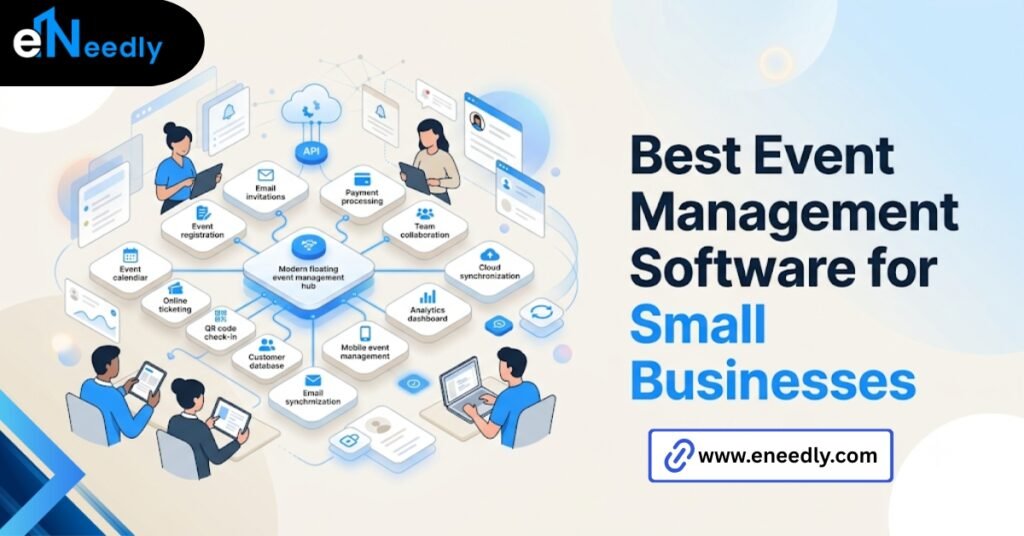
Best event management software for small businesses
Small teams need something closer to the opposite of enterprise software: fast setup, low per-event overhead, and pricing that doesn’t punish a 30-person meetup the same way it prices a 500-person conference.
On pricing bands here, but the pattern worth knowing is that vendors do not advertise that most platforms charge cleanly at 50 to 200 attendees and get expensive or clunky fast outside that band.
A small business running events under that range should test pricing at their actual attendee count, not the demo’s default numbers. Look for platforms with month-to-month plans rather than annual contracts if your event calendar is irregular.
Locking into a year-long contract for four events a year rarely pencils out. Onboarding effort matters more here than the feature list does.
A small team without a dedicated events person needs a platform they can set up in an afternoon, not one that requires a kickoff call with a vendor’s implementation team.
Support responsiveness is worth testing before you buy, not after your first event breaks. Send a real question to support during the trial period and see how long it actually takes to get a useful answer back.
Best event software for corporate events
Corporate buyers usually need something that plugs into an existing stack. That means Salesforce or HubSpot integration, single sign-on for internal attendees, and reporting that a marketing ops team can actually pull without exporting to a spreadsheet first.
Recurring internal events, like all-hands meetings or training sessions, benefit from templated event setups so someone isn’t rebuilding the registration flow from scratch every quarter. That’s a smaller feature on paper and a large time saver in practice.
For teams specifically evaluating how event data flows into Salesforce, our pillar guide on event management software Salesforce integration covers the integration patterns and common breakage points in more depth.
Approval workflows are another thing that gets missed in the evaluation. Corporate events often need sign-off from finance or legal before registration opens, and a platform without a built-in approval step forces that process into email threads that are easy to lose track of.
Multi-department access is worth checking too. Marketing, sales, and events teams often need different views of the same event, and a platform that only supports one admin login will bottleneck everything through a single person during the busiest week of planning.
Comparison table: how the top event management platforms actually differ
| Criteria | Best fit for small business | Best fit for corporate events |
| Pricing model | Per event, month to month | Annual, seat, or attendee-tiered |
| CRM integration | Basic export or Zapier | Native Salesforce or HubSpot sync |
| Scheduling complexity | Single track, simple agenda | Multi-track, breakout rooms |
| Virtual event support | Optional add-on | Built-in, enterprise-grade |
| Onboarding effort | Self-serve, same-day | Requires implementation support |
Small business platforms suit teams running occasional or irregular events with a lean team managing everything. Corporate platforms suit teams running recurring events that need to feed a CRM and prove ROI to leadership.
Where most buyers get the venue and vendor piece wrong
Venue coordination gets treated as an afterthought in most software evaluations, and that’s a mistake. If the platform can’t sync room capacity, catering counts, and check-in numbers with the venue in real time, someone ends up doing that reconciliation by hand.
This matters most for events with paid catering or capacity limits, where an inaccurate headcount costs real money. It matters less for a free webinar with no physical venue at all. That is the part people underestimate.
Venue and vendor coordination is treated as logistics, not software, right up until the software fails to support it. Think about a specific moment. It’s 4 pm the day before a corporate event, and the caterer needs a final headcount.
If registration numbers and check-in projections live in two different systems, someone is manually reconciling a spreadsheet instead of confirming a number on one screen.
That gap doesn’t show up in a demo. It shows up the first time an event actually depends on getting the number right.
What happens to attendee data after the event ends
This is the obvious but skipped step. The obvious but skipped step is checking what happens to attendee and lead data after the event, since most teams only think about this once they’re trying to get it into a CRM and find the export is a mess.
What actually matters is whether the platform’s data model matches how the sales or marketing team works downstream, not whether it has the most features on the comparison page, and that is the part the marketing copy never leads with.
Ask for a sample export before signing anything. Not a description of the export. The actual file, with actual field names, so someone on your ops team can confirm it will map cleanly.
How eNeedly helps you to choose and integrate the right platform
Picking the wrong event management software is rarely obvious at sign-up. It shows up three months in, when the data export doesn’t match your CRM or the scheduling tool can’t handle your actual agenda.
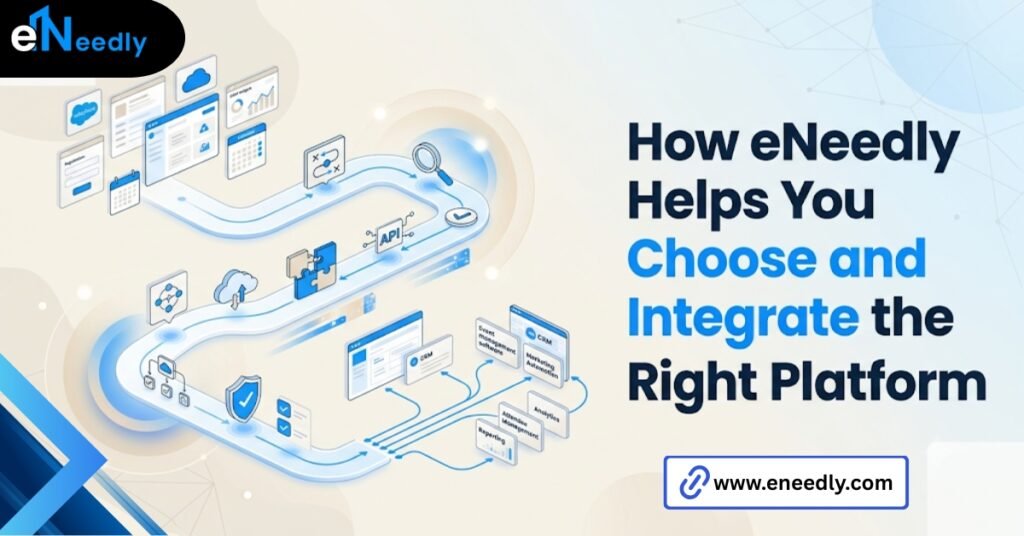
eNeedly has spent 8+ years helping businesses evaluate software before they commit to it, not after. That means walking through the actual export format and the actual integration points with your existing stack before a contract gets signed.
Where the fit doesn’t exist off the shelf, particularly around syncing event data into Salesforce or another CRM, eNeedly also builds the custom integration layer rather than forcing your team to work around a gap in the vendor’s platform.
That work spans the full evaluation, not just the final recommendation. It includes testing the actual export, checking pricing at real attendee counts, and confirming the integration holds up under a live event rather than a demo environment.
Is “best” even the right question?
Not really. There is no single best event management software, only the best fit for your event size, frequency, and where the data needs to end up afterward.
A platform that’s the right call for a 50-person quarterly meetup is often the wrong call for a 500-person annual conference, and treating them as the same buying decision is how most teams end up switching tools within a year.
The more useful question is narrower: which platform handles your actual registration volume, your actual scheduling complexity, and gets your attendee data into the system your sales team already uses?
Frequently Asked Questions
What is the best event management software for a first-time user?
There is no single best option, but platforms with a self-serve setup and month-to-month pricing suit first-time users best. Look for one that doesn’t require implementation support just to run a first event.
Does event management software integrate with Salesforce?
Many platforms offer native Salesforce integration, though the quality varies widely between a basic contact sync and full campaign-level reporting. Check the actual field mapping before assuming “integrates with Salesforce” means what you need it to mean.
How much does event management software cost for a small business?
Pricing typically scales with attendee count and ranges from free tiers for small events to per-attendee fees at scale.
What is the difference between event management software and ticketing software?
Ticketing software focuses narrowly on selling and validating tickets, while event management software covers registration, scheduling, communication, and often venue coordination. Most businesses running more than a simple ticketed event need the broader category.
Is event management software worth it for a single annual event?
It depends on the event’s size and complexity rather than frequency alone. A 500-person annual conference usually justifies dedicated software, while a 20-person annual dinner often doesn’t.
How do I know if event management software will work with my existing CRM?
Request a sample data export before purchasing and have your ops or sales team confirm the field names map to your CRM. A vendor saying “we integrate” is not the same as confirming the data actually lands where you need it.