
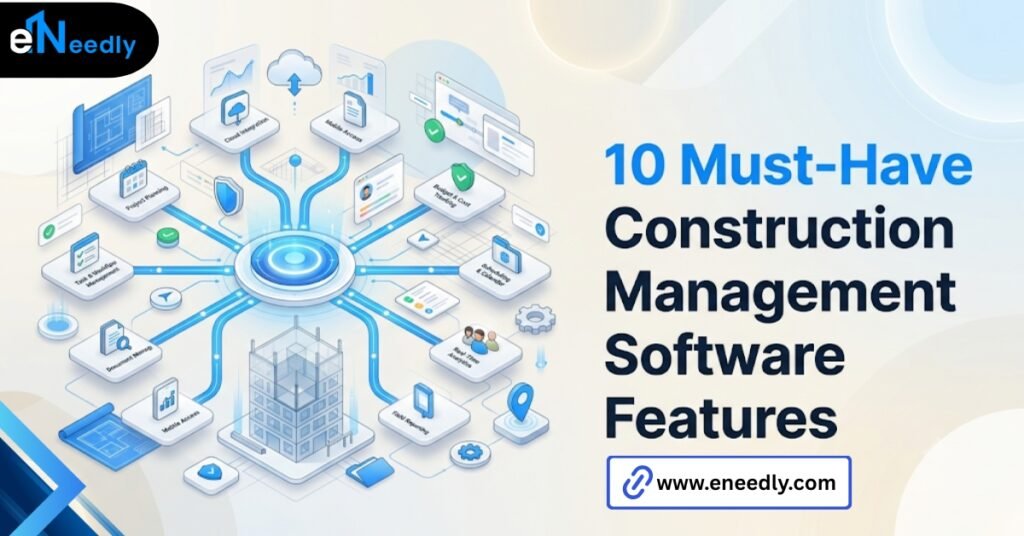
Quick Answer: Construction management software features that matter most are scheduling, budgeting, document control, RFI tracking, and punch lists.
These tools work by giving every team member, office, and field one shared source of project data. Businesses prioritize them to cut delays and rework caused by outdated or scattered information.
Which Construction Management Software Features Actually Get Used
Buyers often build their feature checklist straight from a vendor’s marketing page. Then, six months in, they wonder why that list barely resembles what the team opens every day.
A construction management software feature earns its place by getting used under deadline pressure, not by looking good in a sales deck. That standard sounds simple, but few checklists actually apply it.
Construction management software features are the individual tools inside a platform that each handle one job site or office function, from tracking a budget to logging an RFI. The blunt framing holds up across most projects, regardless of size or trade mix.
Scheduling, budgeting, document control, RFIs, and punch lists show up on almost every serious platform because field teams actually rely on them daily.
The Checklist Trap Is Easy to Fall Into
A twenty-item feature comparison spreadsheet feels thorough. It rarely tells anyone which five of those twenty items will get touched constantly, and which fifteen will sit untouched after onboarding.
The gap between the checklist and daily reality is rarely anyone’s fault. It is just what happens when a buying decision gets made before the actual workflow gets mapped.
Scheduling Features That Actually Matter on a Job Site
Scheduling is usually the feature a team lives inside the most, more than any other module in the platform.
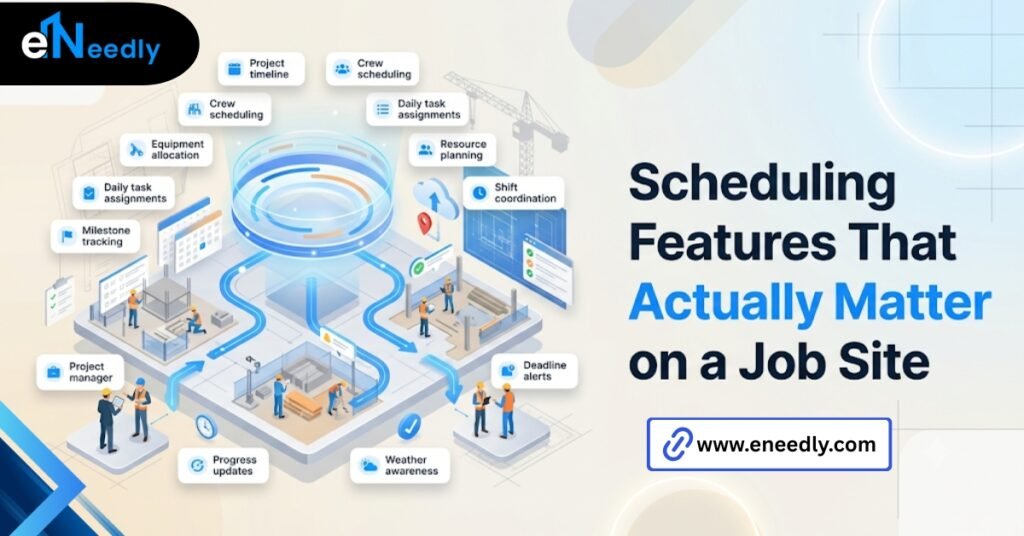
Gantt-style views matter less than how easily a schedule update reaches every subcontractor without someone manually resending a spreadsheet. That single detail decides whether a schedule stays current or goes stale within a week.
Dependency Tracking Prevents the Domino Effect
When one trade slips, dependent tasks should shift automatically rather than requiring someone to recalculate every downstream date manually. Software that handles this well saves a project manager hours during a single delay, not just at project close.
Mobile Schedule Access for Field Supervisors
A schedule that only updates well from a desktop misses the point. Field supervisors need to see today’s sequence from a phone, on site, without waiting for someone in the office to forward it.
Resource and Crew Conflicts Surface Before They Cause Delays
Two trades booked for the same space on the same day is a common scheduling failure that a spreadsheet rarely catches early.Software that flags resource conflicts automatically, before the week starts, prevents a crew from arriving to find another trade already occupying the area.
Budgeting and Cost Tracking Features Worth Prioritizing
Cost overruns rarely stem from a single dramatic mistake. They usually come from dozens of small untracked changes that quietly compound. Real-time budget tracking against committed costs, not just original estimates, is the feature that actually catches this pattern early enough to act on it.
Change Order Tracking Tied Directly to the Budget
A change order that lives in an email thread instead of the budget module is a change order nobody is actually tracking. Linking change orders directly to cost codes closes that gap.
Forecasting Beats Historical Reporting
Historical cost reports tell a team what already happened. Forecasting tools that project where a budget is heading, based on current burn rate, give a project manager time to react before the number is final.
Labor Costs Need Their Own Line, Not a Blended Estimate
Material and labor costs behave differently as a project progresses, and blending them into one number hides which side is actually driving an overrun. Tracking labor hours against budget separately shows a problem while there is still time to adjust crew size or sequencing.
Document Control Features Construction Teams Actually Use
Document control sounds administrative, but poor version control is one of the most common causes of field rework on a construction project. The core feature that matters is simple. Everyone on site should be looking at the current drawing set, automatically, without hunting through old email attachments.
Version History That Actually Shows What Changed
A document log that just says “Revision 4” tells a foreman nothing. Version history that highlights what specifically changed between revisions saves a crew from checking an entire drawing set again for one small update.
Access Control by Role and Trade
Not every subcontractor needs access to every document. Role-based permissions keep the document set relevant to each trade instead of overwhelming everyone with files they will never open.
A document library that looks organized on a desktop still fails if a foreman cannot find the right spec sheet from a phone in under a minute. Search speed under real conditions matters more than how the folder tree looks in a demo.
RFI Management Features That Prevent Real Delays
An RFI sitting unanswered in an inbox is a delay waiting to happen. The feature that matters is response time visibility, not the RFI form itself.
A dashboard showing which RFIs are overdue, and by how long, does more to prevent schedule slippage than almost any other single feature on this list.
An RFI that references a drawing by number, without linking to it directly, forces the reader to go find that drawing separately. Direct linking removes an entire step from the response process.
An RFI with no clear routing rule often sits waiting for whoever happens to check their inbox first. Assigning RFIs automatically to the right discipline based on the question type keeps response times consistent instead of dependent on chance.
Approval Chains Should Match How the Team Actually Signs Off
A single approver field works for a small project. A larger one, with an architect, a structural engineer, and an owner’s representative each needing sign-off in sequence, needs a workflow that reflects that chain rather than forcing everything through one box.
Punch List Features and Why They Get Overlooked in Demos
Punch lists get demoed briefly and then forgotten during most sales presentations, which is strange given how much time they actually consume near project close.
Photo-attached punch items, assigned directly to a specific subcontractor with a due date, cut down the back and forth that normally happens over email during closeout.
A punch list that generates a clean closeout report saves a project manager from rebuilding that document manually at the exact point in a project when nobody has spare time to do it.
Field Completion Should Not Require a Trip Back to the Office
A subcontractor marking an item complete from a phone, with a photo attached on the spot, closes the loop faster than one relying on someone updating a spreadsheet back at a desk later that day.
Reopened Items Need Their Own Trail
An item marked complete and then reopened after a failed inspection should keep a visible history of both events. Losing that trail makes it hard to tell whether a recurring issue is a pattern or a one-time miss.
Features That Sound Impressive but Rarely Get Used
Most demos are built to impress a buying committee sitting in a conference room, not to show what a crew will actually touch during their first week using the software.
AI-generated insights, elaborate dashboards, and gamified reporting features look striking in a demo. In daily practice, a field supervisor with poor cell signal rarely opens any of them.
Configuration Cost Rarely Shows Up Next to the Feature List
A feature-rich platform usually carries real setup time before anyone can use it well. The configuration cost tied to that setup time rarely appears next to the feature list itself. This makes two platforms look more comparable on paper than they actually are once implementation starts.
Offline Performance Gets Checked Last, If at All
Whether a feature works on weak site signal is often the last thing evaluated, sometimes not evaluated at all. That single detail decides whether field crews actually use a tool or quietly abandon it within a month.
Integrations Multiply Faster Than Anyone Tracks Them
A platform advertising fifty integrations sounds thorough, but most teams end up actively using three or four. Every additional connected tool is another point where data can fall out of sync, and few buyers weigh that risk against the length of the integration list.
How eNeedly Helps Teams Separate Must-Have Features From Nice-to-Have Ones
Sorting a real must-have list from a marketing-generated one takes more than reading feature pages. It takes understanding how a specific team actually works day to day.
eNeedly has spent more than eight years helping construction and engineering companies map their actual daily workflow before they ever sit through a vendor demo.
The workflow mapping usually surfaces which five features genuinely matter for a given team, and which fifteen were only ever going to be nice to have.
The output is not a longer feature list. It is usually a shorter one, built around how the team actually works rather than around what every competitor happens to offer.
Choosing Between Feature-Rich and Focused Software
A feature-rich platform suits a large firm running several project types at once, where different teams need different capabilities under one system.A focused platform, covering scheduling, budgeting, and document control well without a long tail of extras, often suits a smaller firm better.

A focused platform also tends to onboard faster, since there is less surface area for a team to learn before the software actually starts paying for itself.The core trade-off is worth stating directly. More features rarely means more value. It usually means more configuration time before value shows up at all.
Total Cost of Ownership Extends Past the License Fee
Training time, configuration hours, and the ongoing cost of features nobody uses all sit outside the license price a vendor quotes upfront. A cheaper platform with fewer features sometimes costs less overall once those hidden hours are counted.
Frequently Asked Questions
What features matter most in construction management software?
Scheduling, budgeting, document control, RFI management, and punch lists are the features nearly every construction team uses daily. Features beyond these five should be evaluated case by case against actual workflow needs.
Do smaller construction companies need every feature on a typical platform?
No. A smaller firm often gets more value from a focused platform covering core workflows well than from a feature-rich system with a long tail of rarely used tools.
How much does construction management software configuration usually take?
Configuration time varies by platform and company size, and by the team’s prior software experience. It depends heavily on how many features are being set up at once, and how many existing systems need to connect to it.
Why do RFI features matter so much for avoiding delays?
An unanswered RFI stalls work until it is resolved. Visibility into overdue RFIs and direct links to referenced drawings shortens response time and reduces the schedule risk that unresolved RFIs create.
Should punch list features be a priority when comparing platforms?
Yes, especially near project closeout, when punch list volume is highest. Photo-attached items with clear assignment and due dates cut down the manual back and forth that closeout otherwise involves.
Can construction management software work well with poor site signal?
Site signal performance depends on the platform in question. Offline access and sync capability vary significantly, and this is one of the most overlooked evaluation criteria despite deciding whether field crews actually adopt the tool.
Are more features always better when choosing construction management software?
No. Additional features often carry configuration and training costs that outweigh their value for a given team. Matching features to actual daily workflow, rather than to a competitor’s spec sheet, matters more than the total count on a feature list.