
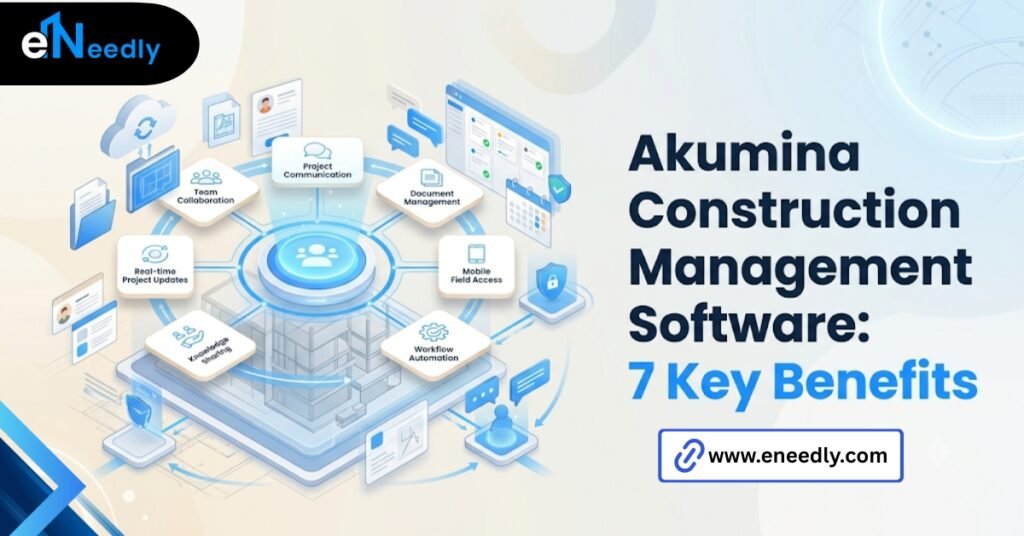
Quick Answer: Akumina construction management software is a digital workplace and intranet platform, not a construction management system.
It connects office staff, site teams, and subcontractors through a shared portal for communication, documents, and company updates. Construction firms use it to fix internal communication gaps, not to run projects.
What Akumina for Construction Companies Actually Means
A lot of buyers searching for construction management software end up looking at Akumina, and that search is based on a misunderstanding worth clearing up first.
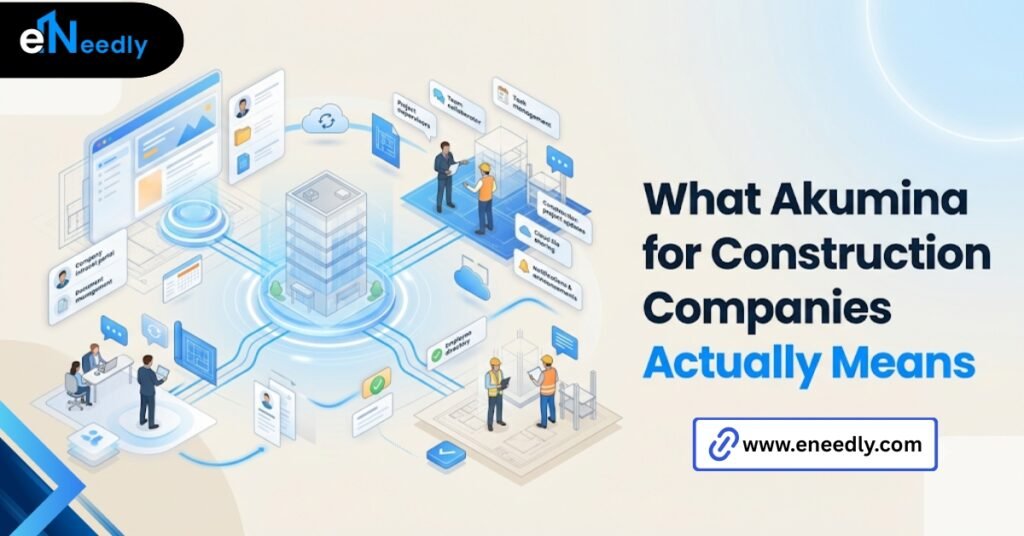
Akumina is an employee experience and intranet platform. It is built largely on Microsoft 365 and SharePoint, and it gives a company a branded, personalized portal for communication and content.
It does not schedule trades, track RFIs, manage submittals, or run daily field logs. Those are the jobs of dedicated construction management platforms, and Akumina was never built to do them.
That distinction matters. Buying Akumina expecting project management functionality leads to a mismatched tool and a frustrated implementation team six months in.
A vendor demo rarely volunteers this distinction upfront. The buyer usually has to ask directly whether a feature manages a job site workflow or simply displays information about one.
Why Construction Companies End Up Looking at Akumina
The category boundaries in this part of the software market are genuinely blurry to a non-software buyer. Intranet, digital workplace, and construction management software all get grouped in searches because they all promise to fix communication problems.
Construction firms have real communication pain. Office staff, site supervisors, and subcontractors often work from different information at different times, and that gap gets blamed on whichever software category is currently being searched.
That blame is not entirely misplaced. It is just aimed at the wrong layer of the problem, since the fix is usually a communication tool rather than a project management one.
The Search Term Does Not Match the Actual Need
Someone types “construction management software” when what they actually need is better internal communication, or the reverse, and lands on a tool that solves the wrong half of the problem. This happens more often than most vendors admit.
Vendor Marketing Makes the Confusion Worse
Digital workplace vendors, Akumina included, often use language like collaboration, workflow, and productivity that sounds interchangeable with project management terminology.
A buyer skimming a homepage has no easy way to tell these categories apart from the copy alone. The clearest signal is usually the feature list itself, not the marketing language around it.
If a platform’s page does not mention scheduling, submittals, RFIs, or field reporting anywhere, it is very unlikely to be a construction management system regardless of what the headline claims.
The Employee Experience Problem Construction Firms Actually Have
Firms with a large field workforce tend to underestimate how much of their communication problem is an employee experience problem rather than a project management one.
A superintendent who cannot easily find the current safety bulletin, HR policy, or company announcement is not failing at project management. That is a communication and access problem, and it sits squarely in Akumina’s actual category.
Field Workers Are Often the Last to Get Information
Office-based staff get company updates through email and meetings. Field crews frequently do not, since they are rarely at a desk. An intranet built for mobile access closes that gap in a way a project management tool was never designed to.
This is where Akumina genuinely earns a place in a construction company’s stack. Not for running the project, but for making sure everyone on it is working from the same page.
The Cost of This Gap Rarely Shows Up on a Balance Sheet
A missed safety update or an outdated policy reaching a crew late does not appear as a line item anywhere.
That gap shows up later, as an incident, a compliance gap, or a grievance that traces back to information that never reached the people who needed it.
How Akumina Fits Alongside Real Construction Management Software
Vendors in the digital workplace space rarely say plainly that their tool will not replace a dedicated construction management platform, because admitting the gap costs them the sale.
Akumina suits a company that already has, or plans to have, a tool like Procore or Autodesk Build for actual project execution. Akumina suits internal communication and culture. A dedicated construction platform suits scheduling, submittals, and field data.
That is the trade-off worth stating plainly. One tool handles the people side of the business. The other handles the project side. Trying to make either one cover both usually ends in a messy workaround.
Integration Is Where This Actually Gets Tested
Because Akumina runs on Microsoft 365, it can surface links, dashboards, and updates from other systems inside its portal. It does not replace those systems. It gives employees one place to find and reach them.
Running Two Platforms Costs More Than It Looks Like Upfront
Buying both an intranet platform and a construction management system means two implementations, two training cycles, and two vendors to manage long-term. Firms rarely budget for that overlap during the initial sales conversation.
That cost is not a reason to avoid either tool. The smarter move is planning for both tools from the start, rather than adding the second one later as a reaction to problems the first was never going to solve.
How eNeedly Helps Construction Companies Evaluate Tools Like This
The obvious step, mapping which tool owns which workflow before buying anything, is the one most buying committees skip under deadline pressure.
A software search that starts with a vague pain point, “our communication is a mess,” tends to end with whichever vendor pitched the loudest, not whichever tool actually fits the gap.
eNeedly has spent more than eight years helping companies work through that mapping exercise before money changes hands.
The work sorts which problems are actually intranet problems, which are project management problems, and which need a custom build because nothing off the shelf fits cleanly.
That evaluation step is unglamorous, and it is usually the difference between a tool that gets adopted and one that gets abandoned by month four. The evaluation also tends to surface a third option nobody considered at the start.
Sometimes neither an off-the-shelf intranet nor a standard construction platform fits a company’s actual workflow closely enough. A smaller custom integration between existing tools can solve the gap faster than either purchase would.
Core Features of Akumina’s Digital Workplace Platform
Akumina’s platform centers on a handful of core capabilities that construction firms tend to use most, none of which involve running an actual project.
Content management and publishing let communications teams push updates across the intranet, mobile app, and digital signage from one dashboard. Personalization tailors what each employee sees based on role, site, or department.
None of these features touch project delivery directly. They keep the workforce informed, which is a different job than keeping a project on schedule.
Analytics on Actual Engagement, Not Just Traffic
The platform includes reporting dashboards that show which content employees are actually reading and interacting with. For a construction firm with dispersed crews, that data shows whether safety updates and policy changes are landing, not just being posted.
AI Features Are a Newer Layer, Not the Core Product
Akumina has added AI capabilities including a conversational assistant and content generation tools. These sit on top of the core intranet function. A construction firm evaluating the platform should treat them as a bonus, not the reason to buy.
Permissions Control Who Sees What, by Role and Site
Content governance matters more in construction than in a typical office environment. Safety documentation, HR policy, and site-specific instructions cannot go to everyone equally.
Role and location-based permissions let one portal serve a payroll clerk and a site foreman without either seeing content meant for the other.
Intranet and Portal Capabilities for Field and Office Teams
The portal itself is where most day-to-day value shows up for a construction company. Employees log in, whether from a desk or a phone on site, to one branded hub.
That hub can surface HR forms, safety documentation, company news, and department-specific pages, all personalized by role. A site supervisor sees different content than someone in accounting, without needing separate systems.
Mobile Access Is Not Optional for Construction
Office software that only works well on a desktop fails a construction workforce immediately. Akumina’s mobile access is one of the more directly relevant features for this industry, since a large share of the workforce is rarely at a desk.
Document Storage Works Best for Company-Wide Content, Not Project Files
The portal handles company policies, safety bulletins, and HR documents well. It is not designed to hold project-specific drawings, submittals, or daily logs, which belong in a construction management system instead.
Treating the intranet as a dumping ground for project documents tends to create the same messy folder structure it was meant to replace.
Collaboration Tools Within Akumina Construction Management Software Platform
Collaboration inside Akumina largely runs through its integration with Microsoft Teams and SharePoint rather than a separate built-from-scratch chat system.
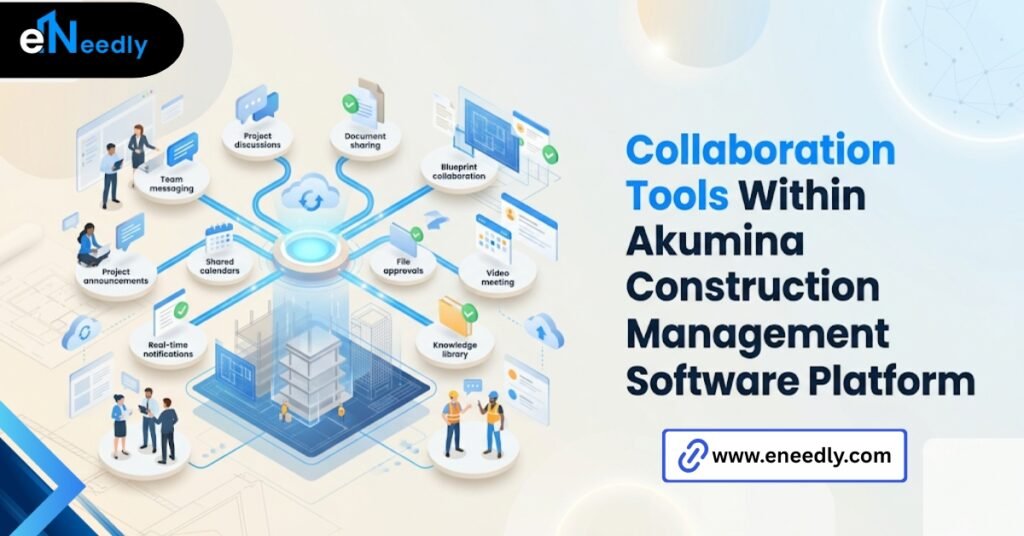
That is a deliberate design choice. Employees already using Teams do not need to learn a new collaboration tool. They get a more organized front door to the tools they are already using.
Broadcast Communications for Urgent Updates
A Broadcast Center feature lets communications teams push urgent messages across multiple channels at once.
For a construction firm managing weather delays or safety incidents, getting that message to field crews fast matters more than most other features on the platform.
It Is Not a Project Collaboration Suite
Collaboration here means company communication, not task assignment or issue tracking on a specific job. A superintendent cannot log a punch list item or assign a subcontractor a corrective action inside Akumina, the way they could in a dedicated field management tool.
That limitation is fine as long as the buyer understands it going in. Problems only show up when a team expects Akumina’s collaboration features to cover project-level coordination and finds out otherwise mid-rollout.
What Implementation Actually Looks Like for a Construction Business
Rolling out Akumina is not a single event. It follows a fairly consistent sequence for most companies. Ownership of the rollout usually sits with IT and internal communications together, not with whoever manages project delivery.
That split keeps the implementation focused on communication goals, instead of drifting toward project management expectations the platform cannot meet.
- Needs assessment, mapping which departments and roles need which content and access.
- Configuration of the portal structure, branding, and personalization rules.
- Integration with existing Microsoft 365, HR, and workforce systems.
- A pilot rollout with a smaller group, often office staff first.
- Full rollout to field teams, with mobile access tested under real site conditions.
- Training for communications and IT staff who will maintain content going forward.
Skipping the pilot stage is a common mistake. A portal that works well for office staff can still fail badly on a job site with poor signal, and that only shows up once field crews actually try to use it.
Where Akumina Falls Short for Construction-Specific Workflows
None of this makes Akumina a complete solution for a construction business, and it should not be sold or bought as one.
It has no scheduling engine, no RFI tracking, no submittal log, no daily field report structure, and no punch list functionality. Any company expecting those capabilities will be disappointed regardless of how well the intranet itself performs.
What actually matters is whether office staff, site staff, and subcontractors are working from the same information at the same time. Whether that happens through an intranet or a dedicated project tool is secondary to solving it at all.
Firms that buy Akumina expecting it to close that gap alone usually end up purchasing a second, dedicated construction management platform within the first year regardless. That second purchase is not a failure of the first one.
Intranet software and project execution software solve different problems. Expecting one to quietly absorb the other’s job is where most of the disappointment in this category actually comes from.
Frequently Asked Questions
Is Akumina construction management software?
No. Akumina is an intranet and employee experience platform. It does not include scheduling, RFI tracking, or field management tools that dedicated construction management software provides.
Can Akumina replace tools like Procore or Autodesk Build?
No. Akumina handles internal communication and company portal functions. Project execution tools like Procore or Autodesk Build handle scheduling, submittals, and field data, and the two serve different purposes.
Does Akumina work well for field crews without desk access?
Yes, mobile access is a core part of the platform. Field crews can reach company updates, safety documentation, and HR content from a phone, which is one of its more directly useful features for construction.
What does Akumina integrate with?
Akumina is built largely on Microsoft 365 and SharePoint, and it integrates with Teams, HRIS systems, and other workforce management tools already in use.
How long does an Akumina implementation take for a construction company?
Timelines vary by company size and how many systems need integration. [VERIFY: confirm typical implementation timeline from Akumina or a recent case study before publishing]
Is Akumina worth it for a smaller construction company?
It depends on whether the core problem is internal communication or project execution. A smaller firm with a simple communication need may find lighter tools sufficient without the full platform.
Does Akumina include AI features?
Yes, Akumina has added AI capabilities, including a conversational assistant and content generation tools. These sit on top of the core intranet functions rather than replacing them.