
Quick Answer
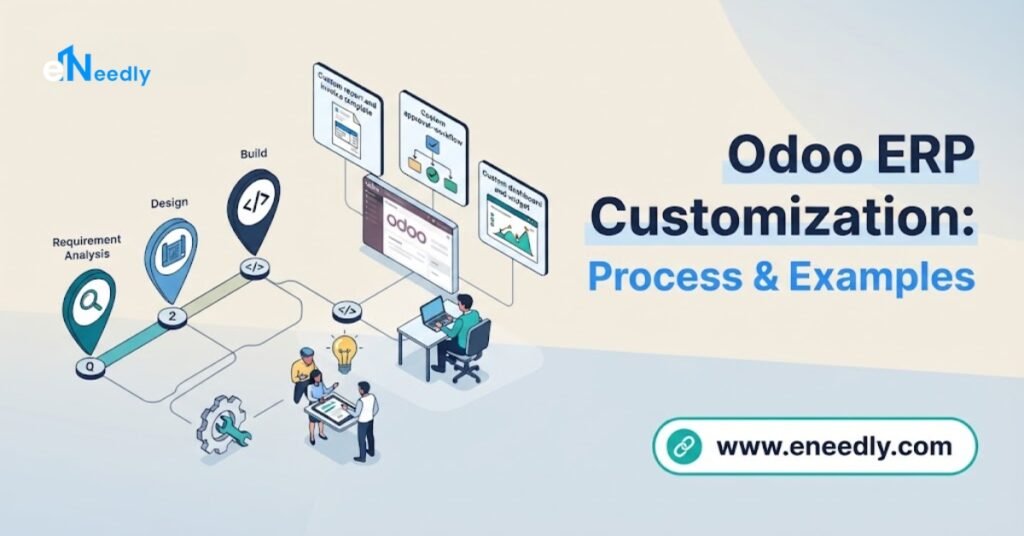
Odoo ERP customization follows a five-step technical process: requirement analysis, choosing between Studio and custom code, module development using inheritance patterns, testing in a staging environment, and deployment with documentation.
Real examples include custom approval fields on purchase orders, tailored commission calculation logic, and industry-specific compliance reports that Odoo does not generate by default.
The right Odoo customization services provider always inherits from existing models rather than editing Odoo’s core files.
Introduction
Every Odoo customization request starts as a business problem, not a technical one. The mistake most companies make is jumping straight to a development conversation before anyone confirms the problem actually needs code.
This guide walks through the real technical process behind odoo customization services, using concrete examples rather than abstract theory.
It picks up where a general overview of Odoo customization services leaves off, going deeper into how the work actually gets built.
Anyone evaluating a provider, or trying to understand what a quoted scope of work actually involves, will find the mechanics laid out here.
The goal is to leave you able to ask sharper questions the next time a developer explains a customization plan.
The Odoo Customization Process Step by Step
Odoo customization always follows a recognizable technical sequence, regardless of how large or small the request is. Skipping steps in this sequence is where most projects run into unexpected cost or rework.
Step One: Requirement Analysis
The process starts by translating a business need into a specific technical requirement. A request like “we need better purchase tracking” is not yet actionable until someone defines exactly what data, what workflow, and what output the business actually wants.
This step also determines whether the requirement is genuinely unique or simply unfamiliar to the team requesting it. Many requirements framed as custom turn out to be standard Odoo behavior already available through existing settings.
A consultant doing this properly will ask what happens today without the customization, and what specifically breaks or frustrates the user. Vague requirements at this stage lead to expensive misunderstandings later in development.
Step Two: Choosing the Right Tool for the Job
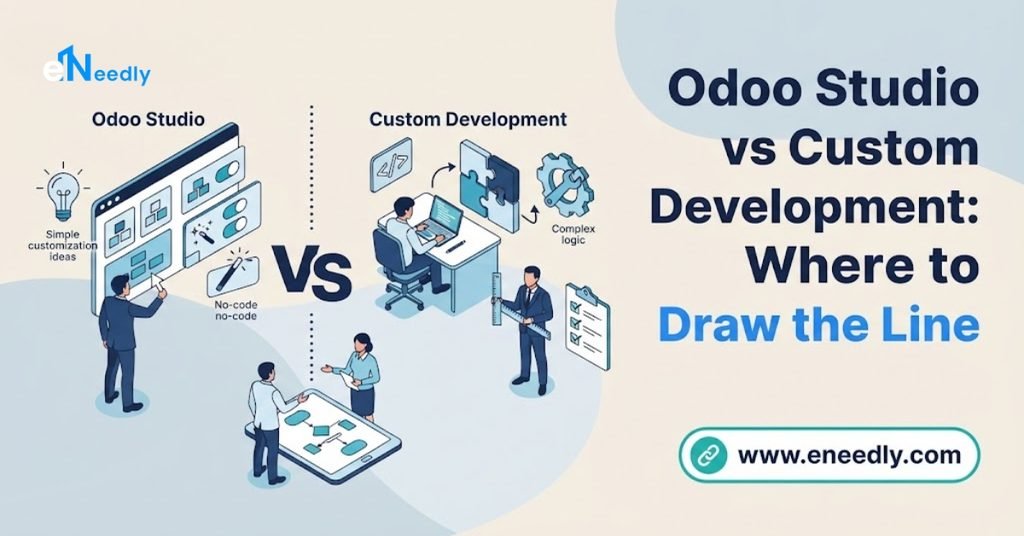
Once the requirement is clear, the next decision is which layer of Odoo should solve it. This choice follows a strict hierarchy: configuration first, Odoo Studio second, custom code only when both genuinely fall short.
Configuration means using Odoo’s existing settings, filters, and built-in automation without adding anything new to the system. Studio adds new fields, views, and reports through a visual no-code interface available in Enterprise edition.
Custom modules become necessary only when the requirement involves logic that neither configuration nor Studio can express.
This typically means conditional business rules, integrations with external systems, or entirely new data models that Odoo has no equivalent for.
Step Three: Technical Design and Module Structure
Genuine custom development in Odoo never touches core files directly. Every reputable odoo erp customization company builds new functionality inside a separate custom module using Odoo’s inheritance system.
Inheritance lets a developer extend an existing Odoo model, such as adding a field to the Sales Order form, without modifying the original Sales module code. Odoo supports several inheritance mechanisms, including class inheritance for adding fields and methods, and view inheritance for modifying how existing forms display.
This separation matters enormously for long-term maintenance. When Odoo releases a new version, code that lives in a properly isolated custom module is far easier to test and migrate than code that was inserted directly into Odoo’s own files.
Technical design at this stage documents exactly which models get extended, what new fields get added, and how the customization interacts with existing workflows. Rushing past this step is a common source of the edge-case bugs that surface weeks after go-live.
Step Four: Development in a Staging Environment
Actual coding happens in an isolated staging environment, never directly in the production system a business relies on daily. This protects live data and operations while the customization is built and tested.
Development follows Odoo’s standard module structure: a manifest file declaring dependencies, Python files defining models and business logic, and XML files defining views and reports. A well-built module declares its dependency on the exact Odoo apps it extends, so installation and upgrades behave predictably.
The timeline at this stage varies enormously by complexity. A single custom field with a computed value might take a day, while a custom module handling multi-step approval logic across several models can take several weeks.
Step Five: Testing, Deployment, and Documentation
Testing must cover real business scenarios, not just the simplest happy path through the new feature.
A custom approval workflow needs testing against edge cases like a rejected request, a partial approval, and a request that changes value mid-review.
Deployment moves the tested module from staging into production, typically during a low-activity window to minimize disruption.
Documentation at this stage records what was built, why it was built, and how it depends on other parts of the system, which future developers and upgrade processes will rely on.
Skipping documentation is one of the most common long-term mistakes in Odoo customization.
A business that changes providers two years later often discovers nobody can explain why a specific workflow behaves the way it does.
Real Examples of Odoo Customization
Abstract descriptions of customization rarely clarify what the work actually looks like. These examples reflect common, real-world scenarios growing businesses request.
Custom Fields for Industry-Specific Tracking
A distributor needing to track supplier lead time, batch numbers, or a specific compliance code that Odoo does not include by default is a textbook custom fields example.
This typically gets solved through Studio, adding a new field to the Purchase Order or Product form without any code.
More complex versions of this same need, such as a computed field that automatically calculates a reorder point based on lead time and sales velocity, usually require actual development.
The computation logic sits outside what Studio’s visual interface can express on its own.
eNeedly’s dedicated guide to custom fields, reports, and views covers this category in far more technical depth, including specific patterns for computed and related fields.
Custom Approval Workflows
Standard Odoo ships with a default approval structure for purchase orders and expense reports, but many businesses need thresholds and routing rules Odoo does not include out of the box.
A common example involves requiring a second approver automatically once a purchase order exceeds a specific dollar value.
This kind of workflow customization sits in the middle of the complexity spectrum. Simple threshold rules are achievable through Studio’s automation features, while multi-tier approval chains involving different departments typically require custom server actions written in Python.
Custom Commission and Pricing Logic
Sales organizations frequently need commission calculations that follow rules unique to their business, such as tiered rates based on product category or account tenure.
Odoo’s standard sales commission tools cover common structures but rarely match a genuinely custom compensation plan.
This is a clear example of business logic that belongs in custom code rather than configuration. The calculation involves conditional rules across multiple data points that Studio’s visual tools were not built to express.
Custom Reports for Compliance and Regulatory Needs
Businesses in regulated industries often need reports formatted to match a specific government or industry filing requirement. Standard Odoo reporting covers common financial statements but rarely matches a niche regulatory format exactly.
Building these reports typically involves creating a custom QWeb report template that pulls data from existing Odoo models into the required layout. This work sits closer to development than configuration, since the exact formatting rules usually exceed what report builder tools in Studio can produce.
Integration-Driven Customization
Some customization exists purely to connect Odoo to another system a business already relies on, such as a proprietary internal tool or an industry-specific platform with no existing Odoo connector. This work usually involves building an API bridge inside a custom module that syncs data in one or both directions.
Integration customization carries more long-term maintenance responsibility than most other categories, since it depends on both Odoo’s stability and the external system’s own API changes over time. eNeedly’s broader guide on customization scope and cost covers how this factors into project budgeting.
What Determines Customization Complexity
Not every customization request carries the same technical weight, and understanding what drives complexity helps set realistic expectations before a project starts.
Four factors consistently determine how much work a given requirement actually involves.
The number of models a customization touches is the first factor. A change confined to a single form, like adding one field, is dramatically simpler than a workflow spanning Sales, Inventory, and Accounting simultaneously.
Whether the logic is conditional or straightforward is the second factor. A field that always displays the same way is simple, while a field that must behave differently depending on five other conditions requires real programming logic.
Integration dependency is the third factor. Any customization that must communicate with a system outside Odoo introduces external failure points and testing requirements that internal-only customizations do not face.
Upgrade sensitivity is the fourth and most overlooked factor. Customizations that hook deeply into core Odoo behavior require more careful architecture to survive version upgrades than surface-level additions like new fields or reports.
Common Mistakes in the Customization Process
Starting development before requirements are fully documented. Teams that begin coding based on a verbal description often discover mid-project that the actual need was different from what was assumed.
Written requirement documentation, reviewed by the business stakeholder, prevents this before a single line of code is written.
Modifying core Odoo files instead of using inheritance. This is the single most damaging technical mistake in Odoo customization, since it makes every future upgrade unpredictable and risky. Insist on inheritance-based custom modules from any provider, without exception.
Testing only the intended use case. A workflow that works perfectly for the standard scenario often breaks on edge cases like cancellations, partial completions, or unusual data combinations. Build edge case testing into every customization project regardless of size.
Skipping documentation because the project feels too small. Even a single custom field benefits from a short note explaining why it exists and what it depends on. Small undocumented changes accumulate into a system nobody fully understands within a few years.
Choosing Studio for logic it cannot actually handle. Some teams force complex conditional logic into Studio’s automation rules when the requirement genuinely needs proper code. This produces fragile, hard-to-maintain automations that behave unpredictably as business rules grow more complex.
Who Needs This Level of Customization Detail
Business owners evaluating a quote from an odoo erp customization service for businesses benefit from understanding this process well enough to ask informed questions.
Knowing the difference between a Studio field and a custom module helps set realistic cost and timeline expectations before signing a scope of work.
Operations managers overseeing an in-progress customization project also benefit from this detail, since it clarifies what testing and documentation to expect from their provider.
A project missing staging environment testing or module documentation is missing steps that protect the business long term.
This level of technical detail matters less for a business still exploring whether Odoo fits their operations at all. That evaluation belongs earlier in the process, before any customization conversation begins.
Frequently Asked Questions
What is Odoo inheritance and why does it matter?
Inheritance lets a developer extend an existing Odoo model or view without modifying its original core code. It protects custom functionality during future version upgrades far better than direct core file edits.
Can Odoo Studio handle complex business logic?
Studio handles fields, basic views, and simple automation rules well, but struggles with multi-condition logic or external integrations. Requirements beyond that level typically need custom Python development instead.
How long does a typical custom field take to build?
A simple custom field added through Studio can take under a day, while a computed field requiring custom logic may take several days of development and testing. Complexity depends on whether the field’s value depends on other data points.
What makes an Odoo customization high risk during upgrades?
Customizations built by editing core files directly, rather than through proper module inheritance, carry the highest upgrade risk. Deep hooks into core Odoo behavior also require more careful testing than surface-level additions like new fields.
Do all customizations require a staging environment?
Reputable providers test all customizations in staging before deploying to production, regardless of size. This protects live business data and operations from untested code.
What is the difference between configuration and customization?
Configuration uses Odoo’s existing settings and features without adding anything new to the system. Customization adds new fields, logic, or code that did not exist in standard Odoo before the project began.
Why does documentation matter for small customizations?
Undocumented changes accumulate over time into a system that becomes difficult for any future developer to understand or maintain. Even a single custom field benefits from a short note explaining its purpose and dependencies.
Can custom Odoo modules integrate with external systems?
Yes, custom modules commonly include API code that syncs data between Odoo and external platforms with no existing connector. This carries additional long-term maintenance responsibility tied to both systems’ future changes.
Key Takeaways
Odoo customization follows a disciplined technical process: clear requirements first, the right tool chosen deliberately, inheritance-based development, thorough testing, and documentation that protects the system’s future.
Skipping any of these steps is where customization projects lose time, budget, or long-term stability.
Real customization examples, from custom fields to commission logic to compliance reports, show that most requirements sit somewhere between simple configuration and deep custom code.