
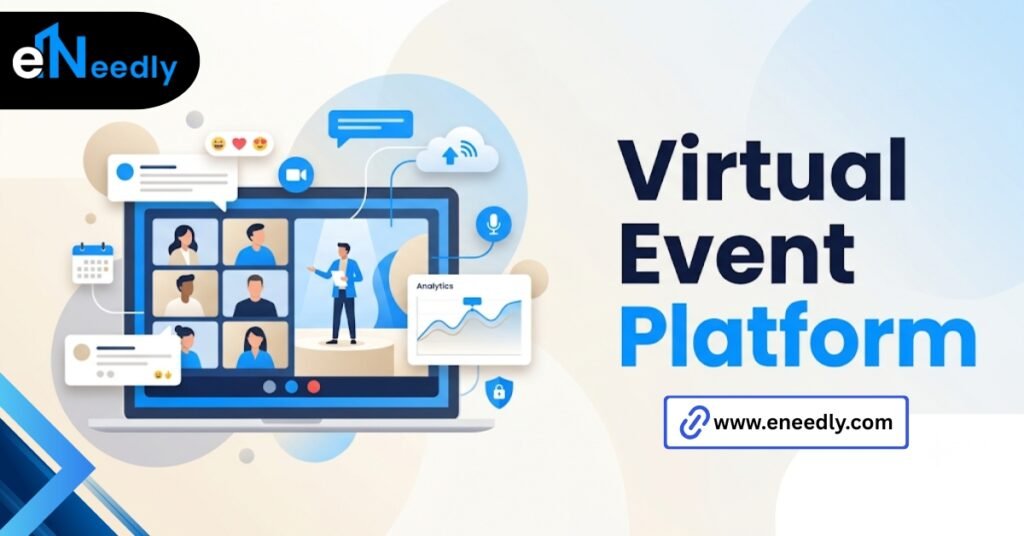
A virtual event platform is software that hosts live or on-demand events online, combining streaming, attendee interaction, and often networking tools in one system.
It works by streaming content while layering in polls, chat, and virtual booths around the session. Businesses use it to run conferences, webinars, and hybrid events without a physical venue.
The virtual event that looked great in rehearsal, emptied by minute fifteen
The rehearsal ran perfectly. Clean video, smooth transitions, the speaker’s slides synced without a hitch. Everyone on the planning call felt good about the tool they’d picked.
Fifteen minutes into the actual event, half the attendees had quietly closed the tab. Nothing technically broke. There was just nothing for anyone to do except watch.
That gap between software that streams well and software that holds an audience is where most decisions in this category go wrong. Streaming is table stakes. Attendee behavior after the first few minutes is the actual test.
A lot of planning time goes into the wrong ten minutes. Teams rehearse the opening. They rarely rehearse for fifteen minutes, which is when most attendees decide whether to stay.
What virtual event software actually needs to do
This type of software hosts online events by streaming video content and layering interactive tools like chat, polls, and networking around it. That’s the core definition, and everything else is a feature built on top of it.
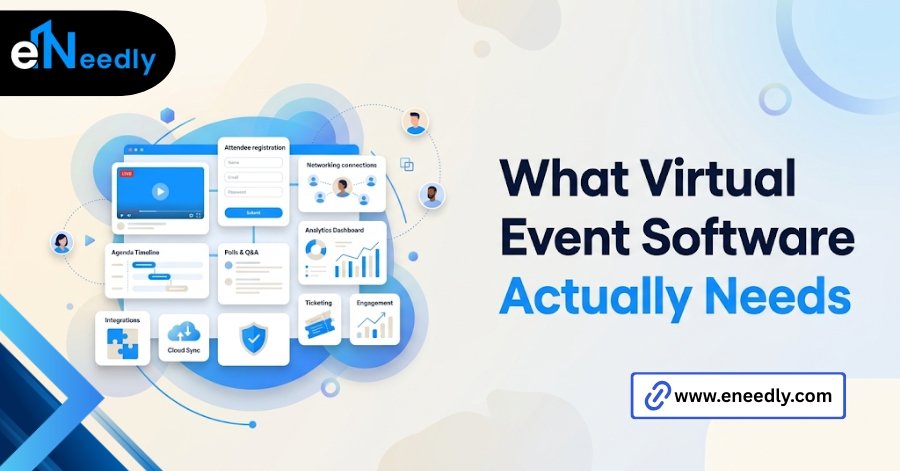
Online event software is a broader term that sometimes includes simple webinar tools with no interaction beyond a Q&A box. This category goes further, supporting multiple sessions, virtual booths, and attendee-to-attendee interaction in the same system.
The distinction matters because vendors use these terms loosely. A tool built for a 45-minute webinar and one built for a two-day online conference solve different problems, even when both use the same marketing language.
Think of it less as one category and more as a spectrum. A basic tool sits at one end, handling a single stream and a chat box. A full-featured system sits on the other, running parallel tracks, booths, and networking simultaneously.
Streaming quality matters less than you’d think, until it doesn’t
Most teams evaluate options in this category by watching the demo stream and judging the picture quality. That’s a reasonable first filter, and also not where most online events actually fail.
Streaming quality only becomes the deciding factor at scale. Most teams pick a tool based on how the demo looks on screen, then discover during the actual event that it can’t handle more than a few hundred concurrent viewers without lag.
Ask specifically about concurrent viewer limits before signing anything. Software that streams beautifully to twenty people in a sales demo can behave very differently under a thousand simultaneous connections.
Bandwidth on the attendee side matters too, and it’s outside your control entirely. A platform with adaptive streaming quality degrades gracefully on a weak connection. One without it just buffers, and buffering is when people leave.
Mobile performance is worth testing separately. The obvious but skipped step is testing the mobile experience before the event, since a meaningful share of attendees join from a phone and some tools degrade badly outside a desktop browser.
Screen sharing on mobile is a specific weak point worth checking directly. A presenter’s shared slides can render sharp on a desktop and nearly unreadable on a phone screen, depending on how the platform compresses that feed.
The engagement features that separate a real platform from a webinar tool
This is where the real evaluation should happen, and where most buyers spend the least time. Engagement features are what turn a stream into an event people actually experience.
Polls, live Q&A, and reaction tools sound similar across every vendor’s marketing page. What differs is how naturally they surface during a session and whether attendees actually use them without being prompted repeatedly.
Vendors do not advertise that engagement tools like polls and Q&A only work well if someone on the event team is actively moderating them live, so the features are only as good as the person running the session. No tool fixes a session with no one steering it.
Virtual booths and whether anyone actually visits them
Virtual booths get sold as a direct replacement for a trade show floor. In practice, they rarely work that way on their own.
Buyers commonly treat virtual booths as a feature to check off, when attendance data from real events shows most booths get visited a handful of times unless a host actively drives traffic to them during the session.
A booth without a live host or a scheduled visit slot usually sits empty. If booths matter to your event, budget time in the agenda specifically to send attendees there. Don’t rely on the software to generate that traffic on its own.
Networking that isn’t just a chat sidebar
Real networking tools match attendees based on shared interests or let people initiate one-on-one video calls during breaks. A chat sidebar bolted onto a livestream is not the same thing, even when vendors describe it that way.
Test this feature directly before buying. Log in as two separate attendees and see whether the system actually facilitates a connection, or whether it just gives two strangers a shared text box and hopes for the best.
Some platforms handle this well enough that networking becomes a genuine reason people show up, not just an afterthought bolted onto the agenda. That’s rare and worth testing for directly rather than assuming.
How eNeedly connects virtual event data back to your CRM
Choosing the software is only half the decision. What happens to the data an online event generates- session attendance, poll responses, and booth visits- matters just as much and gets far less attention during evaluation.
eNeedly has spent 8+ years helping businesses connect the tools they choose to the systems they already run on.
For virtual and hybrid events specifically, that usually means making sure session-level engagement data lands in the CRM as something a sales or marketing team can actually use, not just a raw export.
For teams running online events that need to feed Salesforce specifically, our pillar guide on event management software Salesforce integration covers how that data mapping works in more detail.
Where a vendor’s native integration falls short, eNeedly builds the connection that fills the gap. That gap shows up more often than buyers expect.
A platform can advertise Salesforce integration and still only sync a name and email, leaving session attendance and engagement scores stuck in a separate dashboard nobody checks.
Best virtual event platform for conferences
A multi-day online conference needs different infrastructure from a single webinar. Multiple concurrent tracks, breakout sessions, and a schedule attendees can navigate on their own all become necessary rather than optional.
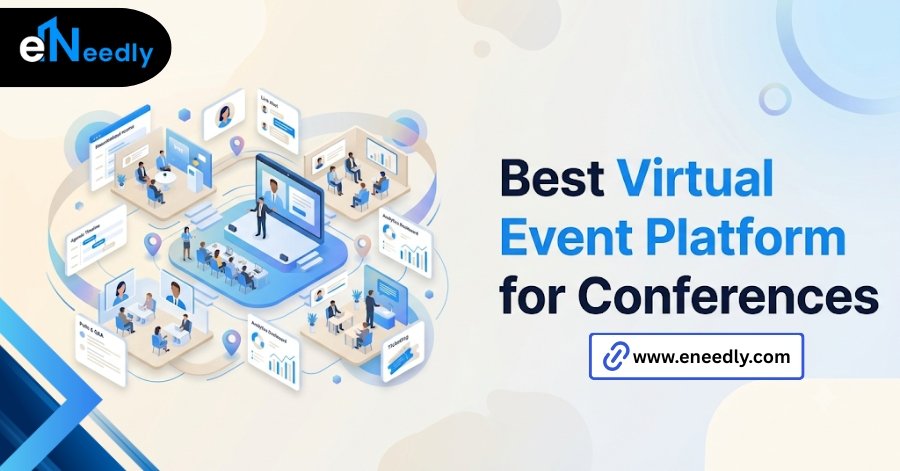
Look for software built specifically around multi-track agendas rather than tools that added tracks as an afterthought. The difference usually shows up in how clean the attendee-facing schedule looks and how easily someone can move between sessions without losing their place.
Speaker management also becomes more complex on a conference scale. A system that makes it easy to swap a speaker or adjust timing without disrupting the whole schedule saves real stress during a multi-day event.
Recording and on-demand access matter more at this scale, too. Attendees at a two-day conference cannot watch every session live, and a platform without a clean on-demand library loses that value entirely once the event ends.
Time zones compound this problem for any conference with an international audience. A session that runs live at 10 am in one region lands at 2 am in another, and on-demand access is often the only realistic way those attendees engage with the content at all.
Virtual event software with Salesforce integration
Teams running online events as part of a broader marketing or sales motion usually need that data to land directly in Salesforce, not sit in the platform’s own dashboard.
The strength of that integration varies widely. Some tools sync basic registration data only. Others push session-level engagement, like which talks someone attended and how long they stayed, directly into Salesforce as trackable activity.
That second level of detail is what makes this kind of integration actually useful for follow-up. Knowing someone is registered tells you little. Knowing which session they stayed for tells a rep exactly what to talk about.
Confirm this before signing, not after your first event. A vendor’s website saying “Salesforce integration” is not a guarantee of which level you’re getting.
Hybrid events need a different checklist than fully virtual ones
A hybrid event isn’t an online event with a room attached. It’s a genuinely different problem, and most software treats it as an afterthought.
What actually matters for a hybrid event is whether the in-person and remote audiences can interact with each other at all, not just whether both can watch the same stream, and most tools treat them as two separate audiences by default.
That shows up in small but important ways. Can a remote attendee ask a question that gets read aloud in the room? Can someone in person see what’s happening in the online chat? If the answer is no on either side, you have two separate events sharing a name, not one hybrid event.
Audio setup in the physical room deserves specific attention. A room mic that only picks up the speaker leaves remote attendees unable to hear audience questions, which quietly turns them into a passive audience even when the software technically supports interaction.
Camera placement matters just as much and gets even less attention during planning. A single camera fixed on the stage shows remote attendees a talking head for an hour, while a setup with a room shot occasionally makes the virtual side feel like they’re actually in the space.
Is a dedicated platform worth it over Zoom or Teams?
For a small internal meeting, no. Zoom or Teams handles that fine, and dedicated event software adds cost and complexity for no real benefit.
For anything with more than a hundred external attendees, structured sessions, or engagement tracking tied to a CRM, a purpose-built system earns its cost quickly. The engagement data alone, tracked properly, is usually worth more than the platform fee.
The line to watch for is when you start needing reporting beyond attendance. That’s usually the moment a general video call tool stops being enough.
Cost comparisons at that point should include the labor saved, not just the license fee. A team manually tracking attendance and engagement in spreadsheets after a general video call spends hours on work that a purpose-built system handles automatically.
Frequently Asked Questions
What is the difference between a virtual event platform and a webinar tool?
A webinar tool typically handles a single session with basic Q&A, while a full event platform supports multiple sessions, networking, and virtual booths across a full agenda. Choose based on whether you’re running one session or a full event.
How many attendees can this type of software typically handle?
This varies significantly by vendor and plan tier, and providers rarely advertise real concurrent viewer limits upfront. Ask directly and, where possible, test at a scale close to your expected attendance.
Does virtual event software work well on mobile?
Some do, but many degrade noticeably outside a desktop browser. Test the mobile experience specifically before the event, since a meaningful share of attendees will join from a phone.
Can this software integrate with Salesforce?
Many offer some level of Salesforce integration, though the depth ranges from basic registration syncing to detailed session-level engagement tracking. Confirm which level you’re getting before assuming full activity data will transfer.
What makes virtual booths effective at an online event?
Booths perform best when actively staffed and promoted during the event agenda rather than left for attendees to discover on their own. Without a host driving traffic, most booths see minimal visits.
Is a hybrid event platform different from a fully virtual one?
Yes, a true hybrid system connects in-person and remote audiences so they can interact, not just watch the same stream separately. Many virtual tools treat hybrid support as an add-on rather than a core feature.
Do these platforms provide engagement analytics after the event?
Most provide some reporting, but the depth varies from basic attendance counts to session-by-session engagement data. If follow-up matters to your team, prioritize a vendor with granular, exportable analytics.