
Quick answer: A structural model says the beam sits at one elevation. The mechanical model says the ductwork runs straight through it. Nobody notices until the crew is standing under it with a crane. That is the exact problem Navisworks was built to catch before it becomes a change order.
Navisworks is a BIM coordination tool used to combine models from different disciplines, run clash checks between them, and simulate construction sequencing over time.
It takes files built in Revit, Civil 3-D, AutoCAD, and similar programs and reviews them as one federated model. Construction and engineering teams use it to find conflicts, verify quantities, and rehearse a build schedule before anyone touches the site.
What Is Navisworks Used For, Exactly?
Navisworks does not model anything. That surprises people who expect it to work like Revit or SketchUp.Instead, it reads models other software has already produced and lets a team look at all of them together.
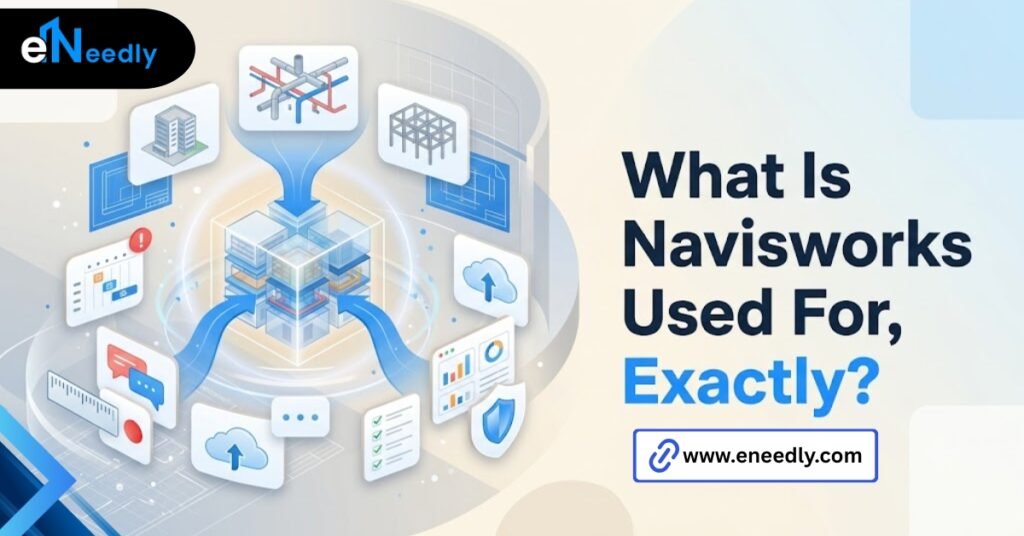
Structural, mechanical, electrical, plumbing. Everything, in one federated view, without anyone redrawing a single wall. From there it does four things well: clash detection, model review, 4D construction sequencing, and quantity takeoffs.
Each of those earns its own explanation, because each solves a different problem on a project, at a different point in the schedule. What is Navisworks used for? The purpose of Navisworks, in one sentence, is coordination. Not design. Coordination.
That distinction sounds small. It is not. A team that buys the software expecting a design tool ends up disappointed within a week, and a team that understands the coordination role gets years of use out of it.
The federation step matters more than people expect
Teams buy Navisworks expecting it to find clashes automatically, almost like a spell checker for buildings. What actually determines whether it works is how disciplined the model federation and file naming are before anyone opens a clash test.
Sloppy naming and inconsistent model origins turn a coordination tool into a guessing game. Two files with the same coordinate system but different naming logic will still clash correctly. Two files with mismatched origins will not, no matter how good the software is.
Model Review and BIM Coordination
This is the daily use case, the one that does not make headlines. A design team, a contractor, and sometimes an owner sit around one federated model and walk through it together, week after week, for the life of the project. Everyone sees the same geometry at the same time.
No one is flipping between six separate PDF sets trying to mentally overlay a duct run onto a beam schedule. That mental overlay work is where errors used to hide. Model review sessions in Navisworks typically cover several recurring tasks.
What a typical review session covers
- Visual walk-throughs of upcoming work areas before crews mobilize
- Cross-discipline conflicts flagged before formal clash runs happen
- Markup and redlining tied to specific model elements, not loose notes
- Version comparison between design submissions, so nobody works from a stale file
BIM coordination, as a practice, exists because no single discipline model tells the whole story on its own. Navisworks is the room where all the stories get compared side by side, in real time, instead of after the fact.
Clash Detection Nobody Talks About Until It’s Too Late
Clash detection is the feature everyone mentions first when they describe Navisworks uses. Fair enough. It is also the most misunderstood part of the software.
Navisworks is excellent at surfacing conflicts between disciplines. It does nothing to fix them. It hands the coordination problem straight back to the same meeting structures and email threads that created the conflict in the first place.
That distinction matters for buyers. The software finds the crash. The team still has to resolve it, argue about whose model moves, and document the decision. Clash tests run against defined rule sets. Hard clashes, where two solid objects physically occupy the same space.
Clearance clashes, where required service access or code-mandated spacing gets violated. Duplicate clashes, where the same element got modeled twice by two teams who never checked with each other.
Why clash reports pile up unread
Most firms never assign someone to own the federated model and the clash test rules directly. Ownership sits nowhere. So the software gets underused, and coordination quietly slides back into email threads and hallway conversations.
Which is exactly what the tool was bought to eliminate. That is not a Navisworks problem. It is a staffing problem the software cannot solve by itself.
4D Simulation and Sequencing
4D adds a fourth dimension to the 3D model: time. Every element in the federated model gets linked to a task in the construction schedule, usually pulled from Microsoft Project or Primavera.
Run the simulation, and you watch the building assemble itself in fast forward, floor by floor, trade by trade. It looks good in a client meeting. That is not why teams actually use it.
Sequencing conflicts show up the same way geometric clashes do. A crane path that crosses a curtain wall installation zone during the exact week both activities are scheduled. A concrete pour scheduled before the formwork crew has cleared the area below it.
4D simulation catches these before the schedule gets locked. Not after the superintendent discovers it on site during week fourteen, when changing the sequence costs real money and real delay.
Sequencing also surfaces logistics problems that never show up in a static 3D review. Site access routes that overlap with material laydown areas. Equipment staging that blocks the only crane path available that month. These are scheduling problems wearing a geometry costume, and 4D is the only view that exposes them clearly.
Quantification and Takeoffs
This is where a lot of the practical value sits, quietly, long after the visualization has stopped being interesting to anyone in the room. Navisworks can extract quantities directly from the federated model. Square footage of drywall, linear footage of conduit, count of fixtures per floor.
The marketing around Navisworks leans hard on visualization and the clash detection story, because those demo well. The actual money saved often shows up in quantification and sequencing instead.
Quantities pulled straight from the model reduce the manual takeoff work an estimator would otherwise do from 2D drawings, sheet by sheet. It does not replace an estimator’s judgment about waste factors, phasing, or procurement timing. It replaces the tedious counting part of the job, which is where hours go to die on a bid deadline.
Search sets and selection sets built inside Navisworks let a team isolate exactly which elements count toward a given quantity, and those sets can be reused across every future model update without rebuilding the logic from scratch.
Navisworks Manage vs Navisworks Simulate vs Freedom
Autodesk sells Navisworks in three tiers, and the differences trip buyers up constantly. Navisworks Freedom is the free viewer. Read-only. No clash detection, no editing, no sequencing tools. It exists so anyone on a project, including the owner, can open and review the federated model without a paid license.
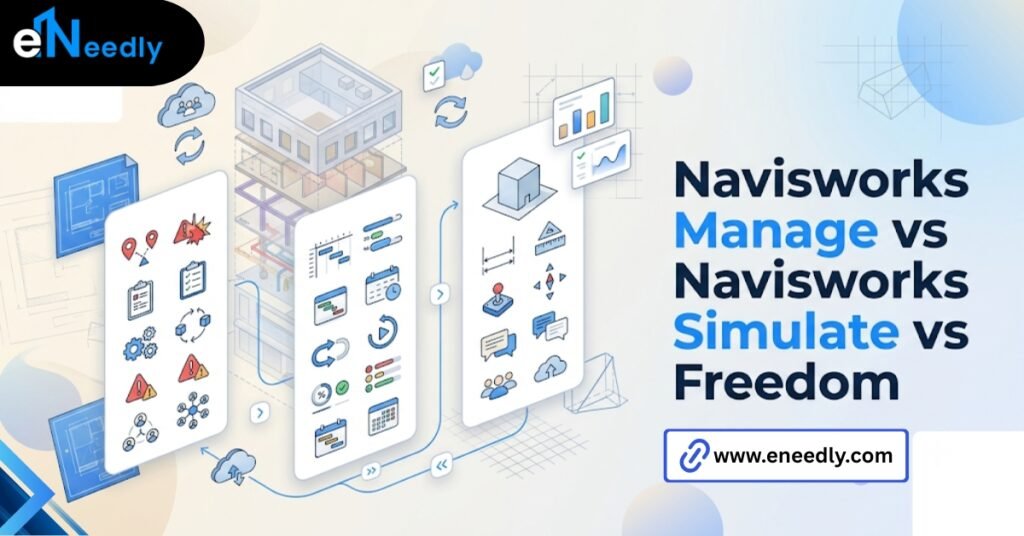
Navisworks Simulate adds 4-D sequencing and quantification, along with animation and viewpoint tools. No clash detection engine included. Navisworks Manage includes everything Simulate offers, plus the full clash detection suite.
| Tier | Clash Detection | 4D Sequencing | Quantification | Cost Model |
| Freedom | No | No | No | Free |
| Simulate | No | Yes | Yes | Paid |
| Manage | Yes | Yes | Yes | Paid, highest tier |
Buyers treat Manage and Simulate as interchangeable tiers more often than they should. The split determines whether the license actually fits how a team plans to use the software. Getting it wrong means paying for clash detection nobody runs, or missing it entirely on a project that badly needs it.
Simulate suits teams focused on scheduling and takeoffs without heavy multi-discipline clash checking, like a general contractor managing sequencing on a single trade scope. Manage suits teams running formal coordination across structural and electrical models regularly, for the length of a project.
Who Actually Uses Navisworks Day to Day
General contractors run the coordination meetings and usually own the master federated file. BIM managers or VDC coordinators maintain the clash rule sets and keep model versions current between submissions.
MEP subcontractors check their own trade against everyone else’s model before fabrication starts, since a fabrication error costs far more to fix than a model error caught early.
Owners, using the free Freedom viewer, sit in on review sessions without needing a license of their own, which keeps them informed without adding license cost to the project.
Architects and structural engineers show up less often as the primary drivers of Navisworks sessions. Their models are the inputs into coordination, not the coordination layer itself, and that is a distinction worth knowing before assigning roles on a project.
Common Misconceptions About What Navisworks Is Used For
People assume Navisworks is a modeling program. It is not. Nothing gets designed inside it, and nothing gets designed better by opening it more often.
People assume clash detection means the software fixes problems automatically. It flags them. A human still resolves every single one, in a meeting, with a decision that gets documented somewhere.
People assume any team member can open it and get value on day one. Real value depends on upstream discipline: consistent model origins, sane naming conventions, and someone accountable for maintaining the federated file across every version.
People also assume the software works the same way regardless of project size. A twelve-person renovation and a two hundred-person hospital build use very different clash rule complexity, even inside the same license tier.
There is also a quieter misconception worth naming. People assume Navisworks coordination replaces the need for design discipline earlier in the process. It does not. A model built without consistent standards from the start will still generate clash reports, but the volume of noise in those reports can bury the handful of conflicts that actually matter for schedule or safety.
How eNeedly Helps Teams Actually Get Navisworks Working
Buying the software is the easy part. Getting a construction or design team to use it consistently, with clean model federation and clash rules that reflect the project’s actual risk areas, is where most implementations stall out.
eNeedly has spent 8+ years helping businesses evaluate and implement the software that fits how they actually work, rather than what a sales demo made look easy.
That includes setting up federated model workflows, defining clash test rule sets tied to real project risk, and training whoever will own the process after launch, so it does not quietly fall apart once the initial excitement wears off.
Teams often come to this stage after a bad first attempt, one where the software sat unused because nobody assigned ownership or set up the model discipline it needed from day one. That is a fixable problem, not a reason to abandon the tool.
When Navisworks does not fully cover a project’s needs, whether because of unusual project structures, reporting requirements, or integration needs with existing project management systems, eNeedly also builds the custom tooling to close that gap.
Frequently Asked Questions
What is Navisworks used for in construction?
Navisworks is used to combine models from different disciplines into one federated view, run clash detection between them, simulate construction sequencing, and pull quantity takeoffs directly from the model.
What is Navisworks Manage used for specifically?
Navisworks Manage adds full clash detection to everything Simulate offers, including 4D sequencing and quantification. It is the tier most teams need for formal multidiscipline coordination.
Is Navisworks the same as Revit?
No. Revit is modeling software where design happens. Navisworks reviews and coordinates models that were already built in Revit, Civil 3D, or similar programs. It does not create geometry.
Does Navisworks fix clashes automatically?
No. It identifies where two elements conflict and reports it. A team still has to decide how to resolve each conflict, usually in a coordination meeting with all disciplines present.
Who needs a Navisworks license versus the free viewer?
Anyone running clash tests, building 4D sequences, or pulling quantities needs a paid Simulate or Manage license. Team members who only need to view and mark up the model can use the free Freedom viewer.
What file types can Navisworks open?
Navisworks reads native and exported files from most major design software, including Revit, Auto-CAD, Civil 3D, SketchUp, and industry standard formats like IFC.
How is Navisworks different from other BIM coordination tools?
Navisworks integrates tightly with the Autodesk ecosystem, which makes it a common default for teams already using Revit and Civil 3-D. Other coordination platforms may offer broader format support or different collaboration models.