
Quick Answer
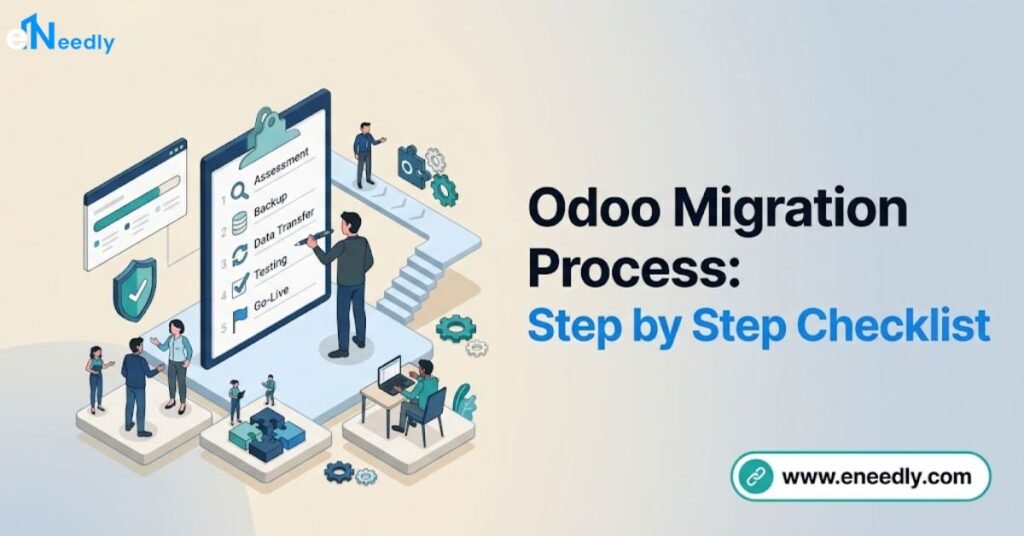
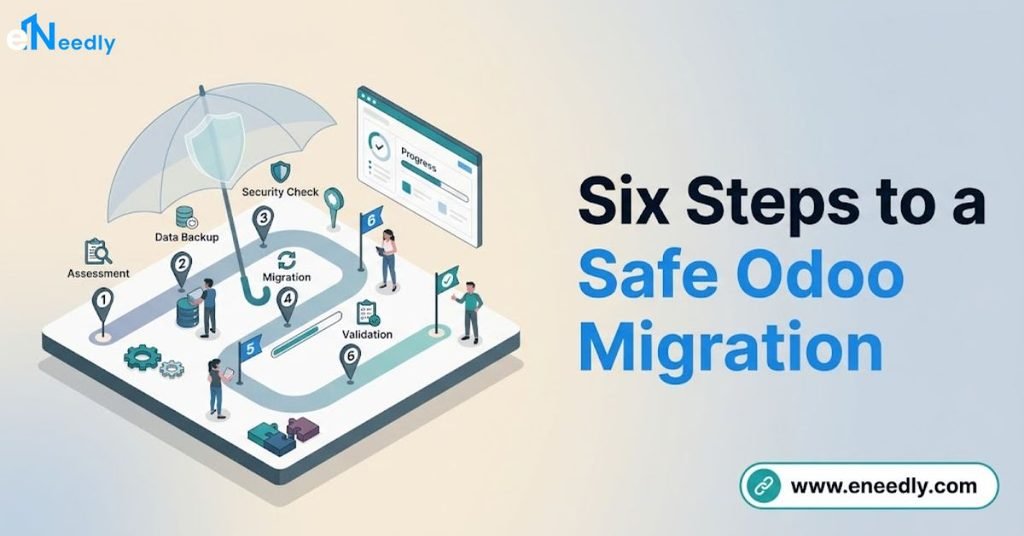
The odoo migration process follows six checkpoints: backup and assessment, data mapping, a full test migration in staging, systematic testing and validation, cutover, and post-go live stabilization.
Skipping the staging step is the single most common cause of migration failures reaching production.
A well-run migration typically completes in 3 to 10 weeks, with the checklist below usable for a version upgrade, a legacy system move, or a cross-platform migration alike.
Introduction
Most migration disasters trace back to one skipped checkpoint, not one catastrophic technical failure.
A missing backup, an untested custom module, or a validation step done too quickly all lead to the same outcome: problems discovered in production instead of in staging.
This guide turns the migration process into a concrete, checkable sequence rather than an abstract description of phases.
It complements the broader picture in Odoo migration services and the data-specific discipline in Odoo data migration services.
Use this as an actual checklist during your next migration, whether it’s a version upgrade, a move from a legacy system, or both at once.
Step 1: Backup and Assessment
Backup the source system completely before any migration work begins, and confirm the backup is restorable, not just created. A backup nobody has tested is not a safety net, it is an assumption.
Assessment audits three things: the current system’s data volume, every custom module’s compatibility with the target version, and every third-party app’s status on the target platform.
This step should produce a written list of what will migrate cleanly, what needs rework, and what genuinely cannot carry forward.
Checklist for this step:
- Full backup created and restore tested
- Custom modules inventoried and checked against target version compatibility
- Third-party apps checked against the target version
- Data volume estimated by model (customers, products, invoices, and so on)
- A written assessment report produced before proceeding
Step 2: Data Mapping and Cleanup
Data mapping defines exactly how each source field corresponds to its Odoo equivalent, and cleanup removes duplicates and inconsistencies before they ever reach the new system.
This step matters most for cross-platform migrations, though even a same-version upgrade benefits from a data quality pass.
Duplicate customer and vendor records, inconsistent phone or date formats, and incomplete fields should all be resolved in the source system.
Fixing them after migration, inside a live Odoo database, costs considerably more effort than fixing them beforehand.
Checklist for this step:
- Field-by-field mapping documented for every migrating model
- Duplicate records identified and merged in the source system
- Formatting inconsistencies standardized before extraction
- A decision made on what historical data migrates versus what stays archived
Step 3: Test Migration in Staging
Staging is where the entire migration runs first, completely isolated from the production system the business relies on daily.
Running the full process here, not just a sample, surfaces the specific problems that only appear at real data volume.
Custom code compatibility issues, data mapping errors, and unexpected edge cases all typically show up during this step rather than during planning.
Run the test migration more than once if issues are found, refining the process each time rather than patching problems directly in production later.
Checklist for this step:
- Full migration run in an isolated staging environment
- Custom modules installed and functioning in staging
- Migration run against complete data volume, not a small sample
- Issues found documented and resolved before the next test run
Step 4: Testing and Validation
Testing confirms that configured workflows behave correctly with the migrated data, while validation confirms the data itself matches the source system accurately. These are two distinct activities and both need to happen before cutover.
Functional testing should involve actual end users working through real business scenarios, not only the project team clicking through a happy path.
Validation should include record count reconciliation, field-level spot checks, and specific financial reconciliation for any monetary data.
Checklist for this step:
- User acceptance testing completed by actual end users, not only the project team
- Record counts reconciled between source and destination for every migrated model
- Field-level spot checks completed on a meaningful sample of records
- Financial totals (account balances, invoice amounts) reconciled exactly
Step 5: Cutover
Cutover is the final migration into production, and it should happen during a planned low-activity window with the legacy system still available as a fallback.
This is not the moment to discover a new problem, since every prior step exists to prevent exactly that.
A parallel run, where both systems operate briefly side by side, catches any last discrepancy before the business fully commits to the new system.
Downtime should be minimized through careful sequencing rather than accepted as unavoidable.
Checklist for this step:
- Cutover window scheduled during planned low-activity hours
- Legacy system kept available as a fallback for a defined period
- Parallel run conducted where feasible before full commitment
- Final data reconciliation run immediately after cutover completes
Step 6: Go Live and Stabilization
Going live is a milestone, not a finish line. The weeks immediately following cutover typically surface configuration gaps and data issues that only appear under real operational load, not during testing.
A stabilization period with the migration team still actively available catches these issues before they become entrenched workarounds. Businesses that disband the project team the day after go live often see minor issues compound into larger ones.
Checklist for this step:
- Migration team available for active support during the stabilization window
- User-reported issues tracked and resolved promptly
- A final validation pass run after the first full business cycle (such as a month-end close)
- Legacy system formally decommissioned only after stabilization confirms success
Why Each Checkpoint Matters
Every step on this checklist exists because skipping it has a specific, predictable failure mode. Skipping backup verification risks unrecoverable data loss if anything goes wrong.
Skipping staging risks discovering custom code breakage in production instead of in a safe environment.
Skipping validation risks financial discrepancies that surface weeks later, once reconciling them against the original source has become far harder.
Skipping stabilization risks minor post-migration issues compounding into workarounds that undermine confidence in the new system entirely.
Treating this checklist as sequential, rather than skipping ahead when time pressure builds, is what actually protects a migration project from the failures that make migrations risky in the first place.
Common Mistakes in the Migration Process
Skipping backup restoration testing. A backup that has never been tested for restoration is an unverified assumption, not a safety net. Always confirm a backup can actually be restored before relying on it.
Running the test migration on a small data sample. Edge cases that only appear at full data volume can slip through a small-sample test undetected. Run the staging test against the complete dataset whenever volume allows.
Rushing validation to meet a go live deadline. Compressed validation is where financial discrepancies and data gaps most often slip through unnoticed. Protect the validation timeline even when other phases run behind schedule.
Disbanding the project team immediately after go live. Configuration and data issues that only surface under real operational load need an available team to resolve them quickly. Plan for an active stabilization period, not an abrupt handoff.
Decommissioning the legacy system too early. Removing access to the old system before stabilization confirms success removes the fallback that protects against undiscovered issues. Keep it available until at least one full business cycle validates the new system.
Who This Checklist Is For
Project managers and technical leads overseeing an active Odoo migration benefit most from using this checklist directly during execution. It turns an abstract process description into concrete, checkable milestones.
Businesses evaluating a migration partner can also use this checklist to confirm a candidate provider’s process matches these standards.
A partner who cannot describe their approach to each of these six steps has likely not run enough migrations to have a reliable process.
This checklist matters less for a business still deciding whether to migrate at all. That earlier decision belongs in a broader consulting conversation before process execution becomes relevant.
Frequently Asked Questions
What is the most important step in an Odoo migration?
Staging and validation together prevent the most common and costly migration failures, since they catch problems before production rather than after.
Skipping either significantly raises the risk of undetected issues reaching go live.
How do I know if my backup is actually usable?
Test the restoration process itself, not just the backup creation, before relying on it during migration. A backup that has never been restored successfully is an unverified assumption.
Should I test the migration with a sample of data or the full dataset?
Test against the complete dataset whenever data volume allows, since edge cases at full volume can differ meaningfully from what a small sample reveals. This matters most for businesses with large or complex datasets.
What happens if I skip the parallel run before cutover?
Skipping a parallel run removes the safety net that catches remaining discrepancies before the business fully commits to the new system. It is optional for very small, low-risk migrations but recommended for anything with meaningful data volume.
How long should the stabilization period last after going live?
Most stabilization periods run a few weeks, ideally covering at least one full business cycle such as a month-end close. This ensures issues that only surface under real operational patterns get caught while the migration team is still actively available.
When is it safe to decommission the legacy system?
Only after stabilization confirms the new system handles a full business cycle correctly, not immediately at go live. Keeping the legacy system available as a fallback protects against issues discovered later than expected.
Key Takeaways
The Odoo migration process succeeds through disciplined checkpoints, not through moving quickly and hoping problems don’t surface.
Backup verification, thorough staging tests, rigorous validation, and an active stabilization period together prevent the failures that make migrations genuinely risky.
Rushing any single checkpoint to meet a deadline transfers risk from a controlled testing environment into live production, where the same problem costs far more to fix.
Use this checklist as a literal project management tool, not just a conceptual overview.
Print this checklist and check off each step before moving to the next on your next migration project.
Pingback: Odoo Data Migration Services: Accurate, No Data Loss
Pingback: Odoo 13 to 14 Migration: Upgrade Path Guide (13 to 18)
Pingback: Odoo 17 to 18 Migration: Complete & Safe Upgrade Guide
Pingback: SAP to Odoo Migration: Full Guide to Cut ERP Costs
Pingback: Zoho to Odoo Migration: Step-by-Step Guide & Mapping
Pingback: Dynamics to Odoo Migration: A Step-by-Step Cutover Guide
Pingback: Data Migration to Odoo: Legacy ERP Migration Guide