
Quick Answer
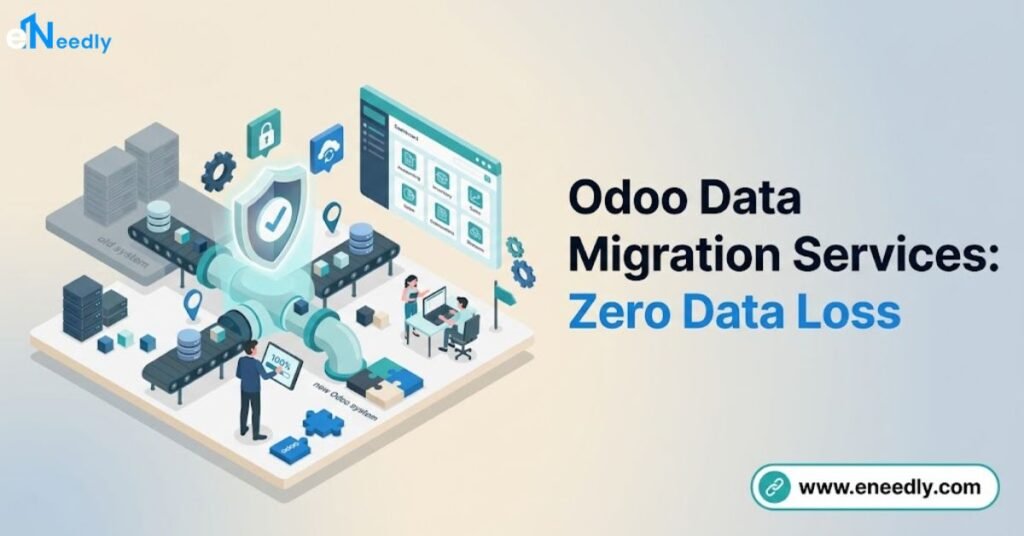
Odoo data migration services move customer records, products, transactions, and historical documents from a legacy system into Odoo through an ETL process: extract, transform, and load.
Zero data loss depends on three practices done consistently: validating every mapped field against the source system, running a full test migration in staging before touching production, and reconciling record counts and financial totals after cutover.
Most data migration projects, separate from any broader implementation, take 1 to 4 weeks depending on data volume and source system complexity.
Introduction
Data loss during migration rarely happens all at once. It happens in small gaps, a missing customer field here, a rounding discrepancy there, that nobody notices until weeks after going live.
This guide focuses specifically on the data side of an Odoo migration: how records actually move, what ETL means in practice, and how validation catches problems before they become permanent.
It complements the broader picture in Odoo migration services and the full technical sequence in Odoo migration process.
Whether you’re moving from a spreadsheet system, a legacy ERP, or an older Odoo database, the core discipline is the same.
Extract carefully, transform deliberately, load with validation, and never skip the reconciliation step.
What Is Odoo Data Migration?
Data migration to Odoo means moving structured business records, customers, vendors, products, and transaction history, from any source system into Odoo’s data model.
This differs from a version upgrade, which carries forward an existing Odoo database rather than mapping data from an entirely different structure.
Legacy data commonly comes from spreadsheets, an older accounting package, a different ERP platform, or a previous Odoo version being replaced rather than upgraded.
Each source presents its own mapping challenges, but the underlying process stays consistent.
The goal is never simply moving data. It is moving data that remains accurate, complete, and usable once inside Odoo’s validation rules and reporting structure.
The ETL Process: Extract, Transform, Load
ETL is the standard framework behind any serious data migration, and understanding its three stages clarifies where problems typically originate. Each stage has a distinct purpose and a distinct failure mode.
Extract
Extraction pulls data out of the source system in a usable format, typically CSV exports, direct database queries, or API calls depending on what the legacy system supports. Incomplete extraction, missing related records or truncated fields, is the earliest point where data loss can begin.
Confirm the extraction captures every field that matters before assuming the export is complete. A legacy system’s export tool sometimes silently skips fields it considers optional, which only becomes visible during validation much later.
Transform
Transformation reshapes extracted data to match Odoo’s expected structure, converting date formats, splitting or combining fields, and applying data mapping rules between the source schema and Odoo’s models. This is the stage where most genuine data quality work happens.
Data mapping defines exactly how each source field corresponds to an Odoo field, and where no direct equivalent exists, how that gap gets handled.
A customer record with a single “address” field in the legacy system, for example, needs deliberate splitting into Odoo’s street, city, state, and postal code fields.
Load
Loading writes the transformed data into Odoo, typically through Odoo’s import tools, an odoo data migration tool, or custom scripts for high-volume or complex datasets. This stage should always run first against a staging database, never directly into production.
Load order matters for relational data. Customers and products need to exist before the invoices and orders that reference them, so a migration script needs the parent records loaded before the child records that depend on them.
Choosing the Right Migration Tool or Method
Odoo’s built-in import tool handles straightforward CSV imports well for moderate data volumes with simple mapping needs. It supports many standard models out of the box and works without any custom development for common scenarios.
Custom scripts, typically written in Python using Odoo’s API, become necessary for high-volume migrations, complex transformation logic, or data with relationships too intricate for the standard import tool to express cleanly.
This approach costs more upfront but handles edge cases the built-in tool cannot.
Third-party ETL tools and dedicated migration platforms exist for very large or particularly complex migrations, though most growing businesses find Odoo’s native tools combined with targeted custom scripts sufficient for their data volume.
Migrating From a Legacy System
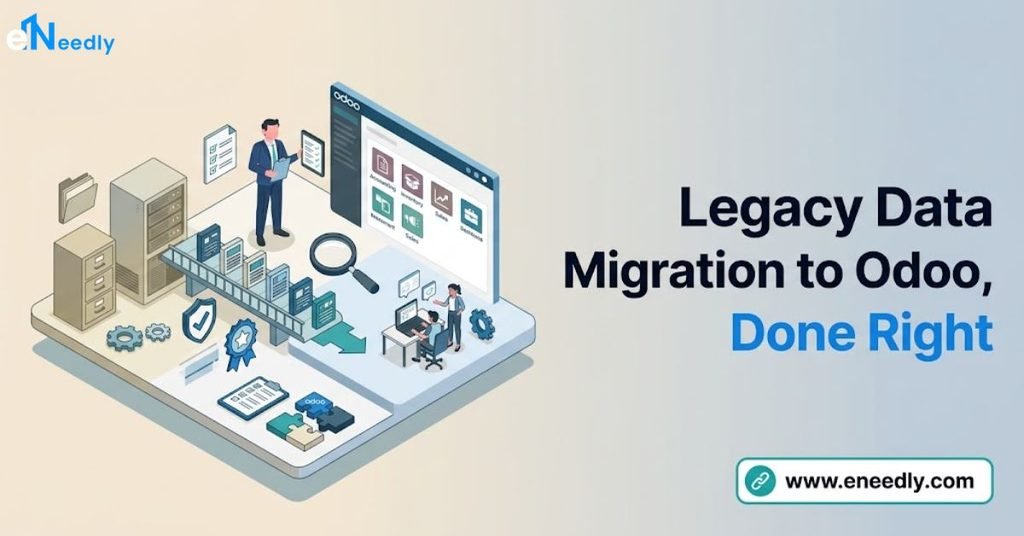
Legacy system data migration to Odoo carries specific challenges depending on how structured the source system is. A modern accounting package with clean, well-defined exports migrates far more predictably than a decades-old custom database or a collection of spreadsheets maintained by different departments.
Common Legacy Data Problems
Duplicate records accumulate in most legacy systems over years of use, particularly customer and vendor records created multiple times under slightly different names.
These duplicates should be identified and merged before migration, not after, since resolving them inside a live Odoo system costs considerably more effort.
Inconsistent formatting, such as phone numbers stored in several different patterns or dates recorded in mixed formats, needs standardization during the transform stage.
Incomplete records, missing tax IDs or addresses, need a business decision about whether to migrate them as-is or flag them for follow-up.
Historical Data: What to Migrate and What to Archive
Historical data migration to Odoo rarely means moving every record ever created. Most businesses migrate open transactions, current balances, and a defined recent window of history, while archiving older records in the legacy system as a read-only reference.
This approach significantly reduces migration complexity and cost without losing access to genuinely needed historical information.
A business rarely needs five-year-old closed invoices inside its live operational system, though having them available for occasional lookup in an archived legacy system serves the same purpose at lower migration cost.
Deciding this boundary should happen during planning, with input from finance and any team that regularly references historical records for reporting or compliance reasons.
Validation: How to Confirm Zero Data Loss
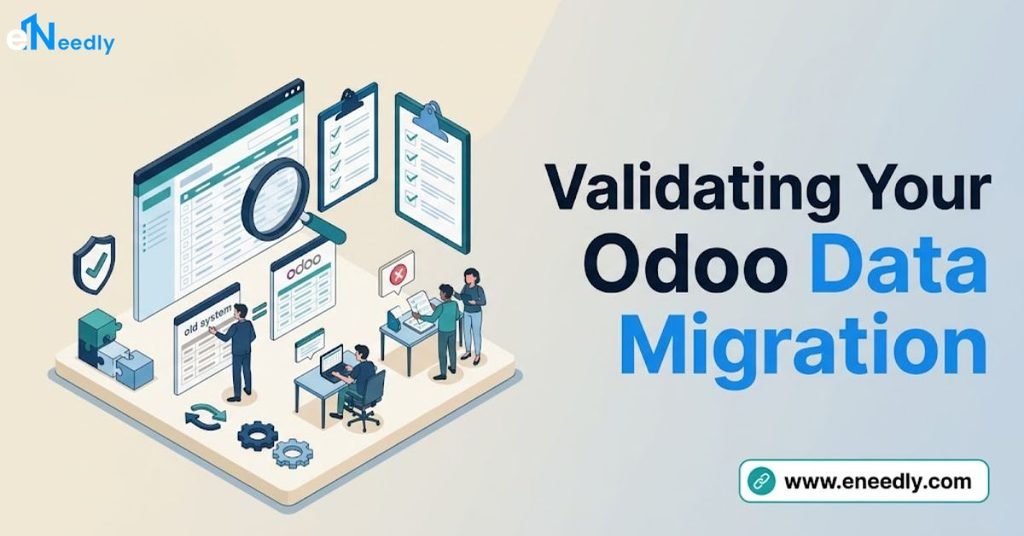
Validation is the step that actually confirms data loss did not occur, and it needs to happen systematically rather than through spot-checking a handful of records. Three validation methods work together to build genuine confidence in a migration.
Record count reconciliation compares the number of records in the source system against the number successfully loaded into Odoo for each data type. A mismatch here immediately flags a problem needing investigation before proceeding further.
Field-level spot checks compare a sample of individual records in detail, verifying that specific field values match exactly between source and destination. This catches transformation errors that a simple count match would miss entirely.
Financial reconciliation deserves particular rigor, since discrepancies here carry direct business consequences.
Comparing total account balances, outstanding invoice amounts, and transaction sums between source and destination should be a mandatory step before any migration is considered complete.
Common Mistakes in Odoo Data Migration
Skipping deduplication before migration. Legacy systems accumulate duplicate customer and vendor records over years, and migrating them as-is carries the mess directly into Odoo. Identify and merge duplicates in the source system before extraction begins.
Migrating every historical record instead of a defined window. Attempting to move years of closed transactions adds significant time and cost without proportional business value. Migrate open transactions and current balances, and archive older history separately.
Testing only a small data sample before the real migration. A test run using a handful of records can miss edge cases that only appear at full data volume. Run the test migration against the complete dataset in staging whenever data volume allows.
Skipping financial reconciliation after loading. Confirming record counts alone does not guarantee financial accuracy, since a data type mismatch can produce the correct count with wrong values. Always reconcile account balances and transaction totals specifically, not just record counts.
Not documenting the mapping decisions made during transformation. Undocumented mapping choices, such as how a merged address field was split, become impossible to explain or audit months later. Record every non-obvious mapping decision as part of the migration documentation.
Data Migration Services in India
Businesses evaluating odoo data migration services in India should expect the same ETL discipline described throughout this guide, applied specifically to common Indian legacy sources like Tally, Excel-based record keeping, or older accounting software.
GST-relevant fields, including GSTIN and HSN or SAC codes, deserve particular attention during validation given their direct compliance impact.
Rate advantages for data migration work in India follow the same pattern as broader Odoo consulting, typically landing well below US or Western European rates for comparable technical work.
The validation discipline required for zero data loss, though, does not vary by region and should be confirmed regardless of where the migration team is based.
Who Needs Dedicated Data Migration Services
Businesses switching from any legacy system, whether a different ERP, an accounting package, or spreadsheet-based record keeping, into Odoo are the clearest candidates for dedicated data migration services.
This applies whether the migration happens as part of a full implementation or as a standalone project moving into an already-configured Odoo system.
Businesses undergoing an Odoo version upgrade also need data migration attention, even though the process differs somewhat from a cross-platform move, since data model changes between versions still require careful handling.
eNeedly’s Odoo version migration guide covers this specific scenario.
Dedicated data migration services matter less for a genuinely new business with no significant legacy data to move, where a fresh implementation can start with a clean Odoo database from day one.
Frequently Asked Questions
What is ETL in the context of Odoo migration?
ETL stands for extract, transform, and load, the three-stage process of pulling data from a source system, reshaping it to match Odoo’s structure, and writing it into Odoo. Each stage carries its own risk of data loss if handled carelessly.
How do I prevent data loss during migration?
Validate extraction completeness, test the full migration in staging before production, and reconcile record counts and financial totals against the source system after loading. Skipping any of these three steps increases the risk of undetected data loss.
Should I migrate all my historical records to Odoo?
Most businesses migrate open transactions and a recent window of history while archiving older records in the legacy system as a read-only reference. This reduces migration cost and complexity without losing access to genuinely needed historical data.
What is the best tool for migrating data into Odoo?
Odoo’s built-in import tool handles straightforward CSV imports well for moderate volumes, while custom Python scripts using Odoo’s API suit high-volume or complex transformation needs. The right choice depends on data volume and mapping complexity.
How long does a data migration to Odoo typically take?
Standalone data migration projects typically take 1 to 4 weeks depending on data volume, source system complexity, and how much cleanup the legacy data needs. This is separate from the broader implementation or version upgrade timeline.
What should I check after loading data into Odoo?
Reconcile record counts by data type, spot-check individual field values for accuracy, and specifically verify financial totals like account balances and invoice amounts against the source system. All three checks together confirm zero data loss.
Key Takeaways
Zero data loss during Odoo migration comes from disciplined ETL practice, not from hoping a straightforward import handles everything correctly.
Careful extraction, deliberate transformation with documented mapping decisions, and systematic validation together catch the small gaps that cause real problems later.
Deciding what historical data genuinely needs to migrate, versus what can stay archived in the legacy system, reduces both cost and risk without sacrificing access to information the business actually needs.
Financial reconciliation deserves particular rigor, since this is where undetected discrepancies carry the most direct business consequence.
Reconcile your migrated data against the source system in full before considering any migration complete.
Pingback: Odoo Data Migration Services in India: Safe & Affordable