
Quick Answer
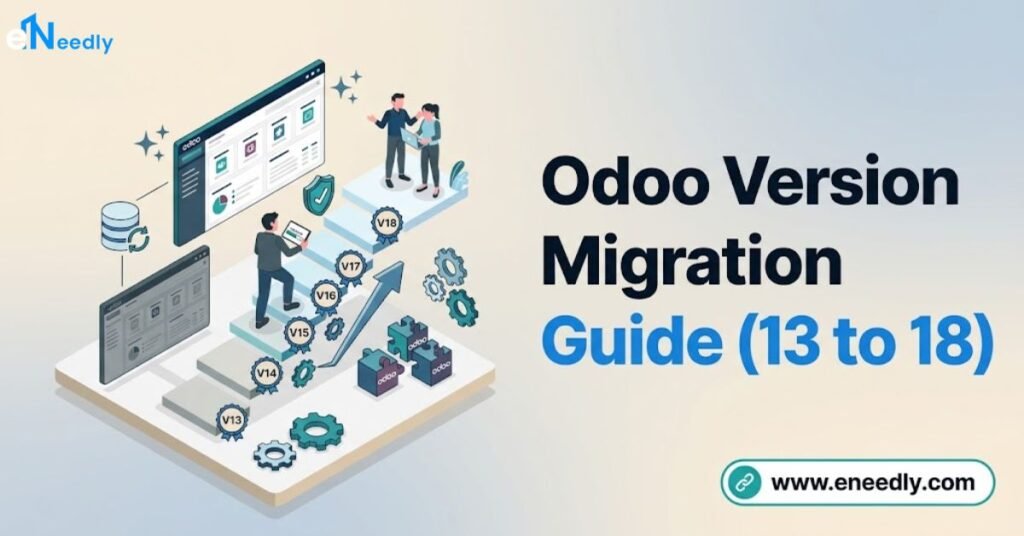
An odoo 13 to 14 migration, and any Odoo version upgrade, follows the same underlying path: assess custom module compatibility, run Odoo’s official upgrade process (or OpenUpgrade for community-maintained older versions), test thoroughly in staging, and cut over with a tested rollback plan in place.
Businesses several versions behind, such as running Odoo 13 while current releases sit at 18, should generally upgrade in stages rather than attempting a single jump across five versions. Each version gap adds its own compatibility considerations, so the further behind a business is, the more testing time the migration needs.
Introduction
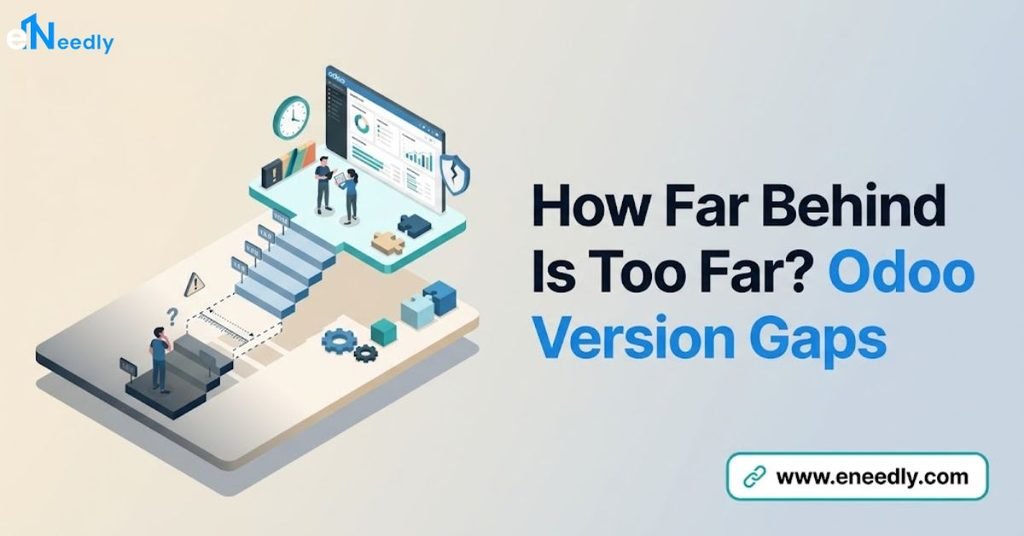
A business running Odoo 13 in 2026 is not just behind on features. It is running a version that stopped receiving security patches years ago, with every year of delay adding more compatibility gaps to eventually close.
This guide walks through what actually changes across major version jumps, from an odoo 13 to 14 migration through more recent pairs like odoo 15 to 16 migration, and how to think about the path when several versions separate a business from current Odoo.
It complements the process detailed in Odoo migration process and the broader service picture in Odoo migration services.
The goal is a clear mental model for version migration risk, not a version-by-version changelog. Odoo’s own release notes remain the authoritative source for every specific feature change.
Why Version Upgrades Matter
Odoo releases a new major version roughly once a year, and each version receives official support and security patches only for a limited window after release.
Running an unsupported version means no security patches for newly discovered vulnerabilities, which becomes a real operational risk over time.
Beyond security, each new version adds functionality, performance improvements, and refinements to existing apps that a business misses out on by staying on an old release.
The gap between an old version’s capabilities and current Odoo widens every year the upgrade gets deferred.
Upgrade path planning should weigh this accumulating cost against the disruption of migrating, since waiting does not make the eventual migration easier. It generally makes it harder, since more time passes for custom code and business processes to further diverge from Odoo’s architecture.
Should You Jump Versions or Upgrade in Stages?
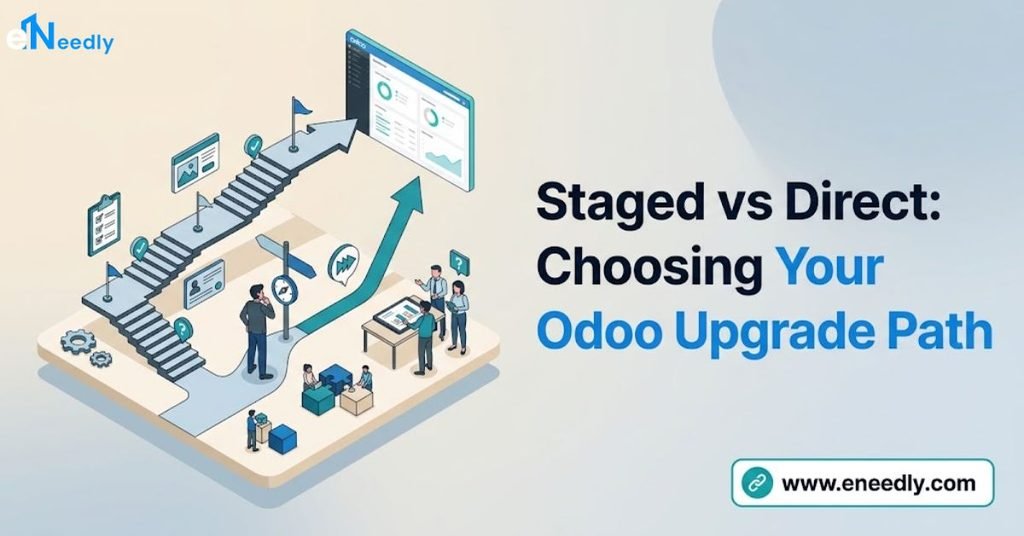
Businesses several versions behind face a genuine decision: migrate directly from their old version to the current one, or move through intermediate versions in stages.
Neither approach is universally correct, and the right choice depends on customization depth and data complexity.
A business with minimal customization and straightforward data often benefits from a direct jump to the current version, since Odoo’s official upgrade tooling is generally built to handle multi-version jumps for standard configurations. This avoids the cost of testing and stabilizing multiple intermediate steps.
A business with significant custom code built specifically for an older version’s architecture may benefit from staged upgrades, testing compatibility at each intermediate version rather than attempting to resolve every accumulated gap simultaneously.
This adds project time but can reduce the risk of an overwhelming number of simultaneous compatibility issues.
The right answer depends heavily on your specific customization footprint, and this decision should be made during the assessment phase with an experienced migration partner, not assumed in advance.
What Changes Across Major Versions
Odoo 13 to 14 and Nearby Transitions
Versions in this range introduced changes to view architecture and continued Odoo’s shift toward a more modern web client.
Custom modules built against the view syntax of this era sometimes need adjustment when moving forward, particularly around how form and list views were defined.
Businesses on Odoo 13 today are running a version well past its supported window, making security exposure a more pressing concern than feature gaps alone.
An assessment of custom modules against current Odoo’s architecture is the necessary first step regardless of which upgrade path gets chosen.
Odoo 15 to 16 and Nearby Transitions
This range of versions continued refinements to Odoo’s core apps and included accounting and inventory improvements across releases. Businesses in this version range are closer to current Odoo, generally meaning a shorter compatibility gap to close during migration compared to older starting points.
Compatibility for third-party apps installed from the Odoo App Store also tends to be better documented for more recent version pairs, since app developers maintain active compatibility testing for supported versions more consistently than for older, unsupported ones.
General Pattern Across Version Jumps
Regardless of the specific version pair, three categories of change recur across nearly every major Odoo release: view and interface updates, model and field structure refinements, and API changes affecting how custom modules interact with Odoo’s core.
Any migration plan should assess all three categories specifically against the target version.
Odoo’s own release notes for each version document the specific breaking changes, and reviewing them for every version between your starting point and target is essential groundwork before migration begins.
Odoo’s Official Upgrade Tool Versus OpenUpgrade
Odoo provides an official upgrade service and tooling for supported version paths, generally the more recent versions still within or near their support window.
This is the recommended path for most businesses on a reasonably current version needing to move to the latest release.
OpenUpgrade is a community-maintained open source project that supports migration paths for older versions, including ones no longer covered by Odoo’s official upgrade tooling.
Businesses on very old versions, such as Odoo 13 or earlier, may need to rely on OpenUpgrade or a migration partner experienced with it, since official tooling support windows do not extend indefinitely.
Confirm which upgrade path applies to your specific starting version before planning a timeline, since official tooling and OpenUpgrade carry different levels of support and different testing requirements.
Testing and Rollback Planning
Testing for a version migration should validate both standard Odoo functionality and every custom module against the target version, using real business scenarios rather than only the simplest cases. User acceptance testing should involve actual staff who use the affected workflows daily.
A rollback plan defines exactly how to revert to the previous version if the migration reveals a critical problem after cutover. This means keeping the pre-migration database backup fully intact and tested for restoration, alongside a clear decision point for how long the team will attempt to resolve issues before triggering rollback rather than continuing to troubleshoot in production.
Rollback planning matters more for version migrations than many businesses initially assume, since reverting a partially migrated system is far more complex than reverting a simple software update.
Having this plan documented before cutover, not improvised during a crisis, is what makes rollback actually usable if needed.
Common Mistakes in Version Migration
Attempting a direct multi-version jump with heavy customization. Businesses several versions behind with significant custom code sometimes underestimate how many accumulated compatibility issues a single jump surfaces simultaneously. Consider staged upgrades when customization depth is significant.
Assuming third-party apps will simply work on the new version. App Store compatibility varies by developer and version, and assuming it without verification risks discovering breakage only after migration. Check every installed app’s compatibility with the target version before committing to a date.
Skipping OpenUpgrade evaluation for very old versions. Businesses on unsupported old versions sometimes assume official tooling will work when it does not extend that far back. Confirm which upgrade path actually applies to your starting version early in planning.
Not testing rollback before it’s actually needed. A rollback plan that exists only on paper, never tested, may not work as expected during an actual crisis. Test the rollback process in staging alongside the forward migration test.
Underestimating custom code review time for older versions. The further behind a business is, the more custom code likely needs review and potential rework, and this review takes real time that shouldn’t be compressed to protect a target date. Budget proportionally more assessment time for larger version gaps.
Who Needs This Version Migration Guidance
Businesses running any Odoo version approaching or past its official support window are the clearest audience for this guidance, since the security and compatibility gap only widens with further delay.
This includes businesses currently on versions in the 13 to 16 range as of today’s release landscape.
Businesses with significant custom development built for an older version’s architecture benefit most from the staged-versus-direct-jump decision framework covered here, since this decision meaningfully affects their project timeline and risk profile.
Businesses with minimal customization generally face a more straightforward path regardless of version gap.
This guidance matters less for businesses already on a recent, well-supported version with no urgent upgrade pressure, where migration timing can be planned around convenience rather than urgency.
Frequently Asked Questions
Can I migrate directly from Odoo 13 to the current version?
It’s possible for businesses with minimal customization, though heavier custom code may benefit from a staged approach through intermediate versions. This decision should be made during assessment based on your specific customization footprint.
What is OpenUpgrade and when do I need it?
OpenUpgrade is a community-maintained open source project supporting migration paths for older Odoo versions, including some no longer covered by Odoo’s official upgrade tooling. Businesses on very old versions typically need to evaluate whether OpenUpgrade or a specialized migration partner is required.
How do I know if my custom modules will survive a version upgrade?
Custom modules need individual assessment against the target version’s architecture, checking view syntax, model structure, and API compatibility. Modules built using proper inheritance patterns generally survive with less rework than those built by editing core files.
What should a rollback plan include?
A tested, restorable backup of the pre-migration database, and a clear decision point for how long the team will troubleshoot before triggering rollback rather than continuing in production. This plan should be tested in staging, not just documented on paper.
Is it safe to skip several Odoo versions in one migration?
It depends on customization depth. Businesses with straightforward configurations often handle multi-version jumps well through official tooling, while heavily customized systems may benefit from staged upgrades to manage compatibility issues incrementally.
How long does a version migration typically take?
Timeline depends heavily on how many versions separate the starting point from the target and how much custom code needs review. A close, recent version pair typically takes less time than a jump spanning several versions with significant customization.
Key Takeaways
Version migration risk scales with how many versions separate a business from current Odoo and how much custom code has accumulated along the way.
The staged-versus-direct-jump decision should follow an honest assessment of customization depth, not a default assumption either way.
Official upgrade tooling and OpenUpgrade serve different starting points, and confirming which applies to your version is essential groundwork before any timeline gets set. A tested rollback plan, verified in staging rather than assumed on paper, is what actually protects a migration if something goes wrong at cutover.
Confirm your specific upgrade path, official tooling or OpenUpgrade, before committing to a migration timeline.