
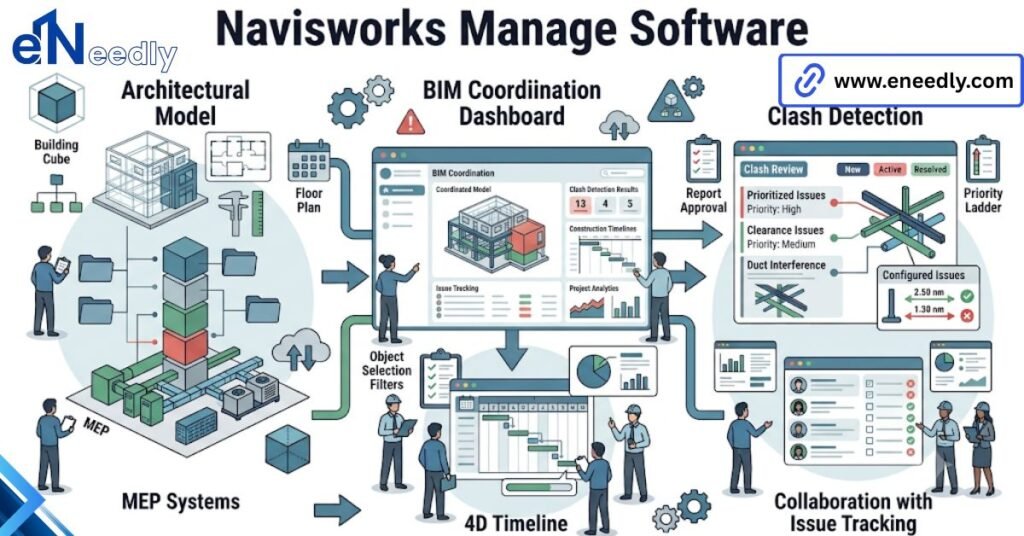
Quick answer: Navisworks Manage software is Autodesk’s model review and coordination tool for construction and AEC teams. It aggregates 3D models from different disciplines into one federated view.
Then runs clash detection to catch conflicts before they hit the job site. Teams use it to cut rework, not to design. A structural model shows a beam, whereas the mechanical model calls for a duct.
Nobody notices until a foreman is standing under it with a tape measure. That’s the problem Navisworks Manage exists to solve, and it’s older than the software itself.
Buyers usually arrive at this keyword already knowing they need “the clash detection thing.” Fewer arrive knowing what they’re actually licensing, what it won’t do, and what has to exist around it before it earns its cost. That’s where this gets useful.
What Navisworks Manage Software Actually Does
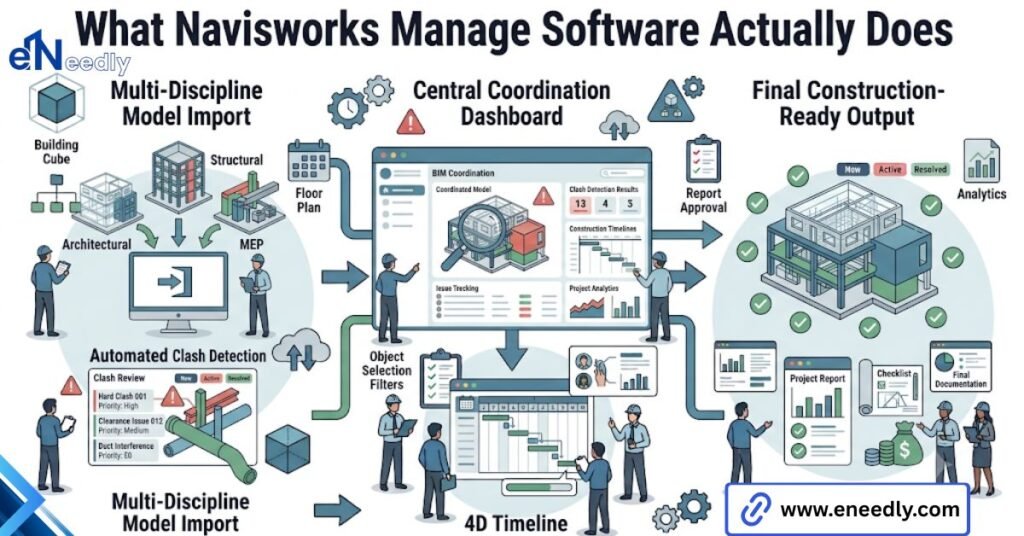
Navisworks Manage software is a model aggregation and review platform. It pulls 3D models from Revit, Civil 3D, AutoCAD, and dozens of other authoring tools into one federated environment without merging or altering the source files.
That distinction matters more than most product pages let on. Navisworks doesn’t edit geometry. It reads it and aligns it with other disciplines’ models.
And lets a team look at the whole building as one coordinated object instead of a stack of separate files nobody has time to compare by eye.
Once the models are aggregated, three things happen inside the tool: clash detection runs against defined rule sets, 4D sequencing links the model to a construction schedule, and quantification tools extract takeoffs.
Most teams buy it for the first of those three and discover the other two later, if at all. The name carries the function. Navisworks Manage is BIM software built for review, not authoring, and that single fact resolves half the confusion buyers walk in with.
Navisworks Manage vs Navisworks Simulate vs Navisworks Freedom
Autodesk sells Navisworks in three tiers, and the differences get more sales attention than they arguably deserve. Freedom is free.
It opens and views NWD files but does nothing else: no clash detection, no editing of clash rules, no sequencing. It exists so a subcontractor without a license can still look at what the coordination team produced.
| Tier | Clash Detection | 4D Sequencing | Cost |
| Freedom | No | No | Free |
| Simulate | No | Yes | Mid tier |
| Manage | Yes | Yes | Full license |
What Each Tier Actually Includes
Simulate adds 4D sequencing and quantification without clash detection. It’s aimed at scheduling and estimating roles that need to visualize a build sequence but aren’t running coordination.
Manage includes everything: clash detection, sequencing, quantification, and the ability to author and edit clash rule sets rather than just view results someone else generated.
Where Teams Overspend or Underspend
Here’s the blunt part. The tier conversation in most sales calls spends more time than it should on Manage versus Simulate, when the majority of day-to-day coordination work- clash detection.
And sequencing together- sits entirely inside Manage regardless of what else gets discussed. Teams that need coordination need Manage. There isn’t much of a middle path.
How Clash Detection Works in Navisworks Manage
Clash detection compares two or more sets of geometry and flags every point where they physically intersect.
That’s the mechanism in one sentence, and it’s also where most of the tool’s reputation, good and bad, gets earned. Not every clash matters equally, and Navisworks separates them into categories for a reason.
Hard Clashes, Soft Clashes, and Clearance Clashes
A hard clash is solid geometry overlapping solid geometry, a pipe running through a beam. A soft clash, sometimes called a clearance clash, flags objects that come within a defined distance of each other without touching.
Useful for maintenance access or insulation thickness. Clearance clashes catch the problems hard clashes miss entirely.
Setting Up Clash Rules That Don’t Drown You in False Positives
This is the part people underestimate. Navisworks Manage handles large aggregated models without trouble. The review quality depends entirely on how well the clash rules and selection sets were configured before the test ran.
Run a clash test with poorly scoped selection sets and the results come back with hundreds of flagged clashes, most of them irrelevant duplicates or geometry that was never meant to be checked against itself.
Teams see that noise once, decide the tool is unreliable, and quietly stop trusting it. The fix isn’t a feature. It’s discipline: scoped selection sets, sensible tolerance settings, and rules that separate genuinely actionable clashes from geometric clutter.
Where Navisworks Fits in a BIM Coordination Workflow
Navisworks sits downstream of authoring. Revit, Civil 3D, and similar tools produce the models. Navisworks aggregates and reviews them.
It was never meant to replace the authoring stage, and treating it as one tool in a longer coordination workflow rather than a standalone product changes how teams actually use it.
A typical BIM coordination cycle looks like this: disciplines model independently on a shared coordinate system, models get published to a common data environment, Navisworks pulls the latest versions in, clash detection runs against agreed rule sets, and the cycle repeats on a schedule.
That last word, schedule, is where the pattern breaks most often. Teams buy Navisworks Manage expecting the clash detection itself to drive coordination. It doesn’t. The cadence around it does.
Weekly or biweekly coordination meetings are the norm on active projects, with each discipline arriving with a fresh clash report generated since the last review. The meeting itself isn’t about running the software live.
That happens beforehand, so the group is reviewing results, not waiting on a model to load. Ownership matters more than most teams budget for going in.
A clash between ductwork and a beam only gets resolved once someone specific is assigned to fix it and report back by a set date.
Without a named owner and a deadline attached to each item, flagged clashes sit in the report indefinitely, carried forward meeting after meeting, and the coordination process stalls quietly even while the software keeps generating fresh data on schedule.
Here’s the pattern that shows up again and again on projects that skip this: clash detection gets run once, right before a submission deadline, generates a long list nobody has time to properly resolve, and never gets revisited. The tool did its job. The workflow around it didn’t exist.
File Formats and Model Aggregation
Navisworks reads native formats from most major authoring tools directly, including RVT, DWG, and IFC, without requiring conversion. It also exports two native formats of its own worth knowing.
NWC is a cache file, a compressed version of an authoring file optimized for fast loading inside Navisworks. NWD is a published, shareable snapshot of an aggregated model, viewable in the free Navisworks Freedom by anyone on the project who doesn’t hold a full license.
That NWD format is doing more work for project teams than most buyers realize going in. It’s how coordination output actually reaches subcontractors and site teams who were never going to buy a license in the first place.
There’s a practical sequencing question buried in here too. NWC files are meant to be regenerated, not archived, since they’re a cache tied to a specific version of the source authoring file.
Teams that treat NWC exports as a permanent record instead of a disposable intermediate step end up managing far more file versions than the workflow actually requires.
NWD files serve a different purpose entirely: a published, dated snapshot meant for distribution and sign-off.
Confusing the two, archiving cache files as if they were milestones or publishing raw NWC exports to subcontractors, is a small mistake that creates real version control headaches once a project has run through a dozen coordination cycles.
Who Actually Needs Navisworks Manage
General contractors running multi-discipline coordination need it. So do MEP subcontractors responsible for clash resolution on their own systems, and construction managers overseeing 4D sequencing against a live schedule.
Architects and structural engineers producing single-discipline models generally don’t need a Manage license themselves. They produce geometry.
Someone downstream aggregates and reviews it, and that someone is usually the GC or a coordination lead, not every design discipline separately licensing the tool. Small residential projects with a single design team rarely justify the cost.
The value curve on Navisworks Manage rises sharply once you’re coordinating three or more disciplines on anything with real mechanical, electrical, and structural complexity. Below that, it’s overhead without a return.
Facilities managers and owners’ representatives sometimes need it too, though later in the lifecycle than most buyers expect.
A federated as-built model handed over at project closeout, checked against the design intent model, catches discrepancies between what was designed and what actually got built.
That use case gets far less attention than clash detection during construction, but it’s the same underlying tool doing a different job at a different phase.
Common Mistakes Teams Make Buying or Using Navisworks Manage
Three mistakes account for most of the frustration teams report with this tool, and none of them are the software’s fault. The first is assuming Navisworks combines models the way authoring software merges files.
It doesn’t. It’s a viewer and reviewer. Federated models exist only inside the Navisworks session; editing still happens back in the source authoring tool. The second is skipping coordinate system agreement across disciplines before the first import.
When structural, MEP, and architectural models don’t share an origin point and orientation, coordination meetings burn their first thirty minutes debugging why a duct is floating fifteen feet from where it should be, not resolving actual clashes.
The third is treating a single clash run as coordination. It’s an audit, not a process. Real coordination means a recurring cadence, with clash reports reviewed and closed out on a schedule that outlives the initial deadline pressure that got the license purchased in the first place.
Navisworks Manage Pricing and Licensing
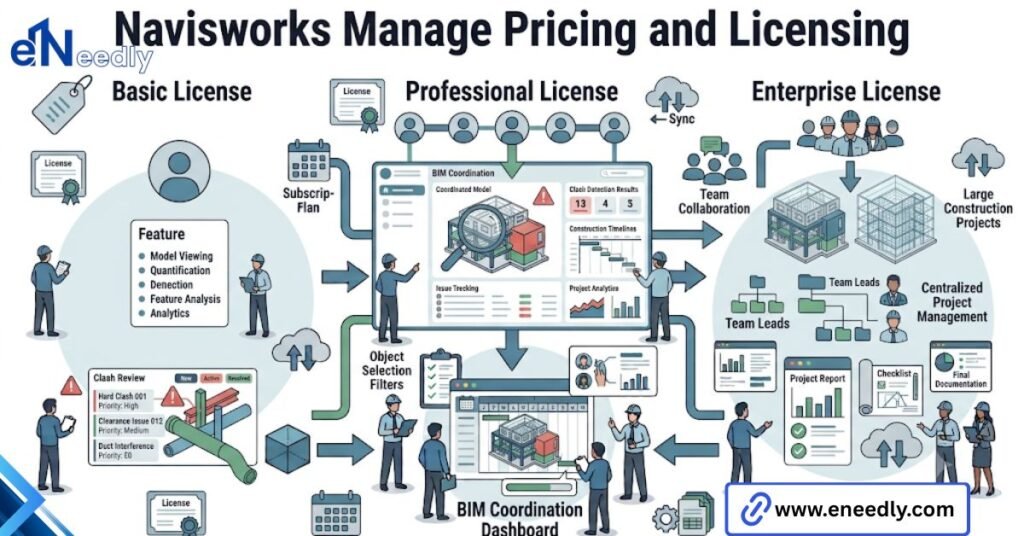
Autodesk sells Navisworks Manage through subscription licensing, typically bundled inside AEC Collection packages rather than as a standalone purchase for most buyers. Standalone licensing exists but is less common in practice.
Budget for training and setup time on top of the license cost. A license without a configured coordination workflow behind it is the single most common reason teams underuse what they paid for.
Getting Autodesk Navisworks Manage: Download, Trial, and Setup
Autodesk offers a free trial of Navisworks Manage directly through its website, typically running 30 days with full feature access. That’s enough time to test clash detection against a real project model, not just a demo file.
Download and installation follow Autodesk’s standard desktop app pattern through the Autodesk Desktop App or direct installer. System requirements scale with model size; larger federated models with high polygon counts benefit noticeably from more RAM.
And a dedicated graphics card. Setup, though, is the part that determines whether the license pays for itself. Installing the software takes an afternoon.
Building shared coordinate standards, selection set conventions, and a clash rule library that produces usable results takes considerably longer, and it’s the step most teams shortcut.
Navisworks Manage Alongside Other Review Software
Navisworks isn’t the only Navisworks review software category option, though it’s the most established in AEC. Solibri and BIM Collaborate Pro cover similar ground with different strengths.
Solibri leans toward rule-based model checking against building codes and standards, a different emphasis than pure geometric clash detection.
BIM Collaborate Pro integrates coordination directly into Autodesk Construction Cloud, favoring cloud-based real-time review over Navisworks’ desktop aggregation model. Navisworks suits teams already inside the Autodesk ecosystem who need deep clash detection control.
Cloud native platforms suit teams prioritizing real-time multi-office collaboration over granular rule authoring. Neither is universally better. The right choice depends on what the existing toolchain already looks like.
How eNeedly Helps Teams Implement Navisworks Manage
Buying the license is the easy part. Most of the friction eNeedly sees on Navisworks Manage projects has nothing to do with the software itself and everything to do with what wasn’t set up before the first model got imported.
That’s usually where things go wrong: a team licenses Manage, runs one clash detection pass, and stops there because nobody built the coordinate standards, the selection sets, or the review cadence that would have made the second pass, and the tenth, actually productive.
eNeedly works with construction and AEC teams to set up that layer before it becomes a problem. That means establishing shared coordinate systems across disciplines, building clash rule libraries scoped to the actual project rather than generic templates.
With 8+ years of hands-on experience across web, software, and digital solutions work, eNeedly approaches this as an implementation and workflow problem, not a software sales conversation.
The tool is only as good as the process wrapped around it, and building that process is where the real work sits.
Frequently Asked Questions
Is Navisworks Manage the same as Revit?
No. Revit is authoring software for creating building models. Navisworks Manage is review software for aggregating and coordinating models that were already created elsewhere, including in Revit.
Can Navisworks Manage edit 3D models?
No. It reviews and analyzes federated models but doesn’t alter source geometry. Edits have to happen back in the original authoring software, then get re-imported.
Does Navisworks Manage require a subscription?
Yes, Autodesk sells it through subscription licensing, most commonly bundled inside the AEC Collection rather than sold standalone. [VERIFY: confirm current standalone availability and pricing]
What file formats does Navisworks Manage support?
It reads native files from most major authoring tools directly, including RVT, DWG, and IFC, and exports its own NWC cache and NWD published formats for sharing outside a full license.
Is Navisworks Manage worth it for small projects?
Usually not. Its value rises sharply on projects coordinating three or more disciplines with real mechanical and structural complexity. Small single-discipline projects rarely see a return on the license cost.
How is Navisworks Manage different from Solibri?
Navisworks focuses on geometric clash detection and 4D sequencing inside the Autodesk ecosystem. Solibri leans toward rule-based checking against codes and standards, a different primary use case.
Do subcontractors need their own Navisworks Manage license?
Not necessarily. Subcontractors who only need to view published coordination models can use the free Navisworks Freedom viewer. A full Manage license is needed only to run and edit clash detection.