
Quick Answer: Construction project management software handles scheduling, crew coordination, and invoicing for firms too small to need enterprise features. It runs from a phone or laptop without a dedicated administrator.
Small contractors use it to replace spreadsheets and text threads with one shared system everyone actually checks. “Affordable” and “simple” get used interchangeably in software marketing aimed at small contractors, and they are not the same thing at all.
A platform can carry a low monthly price and still be a mess to actually run day to day: buried menus, a mobile app that lags, an invoicing flow that takes four screens to send one bill.
Meanwhile, a slightly pricier option might save an owner three hours a week just by being easier to use. This matters more for a small firm than a large one. A fifty-person GC has someone whose job includes wrestling with clunky software.
A six-person crew has the owner doing that at 9 pm after a full day on site. That’s the actual cost of choosing badly at this size. It’s not a wasted subscription fee. It’s an owner’s evening, week after week, spent fighting a tool that was never built with their crew size in mind.
What Construction PM for Small Firms Actually Needs to Do
A small firm’s project management software needs to do three things well and can afford to do almost nothing else. Schedule the crew, track the job’s cost against the bid, and get invoices out the door without a fight.
Everything past that custom reporting, multi-tier approval workflows, elaborate dashboards is built for a company with more layers of management than a small firm has. It’s not wrong software. It’s software solving a problem your firm doesn’t have yet.
The real test isn’t whether a platform can do more. It’s whether the owner or office manager can run the core three tasks without opening a manual.
Scheduling and Crew Coordination on a Small Team
A small crew scheduling problem looks different from a large one, and most platforms are built around the large version by default. At scale, scheduling means coordinating dozens of subcontractors across parallel phases on multiple sites.
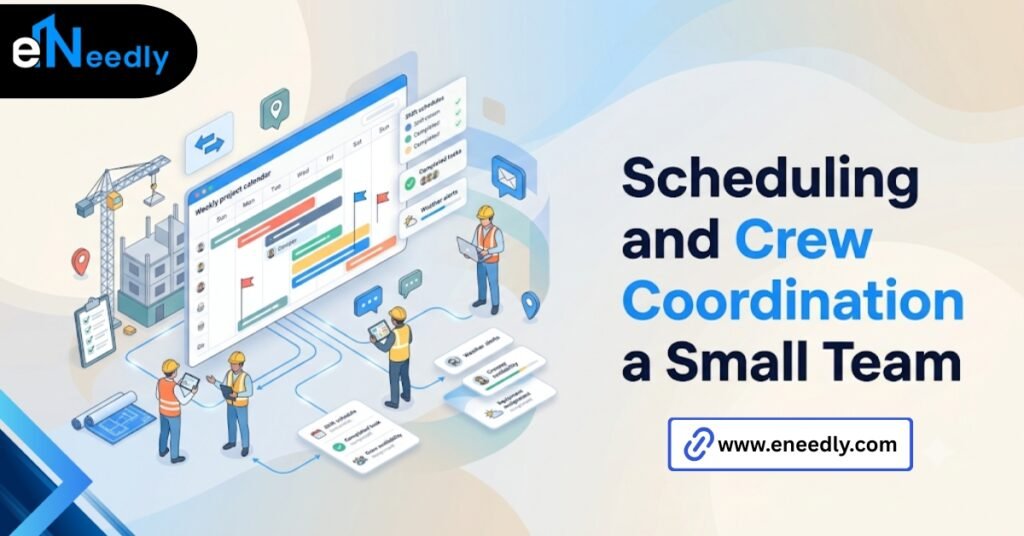
At five to fifteen employees, scheduling usually means one owner deciding who’s on which job tomorrow and making sure everyone actually sees that decision before they show up at the wrong address.
Why a Five-Person Crew Needs This Differently Than a Fifty-Person One
A fifty-person operation needs role-based permissions, subcontractor portals, and multi-project views. A five-person crew mostly needs a shared calendar that updates instantly and sends a notification, nothing more elaborate than that.
Buying the fifty-person version because it looks more capable in a demo just adds screens between the owner and the information they need. Simple wins here, not because sophisticated is bad, but because it’s solving a problem this crew size doesn’t have.
There’s a second cost to overbuying the scheduling tool that doesn’t show up until later. Crews stop checking a schedule that takes too many taps to open.
And within a few weeks, the shared calendar drifts back into a group text thread, which is the exact problem the software was meant to fix.
Invoicing and Job Costing Without an Accounting Department
Most small contractors don’t have a bookkeeper on staff, let alone a full accounting team. Whatever handles invoicing and job costing needs to work without that layer of support behind it.
This is where the “affordable” trap shows up most clearly. A cheap scheduling tool with invoicing bolted on as an afterthought often produces invoices that don’t tie back cleanly to the job’s actual costs, which creates more reconciliation work at tax time, not less.
Where Small Firms Get Overcharged for Accounting Features They Don’t Use
A lot of construction PM platforms upsell full accounting suites, general ledger, multi-entity consolidation, and advanced tax reporting to firms that just need to invoice a client and see if a job made money.
Small firms end up paying for a finance department’s software while running a crew of eight. This upsell works because the accounting module gets bundled into a mid-tier plan that sounds like the reasonable middle option.
A firm shopping by tier name rather than by actual feature use ends up paying for reporting capability nobody on staff will ever open.
The better fit connects cleanly to whatever accounting software the owner already uses, QuickBooks in most cases, rather than trying to replace it. Two connected simple tools usually beat one bloated all-in-one.
A fair question for any vendor here is whether that connection is a genuine two-way sync or a manual export you’ll be running yourself every month. Sales calls tend to describe both the same way, and only one of them actually saves time.
Simple Versus Feature Rich: What Small Contractor Software Should Actually Trade Off
Every buying decision in this category comes down to one trade-off, and most marketing pages pretend it doesn’t exist. More features means more setup complexity. Fewer features means faster adoption but a potential ceiling on growth.
A lot of “built for small business” marketing just means a stripped-down enterprise product, not something actually designed around how a five- to fifteen-person crew works. That distinction matters.
A trimmed-down enterprise tool still carries the enterprise tool’s underlying complexity, just with some menus hidden. Genuinely small business-built software tends to feel different from the first login.
Fewer configuration decisions required before you can use it. A setup wizard that takes twenty minutes instead of a multi-week onboarding call with a vendor rep. That first login experience is usually the fastest signal available.
If a demo requires a scheduled call with a sales engineer just to see the basic scheduling screen, that’s a hint the product carries more configuration weight than a five- to fifteen-person crew needs to deal with, regardless of what the pricing page calls itself.
The right question isn’t which platform has more features. It’s which platform your specific crew size will actually keep using past the first month.
Watch how a vendor answers when you ask what they’d remove for a firm your size. A vendor confident in a genuinely small business product usually has a clear answer.
A vendor selling a trimmed enterprise tool tends to talk about turning features off rather than never having built them in the first place, which is a meaningfully different product underneath.
Best Construction Project Management Software for Small Business: How to Actually Compare Options
Comparing options in this category goes faster once you stop treating every candidate the same way. Start by ruling out anything built primarily for GCs running dozens of active jobs, since the interface and pricing model rarely fit a smaller operation cleanly.
From there, weigh three things directly against how your firm actually runs. Does it handle time and materials billing if that’s how you invoice, not just fixed bid? Does the mobile app work for a crew mostly in trucks and on site, not in an office?
Can the owner or office manager configure it themselves without a paid setup call? Price matters, but it’s the last filter, not the first. A platform that fits your workflow and costs a bit more beats a cheaper one that fights you daily.
One more comparison point worth checking directly: how many active jobs can the plan handle before the price jumps to the next tier?
Some small business pricing looks generous until a firm grows from six projects a year to ten, at which point the plan lands right back at the mid-tier price anyway.
Affordable Construction Management Software: What “Affordable” Hides
Here’s the part vendors don’t lead with. Owners assume affordable means low monthly price, without checking the per-user cost that multiplies fast once they add a few field staff as seats.
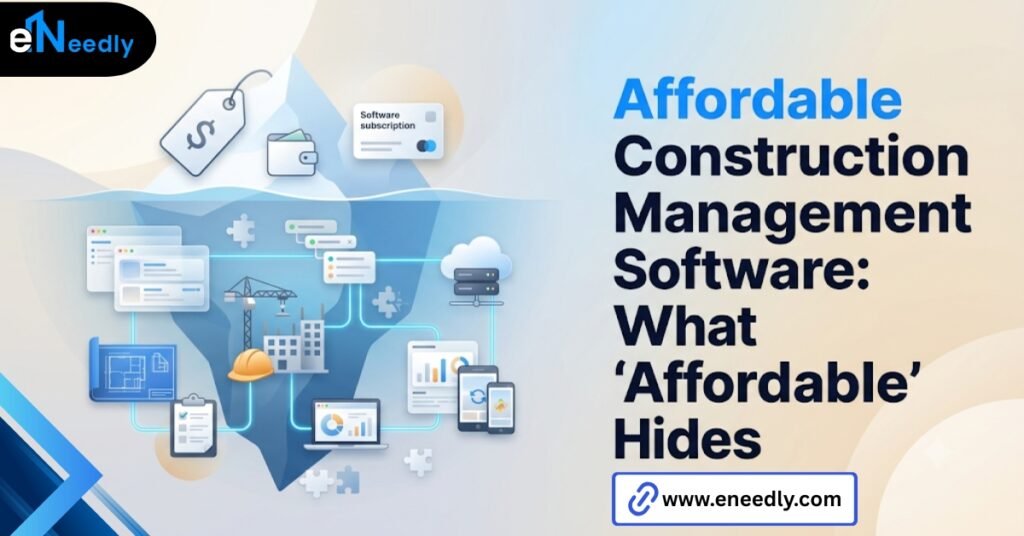
A plan advertised at a low base rate can double once every crew member who needs mobile access gets added as a paid seat. What looked like an inexpensive tool in the ad becomes a mid-tier price once your actual headcount is factored in.
The simplest, cheapest tools often lack real job costing too, which is fine for a firm doing fixed bid work with predictable margins but a real problem for a firm doing time and materials, where cost tracking is the whole point of running software at all.
Read pricing pages for per-seat cost and what counts as a seat, not just the headline number. That’s where a genuinely affordable-looking plan can turn out not to be one at all.
Some vendors also count office staff and field crew as separate seat categories, priced differently, which isn’t disclosed until the quote stage. Ask for the full seat breakdown for your actual headcount before comparing any two vendors’ base prices against each other.
How eNeedly Helps Small Firms Avoid Overbuying or Underbuying
Small firms tend to make one of two mistakes when choosing software, and both are expensive in different ways. Overbuying means paying for enterprise complexity a six-person crew will never use.
Underbuying means picking the cheapest option and hitting a ceiling within a year. Most vendor conversations about this start from the wrong end of the problem entirely.
A sales rep opens with what the product does, before anyone has looked at what the firm is actually doing today with spreadsheets, a paper invoice book, and a group text.
eNeedly starts there instead, and has spent 8+ years running that audit before recommending anything.
What breaks down first: invoicing that doesn’t tie back to job costs, or a schedule three people are updating separately, tends to point straight at what the firm actually needs versus what a feature list makes look appealing.
Sometimes that lands on a specific off-the-shelf platform, sized correctly for the crew. Sometimes the honest answer is a small custom tool that fixes one specific gap rather than a full switch nobody on the crew asked for.
Either way, the goal is a decision the owner can defend a year from now, not just one that felt good in a demo this month.
Frequently Asked Questions
What is construction project management software for small business?
It’s a scheduling, job costing, and invoicing platform sized for firms with five to twenty employees, built to run without a dedicated administrator. It replaces spreadsheets and text threads with one system that office and field staff both check.
How much does construction PM software cost for a small firm?
Pricing typically runs per user per month, and the advertised base rate often understates the real cost once every field employee needing mobile access is added as a seat. Always check what counts as a billable seat before comparing prices.
Is cheaper construction software actually worth it for a small crew?
Not always. A low price with a clunky interface can cost more in lost time than a slightly pricier tool that the crew actually uses correctly from day one. Weigh setup time and daily usability alongside the sticker price.
Does small business construction software handle job costing?
Not consistently. Some budget tiers track only basic scheduling and skip real job costing entirely, which matters most for firms billing time and materials rather than fixed bid work. A fixed bid firm can often get by with lighter cost tracking.
Can small contractor software connect to accounting tools like QuickBooks?
Many platforms offer this integration, though the quality varies significantly between vendors. Confirm the connection is genuinely two-way and not just a manual export before assuming your invoicing and books will stay in sync.
What’s the difference between small business construction software and enterprise platforms?
Small business tools are built around a lean setup process and a small crew’s daily workflow. Enterprise platforms carry deeper feature sets for coordinating dozens of active jobs and subcontractors, along with a longer configuration process most small firms don’t need.
How long does it take a small firm to set up construction PM software?
Genuinely small business-built platforms often allow setup within a day or two without outside help. If a vendor’s onboarding process requires multiple consulting calls, that’s usually a sign the product wasn’t actually designed for your crew size.