
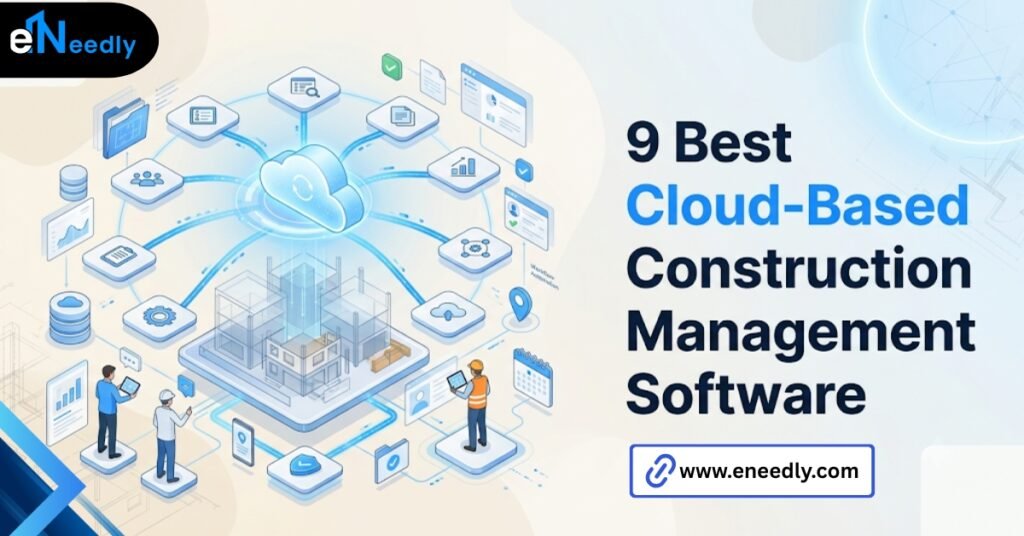
Cloud based construction management software is a hosted platform that manages schedules, documents, budgets, and field reports over the internet rather than on a local server. Crews and office staff access the same live data from a phone, tablet, or laptop.
Firms use it to stop reconciling three versions of the same schedule every Friday. A site supervisor pulls up the schedule on his phone at 6:45 in the morning, before the crew shows up. The office updated it Tuesday night.
He sees the same version they do. That is the entire pitch of cloud based construction management software, and most vendor pages bury it under forty feature bullets.
Construction firms do not adopt this software because they love software. They adopt it because someone got burned. A change order got approved verbally on site and never made it into the file the PM was working from.
A subcontractor showed up with the wrong drawing set because nobody pushed the revision. The paper trail existed. It just existed in three places that disagreed with each other.
This guide covers what the category actually includes, where the real value sits, and how to evaluate a vendor without getting sold a demo that has nothing to do with how your crews will use it.
What Cloud Based Construction Management Software Actually Means
Cloud-based construction management software is a hosted platform that centralizes scheduling, documents, budgets, and field reporting so office and site staff work from one live dataset instead of separate files.
Nothing lives on a server in a back office closet. The vendor hosts it, and you log in. That distinction matters more than most buyers realize going in. On-premises software puts the database on hardware you own and maintain.
Cloud software puts it on the vendor’s infrastructure, accessed through a browser or app, updated automatically, backed up without anyone on your team remembering to run the backup.
For a construction firm, this usually means one thing in practice. The schedule, the RFIs, and the daily logs are the same file whether you open them from the trailer or from a phone at a job site two hours away.
The Job Site Problem It’s Actually Meant to Fix
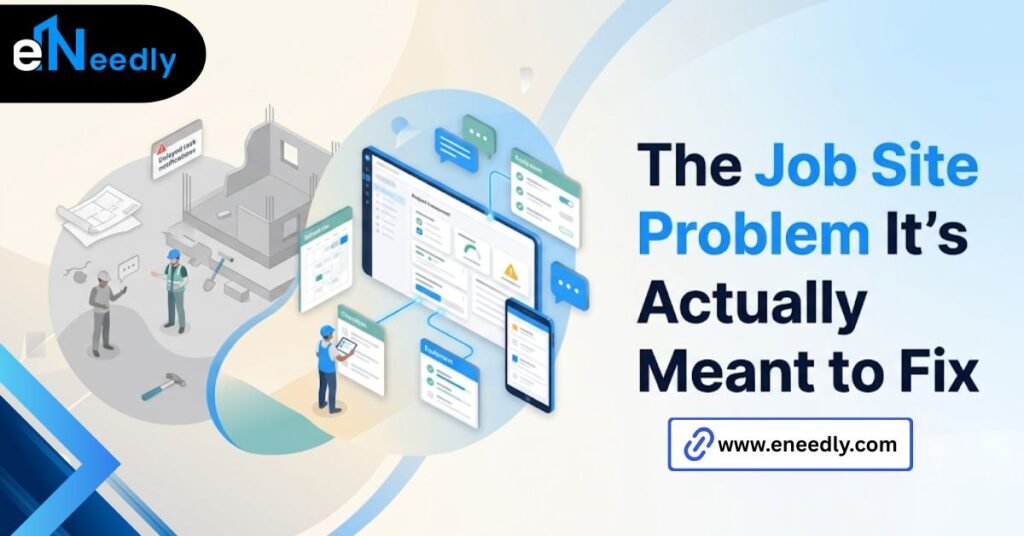
The problem is not that construction firms lack documentation. It’s that documentation lives in too many disconnected places to be trusted.
Email threads. Text messages with photos. A shared drive folder that three people have different permissions on. A paper daily log that gets transcribed into a spreadsheet two days later, badly.
Cloud-based construction management software exists to collapse that into one system that both office and site check. It does not eliminate human error. It just removes the excuse that “I didn’t have the latest version.”
Core Features That Matter Versus Features That Get Marketed
Most platforms in this category ship dozens of modules. Most projects use six of them consistently. The rest get demoed, get set up, and get ignored by month three. The firms that get real value tend to be the ones already comfortable with cloud-based tools elsewhere.
A company running cloud accounting or cloud payroll adopts construction software faster, not because their coordination problems are worse, but because the model of “our data lives somewhere else and that’s fine” is already familiar.
Scheduling and Document Control
This is the core of the category and the reason most firms buy in the first place. A single master schedule that updates in real time, with drawing sets and specs attached to the tasks they belong to, not sitting in a separate folder nobody checks before starting work.
RFIs and Change Orders
Requests for information and change orders are where paper trails matter legally, not just operationally. Cloud systems timestamp submission, response, and approval in one place, which is what you actually want if a dispute ever goes to arbitration.
Budget and Cost Tracking
Committed costs versus actual spend, tied to the same tasks in the schedule, is what separates construction-specific platforms from generic project management tools. A PM should see a cost overrun on a task before the invoice arrives, not after.
Few platforms do this well without setup work. Most require someone to enter cost codes correctly and consistently, which is a discipline problem more than a software one. The software can surface the overrun. It cannot make anyone enter accurate numbers.
The Modules That Look Good in a Demo and Get Ignored After Week One
Custom dashboards. Predictive analytics widgets. Elaborate reporting suites with a dozen chart types. They demo beautifully. Then the PM opens the app on site with one bar of signal and just wants the schedule to load.
This is not a knock on the vendors building these features. It’s a knock on buying decisions that weigh them equally against the plain, boring stuff that gets used daily.
A useful test during any demo: ask the sales rep to open the mobile app on their own phone instead of the presentation laptop. Watch what loads slowly, what requires three taps to reach, and what times out. That is the module list that actually matters once the contract is signed.
Cloud-Based Versus On-Premise: Which Fits Your Operation
On-premise still shows up in this category, usually at larger firms with existing IT infrastructure and a preference for controlling their own servers. For most contractors, it’s the wrong default in 2026, but “most” is not “all.”
| Factor | Cloud Based | On Premise |
| Upfront cost | Lower, subscription-based | Higher, hardware and licensing |
| Field access | Built for phones and tablets | Usually requires VPN setup |
| Updates | Automatic, vendor managed | Manual, IT managed |
| Data control | Vendor hosts your data | You host your own data |
| Offline reliability | Varies by vendor | Not dependent on connectivity |
Cloud-based fits firms without dedicated IT staff, distributed crews, and a need for field access that doesn’t route through a VPN. On-premises suits firms with strict data residency requirements or existing server infrastructure they’ve already paid for.
There’s a middle case worth naming. A firm mid-contract with an on-premises system, with years of historical data and staff trained on it, may find the migration cost outweighs the benefit for another year or two, even if cloud is clearly the better long-term fit.
Mobile and Real-Time Access: What Works in the Field
Real-time access sounds like a given in 2026. It is not universal, and the gap shows up exactly where it costs the most.
A demo happens on a laptop, on office WiFi, with a fast connection and a big screen. None of that resembles a job site. The real test is whether the app loads a daily log on a phone with two bars of signal, in gloves, in the rain.
Some platforms handle this well with genuine offline mode, caching data locally and syncing when connection returns. Others technically claim mobile support but time out constantly in low signal areas. Ask which one you’re buying before you sign, not after the first outage on site.
Where Office and Site Collaboration Actually Breaks Down
Collaboration tools promise to connect office and field. What actually breaks the connection is rarely the software. It’s who is responsible for updating what, and how often.
If the PM updates the schedule Tuesday night and the super checks it Wednesday morning, that works. If the super logs daily progress at 4 pm and the PM doesn’t review it until the following Monday, the software becomes a filing cabinet, not a collaboration tool.
This is the part people underestimate. The software creates the possibility of shared, current information. It does not enforce the habit of checking it. That’s a management decision, not a feature.
A firm that sets a daily cutoff, say every entry closed by 5 pm, and holds to it for a month, gets more value from cloud-based construction management software than a firm that buys a more expensive platform and updates it whenever someone remembers. The tool rewards a habit. It doesn’t replace one.
How to Evaluate a Cloud Construction Software Vendor
Vendor comparisons tend to focus on feature checklists. A better evaluation starts with questions the sales team doesn’t lead with.
Questions to Ask About Uptime and Offline Mode
What happens when the crew loses signal mid-shift? Does the app cache the last synced data, or does it just fail? Ask for the actual uptime guarantee in the contract, not the marketing page number.
Questions to Ask About Data Ownership and Export
If you leave the platform in two years, can you export your full project history in a usable format, or does it live in a proprietary format that’s expensive to migrate? This question tells you more about a vendor’s confidence in their own product than almost anything else.
Cloud systems don’t remove the failure point that paper systems had. They move it. “We lost the paperwork” becomes “the sync failed, and nobody noticed,” which is a different problem, not a solved one. Ask vendors directly how they monitor for silent sync failures.
It’s worth asking the same question a different way too: what does the vendor do when a customer’s data grows past what their pricing tier anticipated?
Some platforms quietly throttle performance for accounts near a storage cap instead of flagging it. That shows up as “the app got slow” months after signing, with no obvious cause until someone traces it back.
Cloud-Based Construction Management Software for Small Business
Small firms get sold enterprise pricing tiers dressed up as scalable solutions. Most of what a ten-person crew needs is scheduling, document storage, and daily logs. Not custom API integrations or advanced BI dashboards.
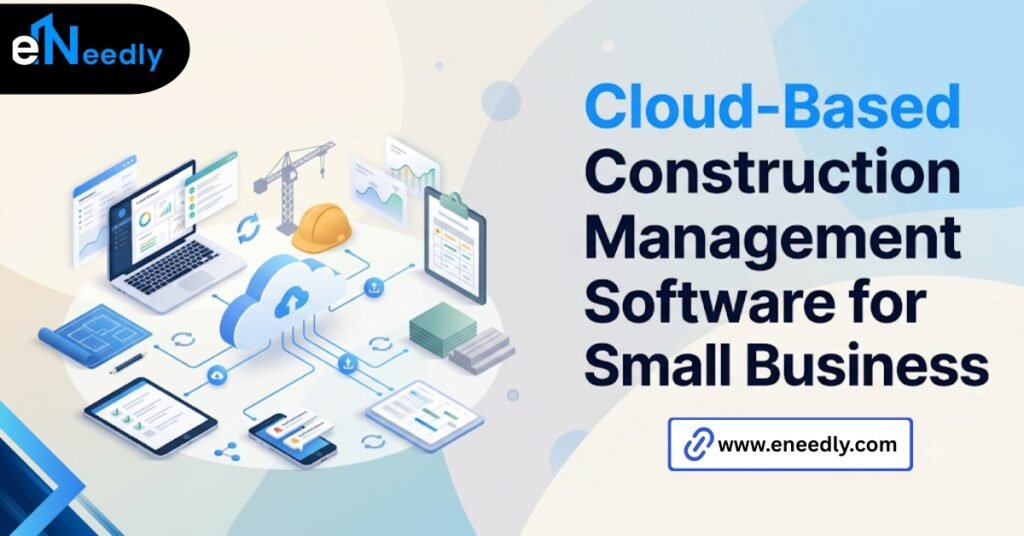
The mistake smaller firms make is picking based on the same criteria a 200-person GC would use, then paying for modules that sit unused. A small firm’s evaluation should weigh setup time and per-user cost more heavily than feature breadth.
A platform with excellent mobile access and weak reporting beats one with the reverse, if your crew of eight is mostly in the field. There’s also a staffing reality most enterprise-focused vendors ignore.
A small firm rarely has anyone whose job is administering the software. Whoever sets it up is also running projects, which means the platform needs to be usable without a dedicated admin, not just usable with one.
Common Mistakes Firms Make After They Buy It
Buying the software is the easy part. The mistakes show up in the first ninety days of use. Rolling out every module at once, rather than starting with scheduling and documents and adding RFI workflows once the basics are in place.
Skipping training for the site supervisors who actually need to use it daily. Assuming the vendor’s onboarding call is sufficient without checking whether the crew can actually navigate the mobile app under real conditions.
The most common one is simpler than all of these. Firms buy the software and never assign ownership for keeping it current. Nobody’s job includes making sure the schedule reflects reality by the end of the day.
There’s a quieter version of this mistake too. Firms migrate historical projects into the new system without cleaning up old data first, so the platform inherits years of inconsistent naming and abandoned templates. The software gets blamed for a mess it didn’t create.
How eNeedly Helps You Choose and Implement the Right System
Picking construction management software from a features comparison page is how firms end up with a platform that looks right on paper and gets abandoned by the crew within a month.
eNeedly has spent 8+ years helping businesses evaluate software against how their teams actually work, not against a vendor’s roadmap slide. For construction firms, that means testing mobile access under real field conditions before signing anything, not after.
When an off-the-shelf platform doesn’t fit the way a firm actually runs projects, eNeedly also builds custom integrations and tools that connect the gaps a generic system leaves open.
The goal isn’t selling you a particular platform. It’s making sure whatever you choose gets used past week one. That sometimes means a straightforward vendor recommendation.
Other times it means a lighter custom build that talks to your existing accounting software instead of forcing a full platform switch nobody on the team asked for.
Frequently Asked Questions
What is cloud-based construction management software?
It’s a hosted platform for scheduling, documents, budgets, and field reporting that runs over the internet instead of on a local server. Office and field staff access the same live data from any device with a connection.
Is cloud construction software secure?
Reputable vendors use encryption in transit and at rest, along with role-based permissions for who sees what. Ask any vendor for their specific security certifications and data handling policy before assuming coverage.
Does cloud-based construction software work without internet on site?
It depends entirely on the vendor. Some offer genuine offline mode that caches data and syncs later. Others technically support mobile but require a live connection to function, which fails often on remote sites.
How much does cloud-based construction management software cost?
Pricing typically runs per user per month, which means a small crew and a large GC land in very different budgets for the same platform.
Can small construction businesses use cloud-based project management tools?
Yes, and the better fit for a small firm is usually a lighter tier focused on scheduling and documents rather than an enterprise package with unused modules. Evaluate based on your team’s actual daily workflow, not feature count.
What’s the difference between cloud-based and on-premises construction software?
Cloud-based software is hosted by the vendor and accessed remotely, with lower upfront cost and easier field access. On-premises runs on your own servers, giving you more direct control but requiring in-house IT support.
How long does it take to implement construction management software?
Timeline varies by firm size and how many modules you roll out at once. Firms that start with scheduling and documents before adding RFI or budget workflows tend to see faster, steadier adoption.