
Quick Answer
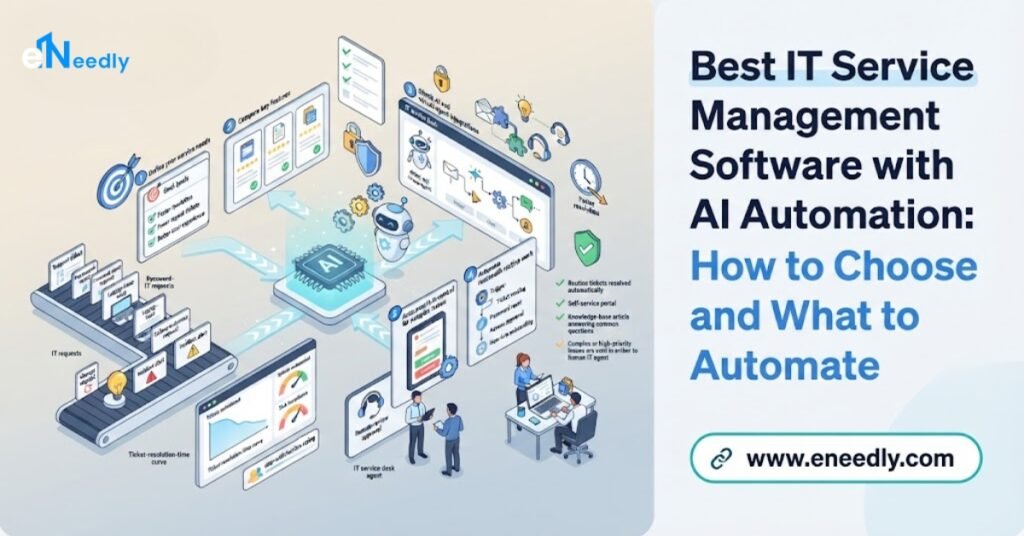
AI ITSM software works best when it fits how your IT team actually works. It captures every request and incident in one place, classifies and routes tickets correctly and answers routine questions through a self-service portal.
It suggests relevant knowledge to agents, automates standard requests such as access and onboarding, summarizes long ticket threads and reports clearly on performance. People stay in control of risky actions.
It captures every request and incident in one place, classifies and routes tickets correctly, answers routine questions through a self-service portal, suggests relevant knowledge to agents, automates standard requests such as access and onboarding, summarizes long ticket threads and reports clearly on performance, all while keeping people in control of risky actions.
No single product is best for every organization, so the right choice comes from testing options on your own tickets and processes. eNeedly, a digital solutions agency with over 8 years of experience and a focus on workflow automation, helps organizations define their requirements and build the service portals, automated workflows, integrations and dashboards around the tools they choose.
What Is IT Service Management, and What Is AI ITSM Software?
IT service management, often shortened to ITSM, is the way an organization designs, delivers, supports and improves the IT services that its people and customers depend on. When an employee cannot log in, needs new software or reports a slow system, ITSM is the set of processes and tools that make sure the request is recorded, handled and resolved.
A typical ITSM practice covers several processes.
- Incident management. Restoring service quickly when something breaks.
- Service request management. Handling standard requests, such as new accounts, equipment or software access.
- Problem management. Finding and fixing the root causes of repeated incidents.
- Change management. Planning and approving changes to systems so they do not cause new problems.
- Asset and configuration management. Knowing what equipment, software and services exist and how they connect.
- Knowledge management. Keeping useful, accurate articles and answers that help users and agents.
- Service catalog. Offering a clear menu of services people can request.
- Service level management. Setting and meeting agreed response and resolution targets.
ITSM software is the system that supports these processes, usually centered on tickets: records of requests and incidents that move from creation to resolution.
Why Do IT Teams Need Automation?
Most IT teams, from small businesses to large enterprises, share the same strains.
- Too many tickets. Requests arrive by email, chat, phone and forms, and the queue never empties.
- Repetitive requests. Password resets, access requests, software installs and onboarding steps consume huge amounts of time.
- Manual triage. Staff read each ticket, decide what it is and assign it by hand.
- Slow routing. Tickets bounce between teams before reaching the right person.
- Poor ticket quality. Users describe problems vaguely, so agents must ask follow-up questions.
- Knowledge gaps. Answers exist but are hard to find, outdated or written for experts.
- Duplicate tickets. Many users report the same outage separately.
- Missed deadlines. Without alerts, tickets approach service targets unnoticed.
- Approval delays. Requests wait for managers who are busy or away.
- Onboarding and offboarding complexity. Each new or departing employee triggers a long chain of tasks across teams.
- Limited visibility. Leaders struggle to see trends, bottlenecks and workload.
- Burnout. Skilled engineers spend their days on routine work.
Automation addresses these strains by handling the repeatable parts and giving people better information for the rest.
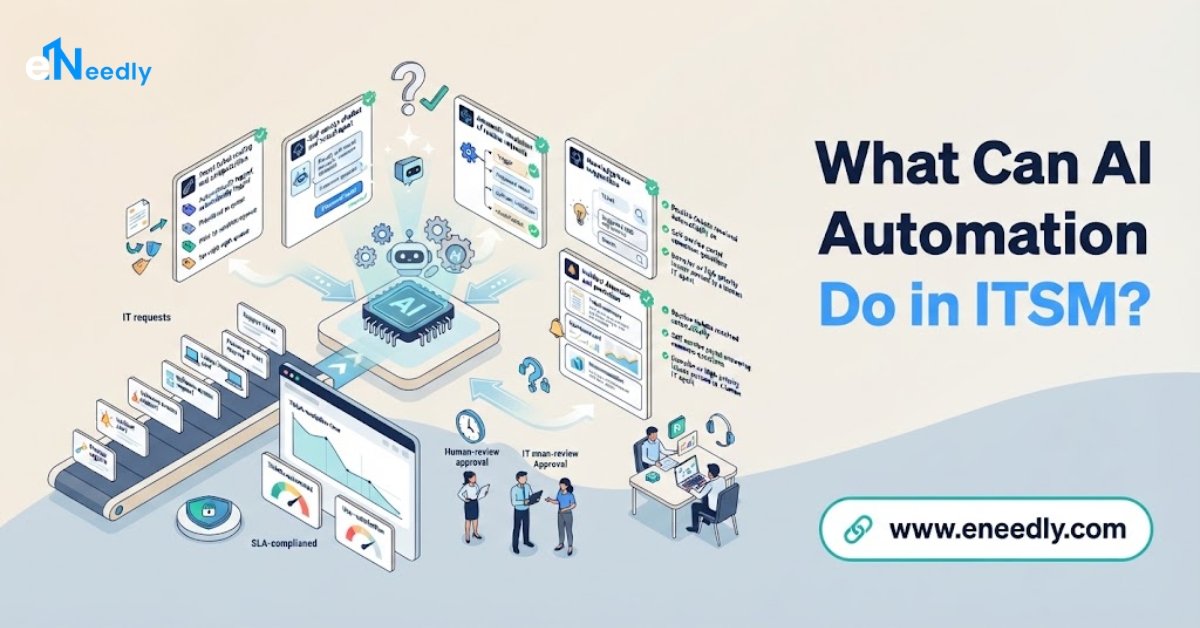
What Can AI Automation Do in ITSM?
AI adds the ability to read and understand free-text requests, find patterns and draft helpful output.
Understanding and classifying tickets
AI can read a user’s description, identify the category and urgency, extract key details such as the affected system or location and fill in the right fields, so tickets are complete and consistent.
Routing to the right team
Based on content, category and skills, tickets are assigned to the right queue or person immediately, which reduces bouncing.
Self-service through a virtual assistant
A chat assistant can answer common questions, guide users through simple fixes, collect details for a ticket and open one only when needed. Many routine problems are solved before a ticket exists.
Suggesting knowledge
While an agent works on a ticket, AI can suggest relevant articles and past solutions, and help draft replies in clear language.
Summarizing tickets and conversations
For long threads, AI can produce a short summary of the issue, what has been tried and what is pending, which helps at handovers and escalations.
Detecting duplicates and major incidents
AI can notice that many tickets describe the same problem, link them to one incident and trigger major incident procedures sooner.
Automating standard requests
Workflows can carry out routine requests end to end, such as creating an account, granting standard access, ordering equipment or scheduling a training session, with approvals where needed.
Onboarding and offboarding workflows
A single event, such as a new hire, can trigger all the tasks across IT, HR, facilities and managers, with tracking and reminders.
Predicting service level risk
AI can flag tickets likely to miss their targets, so someone can act in time.
Assisting change management
AI can help assess likely risk by comparing a proposed change with past changes and incidents, and draft change summaries for approval. People decide.
Improving knowledge
AI can propose new articles from solved tickets and flag outdated ones, for review by an expert.
Reporting and insight
Dashboards and summaries show workload, response times, recurring issues and trends, with plain-language explanations.
What Are the Benefits?
- Faster resolution. Tickets reach the right person with the right information.
- Fewer tickets for agents. Self-service and automation resolve routine requests.
- Better user experience. People get answers quickly, at any hour.
- Consistent handling. Each ticket follows the same agreed process.
- Less repetitive work. Engineers spend more time on projects and complex problems.
- Fewer missed targets. Alerts and predictions help meet service levels.
- Faster onboarding and offboarding, with fewer forgotten steps.
- Better knowledge. Useful answers are easier to find and keep current.
- Clearer reporting. Leaders see where the effort goes and where problems repeat.
- Scalability. The business can grow without a matching growth in manual IT work.
What Should You Look for in ITSM Software with AI Automation?
Use these criteria to compare any option, instead of relying on feature lists.
Fit with your processes
Does it support the processes you actually use, such as incident, request, problem, change and asset management, in the way you work?
Quality of AI on your own tickets
Test classification, routing, summaries and suggestions on your real tickets, including messy ones.
Explainability
Can agents see why a ticket was categorized or routed in a certain way, and correct it?
Self-service experience
Is the portal or assistant clear, accessible and useful to non-technical users?
Knowledge management
Is it easy to create, review, update and retire articles, with AI assisting under human review?
Workflow flexibility
Can you build and change automations, approvals and service catalog items without long projects?
Integration
Does it connect with your identity, communication, monitoring, asset and HR systems?
Approval and control
Can you require human approval for sensitive requests and see a full record of every automated action?
Security and access control
Is the system protected, with role-based access and strong authentication? Automation that can create accounts and grant access must be tightly controlled.
Privacy handling
Where is data stored, who can see it and is it used for anything beyond your service?
Reporting
Does it give clear measures, such as response times, resolution times, backlog, repeat issues and automation rates?
Ease of administration
Can a small team configure and maintain it without constant outside help?
Scalability
Will it handle growth in users, tickets and services?
Total cost
Include licenses, setup, integration, training and maintenance.
Support and adaptability
Will someone help you adapt it as your organization changes?
Should You Buy ITSM Software, Build, or Combine?
In practice, most organizations combine approaches.
A ready-made ITSM product is usually the right foundation when:
- You need a full ticketing and process system quickly.
- Your processes are fairly standard.
- You need features such as asset tracking, change management and service level tracking out of the box.
- You want vendor support and regular updates.
A custom workflow layer is valuable when:
- You already have an ITSM tool but too many steps are manual.
- You need service portals, forms and approvals designed around your own organization.
- You want to connect IT workflows to HR, finance, communication and other business systems.
- You need onboarding, offboarding and request workflows that fit your structure.
- You want to add AI-assisted classification, summaries and reporting without replacing your core system.
A lightweight custom system can be enough when:
- You are a small organization with simple needs.
- A full ITSM suite would be more than you can use or afford.
Being honest about this matters. eNeedly is not an ITSM software vendor. We are most useful as the team that designs and builds the portal, workflows, integrations and reporting around your chosen system, or as the builder of a lightweight custom solution for smaller needs.
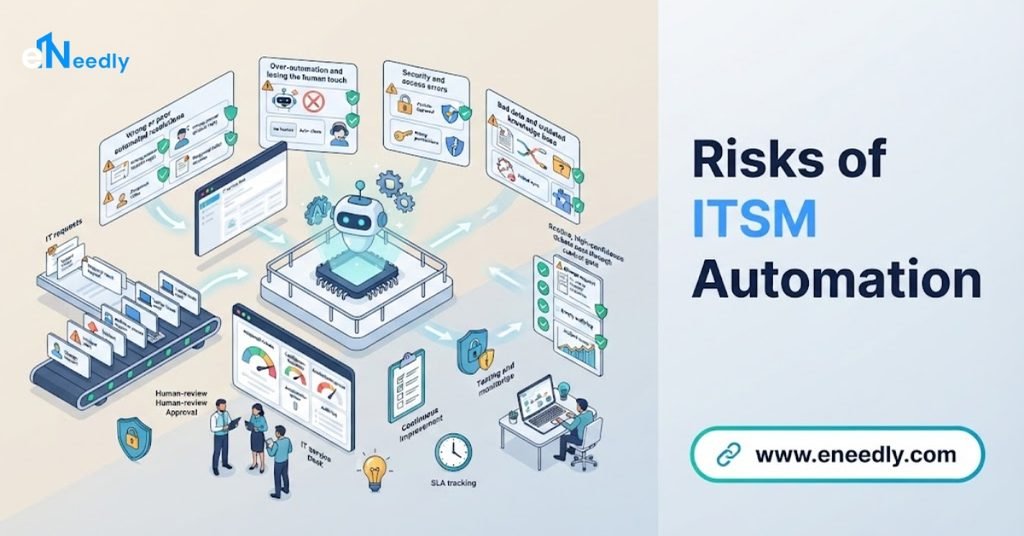
What Are the Risks of ITSM Automation?
Because ITSM automation touches accounts, access and systems, risks deserve attention.
Wrong automatic actions. Granting the wrong access or changing the wrong account can create security problems. Require approvals for sensitive requests and keep full records.
Incorrect classification and routing. Mistakes send tickets to the wrong team and slow resolution. Review accuracy regularly.
Wrong self-service answers. If a virtual assistant gives incorrect or outdated instructions, users may be harmed or frustrated. Use approved knowledge, and always offer a way to reach a person.
Invented answers. AI can produce confident but false statements. Answers should come from approved articles and real data.
Automating a messy process. Automation makes a confusing process faster, not better. Simplify first.
Security of the tool itself. An ITSM system holds broad information about your environment and people. Protect access.
Privacy. Tickets contain personal and sometimes sensitive information. Control who sees what.
Over-trust. Agents should not accept every AI suggestion without thinking.
Poor data. Inaccurate asset records or categories weaken results.
Change fatigue. Users and agents need time and training to adopt new ways of working.
A careful, step-by-step approach with approvals, testing and review addresses most of these risks.
What Should Be Automated First?
A useful principle is to start where volume is high and risk is low.
Good first candidates:
- Ticket classification, routing and completeness checks.
- Answers to frequent how-to questions through a self-service assistant.
- Knowledge suggestions for agents.
- Ticket summaries for handovers.
- Notifications, reminders and escalations for service targets.
- Simple, low-risk requests, such as standard software requests with a manager’s approval.
Add later, with approvals and testing:
- Account creation and access changes.
- Onboarding and offboarding workflows.
- Automated resolution of common incidents.
- Change risk assessment support.
Keep human-led:
- Major incident decisions.
- Security-sensitive access approvals.
- Final approval of significant changes.
- Policy decisions and exceptions.
How to Choose and Roll Out Step by Step
Step 1: Measure your starting point
Count tickets per month by type, response and resolution times, repeat issues, backlog and the share of requests that are routine.
Step 2: Map your processes
Write down how incidents, requests and changes flow today, who is involved and where delays occur.
Step 3: Identify the biggest time-wasters
Find the high-volume, repetitive ticket types and the steps where tickets stall.
Step 4: Write requirements
Turn these findings into specific requirements about processes, integrations, automation, security and reporting.
Step 5: Test with real tickets
Gather a sample of real tickets, including vague and complicated ones, and test each option on classification, routing, summaries and suggestions.
Step 6: Review security, privacy and cost
Have your IT security and compliance advisers review access control and data handling, and calculate total cost over several years.
Step 7: Start with a pilot
Begin with one team, one service or one ticket type, so you can learn safely.
Step 8: Prepare knowledge
Write or update clear, approved answers for the most common questions before turning on self-service.
Step 9: Automate low-risk steps first
Start with classification, routing, suggestions and reminders. Add request automation with approvals later.
Step 10: Train agents and users
Explain what is new, how to use the portal and how to reach a person.
Step 11: Measure and review
Compare results with your baseline, review accuracy and gather feedback from agents and users.
Step 12: Expand and refine
Add more services and automations gradually, and keep knowledge and rules current.
What Mistakes Should You Avoid?
- Choosing by feature list. Test on your own tickets and processes.
- Automating before simplifying.
- Turning on risky automation first. Begin with low-risk, high-volume tasks.
- Neglecting knowledge. Self-service is only as good as your articles.
- Hiding the human option. Users must be able to reach a person.
- Ignoring security of automated access.
- No owner for the system. Someone must be responsible for configuration and improvement.
- Skipping training.
- Measuring only ticket counts. Track resolution quality and user satisfaction.
- Forgetting regular review.
How Can eNeedly Help?
eNeedly combines web development, business development, digital marketing and lead generation, with a strong focus on workflow automation. We do not sell ITSM software and we do not replace your IT leadership. We help you choose sensibly and build the layer that makes your service management easier to use.
Here is what we can do for you.
Process and ticket review
We study how requests and incidents flow in your organization, analyze your ticket types and find the best candidates for automation.
Requirements and selection support
We help you write clear requirements, design a fair test using your own tickets and compare options honestly.
Service portals and request forms
We design and develop clear, mobile-friendly service portals and smart forms that capture complete information and guide users to the right service.
Request and approval workflows
We build automated workflows for standard requests, with approvals, reminders, escalation and a record of every step.
Onboarding and offboarding workflows
We connect IT, HR, facilities and managers, so one event triggers all the tasks, with tracking and reminders.
Integration between your systems
We connect your ticketing, identity, communication, asset and HR tools, so information flows without retyping.
AI-assisted classification and summaries
We add AI features that categorize tickets, extract key details, draft summaries and suggest knowledge, always with agent review.
Knowledge workflows
We set up simple workflows for creating, reviewing, updating and retiring articles, so answers stay accurate.
Dashboards and reporting
We provide clear views of ticket volume, response and resolution times, backlog, recurring issues and automation results.
Lightweight custom solutions
For smaller organizations with simple needs, we can build a focused request and tracking system, without the weight of a full suite.
Training and ongoing support
We train your team and provide ongoing support, so the system keeps improving as your organization changes.
Our Process at eNeedly
Free consultation. We listen to your goals and the IT service problems you face.
Review. We look at your tickets, processes, tools and data.
Honest recommendation. We tell you what to build, what to buy and what to leave alone.
Design. We plan the portal, workflows, approvals, integrations and reports with your IT team.
Build and connect. We create the workflows and link your systems.
Testing. We test with real tickets and scenarios before launch.
Pilot and training. We launch with one service or team and train your people.
Monitoring and improvement. We review results and expand carefully.
Which Organizations Benefit Most?
ITSM automation is especially useful for:
- Growing companies whose IT requests have outgrown email and spreadsheets.
- Small IT teams supporting many users.
- Organizations with frequent hiring and departures, where onboarding and offboarding take time.
- Businesses with several sites or departments that need consistent service.
- Managed service providers supporting multiple clients.
- Teams with long ticket backlogs and many repeated requests.
- Organizations that must show service performance to leadership or customers.
If your IT team spends its days on password resets and access requests, automation can give those hours back.
How Do You Measure Success?
Track these numbers before and after.
- Tickets per month and the share resolved through self-service.
- First response time and resolution time.
- Backlog size and age.
- Reassignment rate, meaning how often tickets move between teams.
- Share of requests automated end to end.
- Service target breaches, which should fall.
- Repeat incidents, which show how well root causes are fixed.
- Accuracy of classification and routing, from sampling.
- User satisfaction and agent satisfaction.
- Time to complete onboarding and offboarding.
What Affects the Cost?
The cost depends on your organization, so there is no single price for every business. The main factors are:
- The number of services and workflows to automate.
- The volume of tickets and users.
- The systems to connect.
- The amount of AI assistance and review needed.
- Portal and form development.
- Security and approval requirements.
- Reporting needs.
- Ongoing support after launch.
The easiest way to get a clear answer is to talk to us. After a short discussion about your tickets and goals, we can suggest a plan that fits your organization and explain what is included.
Get Started with a Free Consultation
Good IT service management makes technology feel easy for everyone else. With the right software, clear processes and carefully designed automation, your team can answer faster, solve problems earlier and spend less time on repetitive work. eNeedly can help you choose, build and improve it step by step.
Here is how to begin:
Book a free consultation using the booking form on our website.
Tell us about your IT requests and where time or visibility is lost.
Receive a clear plan for service management workflows that fit your organization.
You can also contact us directly at info@eneedly.com or on +92 345 114 4664.
Frequently Asked Questions
What is IT service management software?
It is a system that records and manages IT requests, incidents, problems, changes and assets, usually around tickets, with workflows, a service catalog, knowledge articles and reporting. It helps IT teams respond consistently and helps leaders see how services perform.
How does AI automation help IT service management?
AI can classify and route tickets, answer routine questions through a self-service assistant, suggest knowledge to agents, summarize long threads, detect duplicates and major incidents, automate standard requests and predict service target risks, while people handle complex and sensitive matters.
Which ITSM software is the best?
There is no single best option. The right choice depends on your processes, ticket volume, integrations, security needs, team size and budget. Test candidates on your own tickets, compare total cost and involve your agents in the decision.
Can AI resolve IT tickets on its own?
For simple, well-understood issues, yes, such as common how-to questions and certain standard requests. Sensitive actions, such as granting access, should need approval, and every automated action should be recorded.
Is it safe to automate access requests?
It can be, with controls. Require approvals from the right people, limit what can be granted automatically, apply least-privilege rules, keep a full audit trail and test carefully before launch.
What should I automate first?
Start with high-volume, low-risk tasks: classification and routing, answers to common questions, knowledge suggestions, ticket summaries and reminders for service targets. Add request automation and onboarding workflows once the basics work well.
How long does it take to set up?
The timeline depends on the number of services, the systems to connect, your security requirements and the amount of knowledge to prepare. A pilot with one service or ticket type is faster than a full rollout. After reviewing your environment, we can give you a realistic timeline.
Why choose eNeedly for ITSM workflow automation?
eNeedly combines web development, business development, digital marketing and lead generation, with over 8 years of experience and a focus on workflow automation.
We build the portals, workflows, integrations and dashboards around your chosen system, we are honest about what to buy and what to build and you can start with a free consultation to see how it would work for your organization.