
Quick Answer
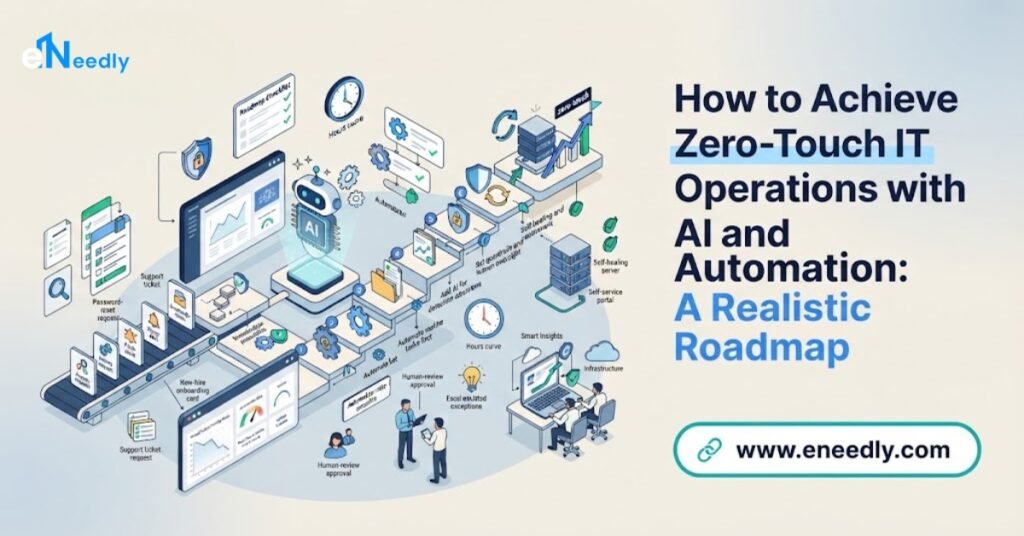
To achieve zero-touch IT operations with AI and automation, you move step by step from manual work to scripted tasks, then to automated workflows, self-service, self-healing and finally hands-off handling of well-defined routine work.
The path is: document and standardize your processes, clean up your asset and identity data, automate the highest-volume, lowest-risk tasks first, add monitoring and safe automatic fixes, build in approvals and limits, measure everything and expand gradually.
Zero-touch should mean no human effort for routine, well-understood tasks, never zero human oversight.
eNeedly, a digital solutions agency with over 8 years of experience and a focus on workflow automation, helps organizations design and build the workflows, portals, integrations, approvals and dashboards that make this journey practical.
What Does Zero-Touch IT Operations Mean?
“Zero-touch” describes work that happens from start to finish without a person having to do any of the steps. The idea has a long history in IT, for example in setting up devices so that they configure themselves when first switched on.
Modern IT teams use the phrase more broadly for operations that run by themselves: new employees receive accounts and equipment automatically, software updates roll out without manual effort, common problems fix themselves and routine requests are completed without a ticket ever reaching an engineer.
It is important to be honest about what the phrase means in practice.
- It is a direction, not a switch. Almost no organization is fully zero-touch. It is a goal that applies to specific, well-defined tasks.
- It applies to routine, predictable work. Tasks that follow clear rules are good candidates. Unusual, risky or judgment-heavy work is not.
- It does not mean zero oversight. People still design the rules, set the limits, review results and handle exceptions. “Zero-touch” means no manual execution, not no responsibility.
- It is built on standardization. You cannot automate what is inconsistent.
A more accurate way to think about it is low-touch: the routine runs by itself, and people spend their time on design, exceptions, improvement and the work that needs human judgment.
Why Do Organizations Want It?
IT teams everywhere face similar pressures.
- Growing demand. More users, devices, applications and cloud services need support every year.
- Repetitive work. Password resets, access requests, onboarding steps, patching and routine checks fill the day.
- Slow turnaround. Requests wait in queues for someone to have time.
- Human error. Manual steps lead to mistakes, missed tasks and inconsistent setups.
- Skills shortages. Experienced engineers are hard to find and are wasted on routine tasks.
- Always-on expectations. Users and customers expect systems and support to work around the clock.
- Security and compliance pressure. Consistent configuration and timely updates are essential, and manual processes struggle to keep up.
- Cost pressure. Organizations must support more with the same or smaller teams.
- Burnout. Constant interruptions and repetitive tasks exhaust skilled people.
Automation promises relief from all of these, and AI extends what can be automated to tasks that involve reading, interpreting and deciding.
How Do AI and Automation Work Together?
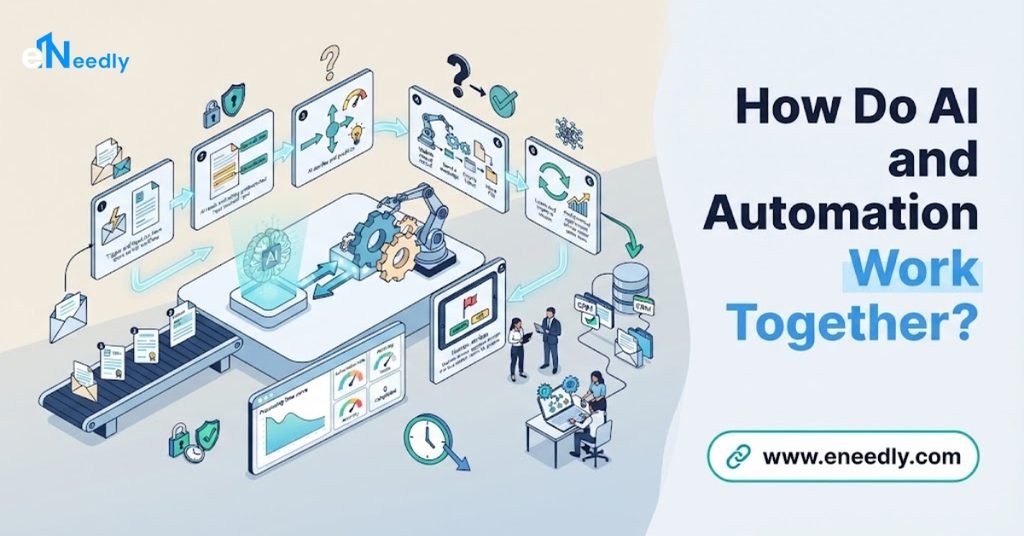
Traditional automation follows fixed rules: when X happens, do Y. It is reliable and efficient for predictable tasks, and it is the backbone of any zero-touch effort. Practices such as infrastructure as code, where systems are defined and set up from written, version-controlled instructions, are a good example. They make environments consistent and repeatable.
AI adds capabilities that fixed rules cannot provide.
- Understanding free text. Reading a user’s request or an error message and working out what it means.
- Classifying and routing. Deciding what a ticket is about and who or what should handle it.
- Spotting patterns. Noticing that a system is behaving unusually, or that many tickets share one cause.
- Drafting. Preparing summaries, replies, knowledge articles and change descriptions.
- Recommending actions. Suggesting the likely fix based on past cases.
- Prioritizing. Judging which issues matter most.
In a well-designed system, AI interprets and recommends, and automation executes, within limits, approvals and records set by people.
The Maturity Ladder: From Manual to Zero-Touch
Most organizations climb through recognizable levels. Knowing where you are helps you choose the next step instead of trying to leap to the top.
Level 1: Manual. Tasks are done by hand, following personal knowledge. Requests arrive by email, chat and phone, and results vary.
Level 2: Documented and tracked. Processes are written down, requests are logged in one place and tasks are assigned and tracked.
Level 3: Scripted. Engineers use scripts and tools for repeat tasks, but a person still starts and checks each one.
Level 4: Automated workflows. Standard tasks run automatically when triggered, with approvals built in. Examples are account creation after an approved request, or scheduled updates.
Level 5: Self-service. Users request standard services through a portal or assistant, and the workflow completes them without involving IT staff, except for approvals.
Level 6: Self-healing. Monitoring detects common problems and triggers approved fixes automatically, such as restarting a stuck service or clearing a full disk, with alerts and records.
Level 7: Zero-touch for defined domains. For specific, well-understood areas, such as onboarding, standard device setup or routine patching, the whole cycle from request to completion to verification happens without human effort, and people only handle exceptions and improvements.
The key insight is that each level depends on the one before. Self-healing without standardization is dangerous, and self-service without clear processes creates chaos.
Which IT Tasks Are Good Candidates for Zero-Touch?
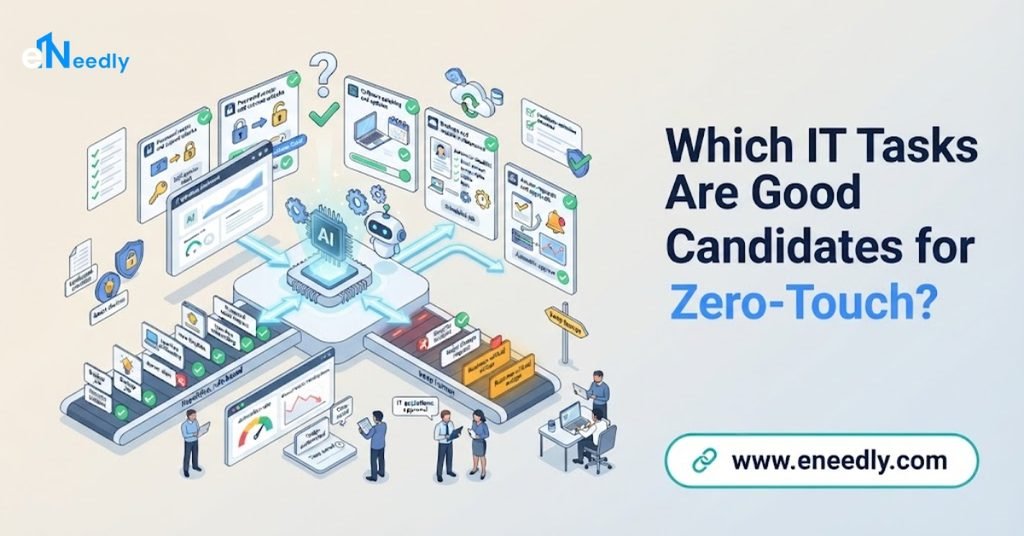
Start where volume is high, steps are clear and the risk of error is low.
Employee onboarding and offboarding
A single event, such as a new hire, triggers account creation, standard access, equipment ordering, welcome information and manager tasks. Departures trigger access removal and equipment recovery. This is often the first strong candidate.
Standard device setup
New laptops and phones can be configured automatically with the approved software and settings when first switched on, so staff receive ready-to-use equipment.
Software requests and installation
Approved applications can be requested through a portal and installed automatically, with manager approval where needed.
Password and account support
Self-service password resets and account unlocks, with identity verification, remove a large number of routine tickets.
Patching and updates
Updates can be tested, scheduled and rolled out in stages automatically, with checks and the ability to roll back.
Monitoring and self-healing
For common, well-understood problems, approved fixes can run automatically and be recorded.
Access requests
Standard access to applications and data can be granted through approved workflows, with time limits and regular reviews.
Ticket handling
AI can classify, route and, for simple cases, resolve tickets automatically, while giving agents summaries and suggested solutions for the rest.
Backup and recovery checks
Workflows can confirm that backups ran, test restores on a schedule and alert on failures.
Compliance and configuration checks
Automated checks can compare systems with the required standards, report differences and, where safe, correct them.
Reporting
Regular reports on tickets, systems, updates and service levels can be produced automatically.
Which Tasks Should Stay Human-Led?
A responsible plan also names what not to automate.
- Major incident decisions, such as taking critical systems offline.
- High-risk or irreversible changes.
- Security-sensitive approvals, such as privileged access.
- Novel problems that do not match known patterns.
- Policy decisions and exceptions.
- Communication with leadership, customers and regulators during serious events.
- Design and review of the automation itself.
The more damage an error could cause, the more human oversight is needed.
A Step-by-Step Roadmap to Zero-Touch
Step 1: Measure your starting point
Count tickets by type, time spent on routine tasks, onboarding time, update coverage, repeat issues and the share of requests that are standard. These numbers show where to begin and later prove progress.
Step 2: Document and standardize
Write down how routine tasks are done today, and simplify them. Agree on standard device configurations, standard access by role, standard software and standard request types. Standardization is the foundation of automation.
Step 3: Clean your data
Automation relies on accurate information. Make sure your records of users, roles, devices and applications are correct and consistent. Decide which system is the source of truth for identity and for assets.
Step 4: Choose the first targets
Pick two or three high-volume, low-risk tasks, such as onboarding steps, password resets or standard software requests.
Step 5: Design the workflows with guardrails
For each task, define the trigger, the steps, the approvals, the limits, the checks and what happens when something fails. Decide what must always be approved by a person.
Step 6: Build a safe test environment
Test workflows with realistic scenarios in a safe setting before they touch real systems.
Step 7: Connect your systems
Link your ticketing, identity, device management, communication, monitoring and HR systems, so information and actions flow without manual copying.
Step 8: Add self-service
Give users a clear portal or assistant for standard requests, with good knowledge articles, and a simple way to reach a person.
Step 9: Add AI assistance
Introduce AI for classification, routing, summaries and suggestions, with human review at first. Track accuracy and corrections.
Step 10: Introduce monitoring and safe self-healing
Start with alerting and context. Then allow approved, reversible fixes for well-understood problems, with limits on how often and how widely they can run.
Step 11: Pilot and measure
Run with one team, one site or one task type. Compare results with your baseline and gather feedback from IT staff and users.
Step 12: Train and support your people
Show staff what is automated, how to monitor it, how to intervene and how to improve it. Their role shifts from doing to designing and supervising.
Step 13: Expand gradually
Add more tasks and services in small steps, repeating the cycle of standardize, design, test, pilot and measure.
Step 14: Review continuously
Review automations regularly, retire those no longer needed, update them as systems change and use incidents as lessons.
What Guardrails Make Zero-Touch Safe?
Automation can fix a problem in seconds, and it can also spread a mistake just as fast. Guardrails are what make hands-off operations safe.
Least privilege. Automation should have only the access it needs.
Approval rules. Sensitive actions require a person’s approval from the right role.
Limits on scale. Cap how many systems or users an automation can affect at once, so one error cannot spread widely.
Staged rollouts. Apply changes to a small group first, check results, then continue.
Reversibility. Every automatic action should be easy to undo, and undoing should be tested.
Pre-checks and post-checks. Verify conditions before acting and confirm success afterward.
Rate limits and cooling-off periods. Prevent runaway loops, such as a fix that repeats endlessly.
Kill switch. A simple, tested way to pause an automation immediately.
Full audit trail. Record every action, reason and result.
Monitoring of the automation itself. Alert when automations fail, stall or behave unusually.
Version control. Keep automations under change control, with review before changes go live.
Human escalation. Clear conditions that stop the automation and hand over to a person.
Regular review. Check permissions, results and relevance on a schedule.
What Are the Risks?
Automating a messy process. It makes the mess faster. Standardize first.
Large blast radius. One faulty automation can affect many systems at once. Use limits and staged rollouts.
Security exposure. Automation often holds powerful access, so it is an attractive target. Protect credentials and monitor activity.
Runaway automation. Loops and repeated actions can cause outages. Add rate limits and kill switches.
Wrong AI judgments. AI can misclassify or misread. Keep review and track accuracy.
Hidden failures. If automation fails silently, work may not be done. Monitor outcomes, not only actions.
Skill erosion. If nobody understands the manual steps, recovery in a failure becomes hard. Document and train.
Complexity. Too many automations without ownership become a tangle. Keep an inventory and owners.
Change fatigue. Staff and users need time and support to adapt.
Over-promising. Calling a goal “zero-touch” can create unrealistic expectations. Aim for clear, measurable improvements.
How Do You Measure Progress?
Track a few clear numbers over time.
- Share of requests completed without human effort, by type.
- Time to complete common requests, such as onboarding.
- Tickets per user, which should fall as self-service and automation grow.
- Engineer time spent on routine tasks.
- Automation success and failure rates.
- Manual interventions and the reasons for them.
- Update and patch coverage and speed.
- Repeat incidents, which show whether root causes are being fixed.
- Configuration consistency across devices and systems.
- User and IT staff satisfaction.
- Incidents caused by automation, which should be rare and well understood.
How Can eNeedly Help You Move Toward Zero-Touch?
eNeedly combines web development, business development, digital marketing and lead generation, with a strong focus on workflow automation. We do not replace your IT leadership or your engineers. We help you design the workflows, portals, connections and controls that let routine work run on its own.
Here is what we can do for you.
Process review and standardization
We study how routine IT work is done today, find the repetitive and inconsistent steps and help you define standard processes that can be automated.
Roadmap and prioritization
We help you place your organization on the maturity ladder and plan a realistic sequence of automation steps with clear measures.
Service portals and request forms
We design and develop clear, mobile-friendly portals and smart forms for standard requests, so users get what they need without waiting for a person.
Onboarding and offboarding workflows
We connect HR, IT, facilities and managers, so one event triggers all the tasks, with tracking, approvals and reminders.
Request and approval workflows
We build automated workflows for standard requests, with approvals, limits, reminders, escalation and a record of every step.
Integration between systems
We connect your ticketing, identity, device, communication, monitoring and HR tools, so information and actions flow without retyping.
AI-assisted classification and summaries
We add AI features that classify and route tickets, draft summaries and suggest solutions, always with review and accuracy tracking.
Alerting and self-healing workflows
We build alert routing, escalation and, for well-understood issues, approved automatic fixes with limits, checks and records, working with your engineers.
Guardrails and approval screens
We implement the approvals, scale limits, rate limits and kill switches you define, and create simple screens where authorized people can approve or stop actions.
Dashboards and reporting
We provide clear views of automation rates, completion times, failures, manual interventions and trends, so you can see progress and spot problems.
Training and ongoing support
We train your team and provide ongoing support, so automation keeps improving as your systems and needs change.
Our Process at eNeedly
Free consultation. We listen to your goals and the IT operations problems you face.
Review. We look at your tasks, processes, tools and data.
Roadmap. We propose a realistic sequence, starting with the safest, highest-volume tasks.
Design. We plan the workflows, approvals, limits, integrations and reports with your IT team.
Build and connect. We create the workflows and link your systems.
Testing. We test with realistic scenarios in a safe environment.
Pilot and training. We launch with one team or task type and train your people.
Monitoring and expansion. We review results and expand step by step.
Which Organizations Benefit Most?
Moving toward zero-touch operations is especially useful for:
- Growing companies whose IT workload is rising faster than their team.
- Small IT teams supporting many users and devices.
- Organizations with frequent hiring and departures.
- Businesses with several offices or remote staff, where on-site support is costly.
- Managed service providers supporting many clients.
- Teams with long backlogs of routine requests.
- Organizations under security and compliance pressure to keep systems consistent and up to date.
If your engineers spend most of their time on the same few kinds of tasks, there is a strong case for automation.
What Affects the Cost?
The cost depends on your environment, so there is no single price for every organization. The main factors are:
- The number of tasks and workflows to automate.
- The systems to connect.
- The state of your processes and data, and how much standardization is needed.
- The amount of AI assistance and review.
- Portal and form development.
- Security, approval and guardrail requirements.
- Reporting needs.
- Ongoing support after launch.
The easiest way to get a clear answer is to talk to us. After a short discussion about your operations and goals, we can suggest a plan that fits your organization and explain what is included.
Get Started with a Free Consultation
Zero-touch IT operations are built one routine task at a time. With clear processes, clean data, strong guardrails and honest measurement, your team can hand the repetitive work to automation and spend its time on the problems that need people. eNeedly can help you plan the path, build the workflows and keep improving them.
Here is how to begin:
Book a free consultation using the booking form on our website.
Tell us about your IT operations and the routine tasks that take the most time.
Receive a clear plan for a realistic path toward zero-touch.
You can also contact us directly at info@eneedly.com or on +92 345 114 4664.
Frequently Asked Questions
What does zero-touch IT operations mean?
It means routine, well-defined IT tasks, such as onboarding, device setup, standard requests and common fixes, are completed from start to finish without manual effort. People still design the rules, set the limits, review results and handle exceptions, so it means no manual execution, not no oversight.
Is fully zero-touch IT realistic?
Not for everything. It is realistic for specific, predictable tasks. Unusual, risky or judgment-heavy work will always need people. A more accurate goal is low-touch operations, where the routine runs by itself and people focus on exceptions and improvement.
Where should I start?
Start with high-volume, low-risk tasks that follow clear rules, such as onboarding steps, password resets and standard software requests. Standardize the process, clean the underlying data and then automate, with approvals and limits in place.
How does AI help?
AI can read and classify requests, route tickets, summarize conversations, recommend likely fixes, spot unusual patterns and draft documents, which extends automation to tasks that involve understanding and judgment. Automation then carries out approved actions, within limits.
Is it safe to let systems fix problems automatically?
It can be, if guardrails are in place: least-privilege access, approvals for sensitive actions, limits on scale, staged rollouts, reversibility, pre-checks and post-checks, rate limits, a kill switch and a full audit trail. Start with low-risk, well-understood problems.
Will automation replace IT staff?
The aim is not to replace people. Routine tasks move to automation, while engineers focus on design, supervision, improvement, security and complex problems. Their work shifts from doing repetitive steps to building and supervising the systems that do them.
How long does it take to reach zero-touch for a task?
It depends on how standardized the task is, the systems to connect and your approval requirements.
A simple, well-defined task can be automated relatively quickly, while a wide range of services takes longer. After reviewing your operations, we can give you a realistic timeline.
Why choose eNeedly for IT operations automation?
eNeedly combines web development, business development, digital marketing and lead generation, with over 8 years of experience and a focus on workflow automation.
We build the workflows, portals, integrations and guardrails around your own processes and work alongside your IT team, and you can start with a free consultation to see how it would work for your organization.