

Quick Answer
Data migration to odoo from a legacy ERP, an aging custom-built system, or Excel-based record keeping typically takes 2 to 8 weeks for the data work alone, separate from any broader implementation timeline.
The biggest risk in legacy ERP migration to odoo is not the migration process itself but the accumulated data quality problems a legacy system has carried for years, which only become visible once migration forces a closer look.
A parallel run before full cutover protects against these hidden issues regardless of how old or unusual the legacy source system is.
Introduction
Every legacy system carries invisible debt in its data. Years of workarounds, manual corrections, and undocumented exceptions accumulate quietly until a migration project forces someone to look closely for the first time in a decade.
This guide covers how to migrate old software to odoo, whether that software is a purpose-built legacy ERP, a homegrown database, or a network of Excel spreadsheets holding a business together.
It builds on the general framework in Odoo migration process and the data discipline in Odoo data migration services, applied specifically to the unpredictable nature of legacy sources.
What Counts as a Legacy System?
A legacy system in this context means any source system old enough, custom enough, or undocumented enough that migrating from it requires more investigative work than migrating from a modern, well-documented platform.
This covers a wide range: an ERP platform the vendor no longer actively supports, a custom database built in-house years ago, or a collection of Excel spreadsheets that evolved into a business’s de facto system of record.
Old software in this category often lacks modern export tools, comprehensive documentation, or anyone still with the organization who fully understands how it was originally configured.
This absence of documentation is itself a defining characteristic of a difficult legacy migration, separate from the platform’s actual technical age.
Legacy migrations differ from migrations between modern, well-documented platforms specifically because the assessment phase carries more uncertainty. Nobody may know exactly what data exists, how complete it is, or what undocumented business rules the old system enforces until someone investigates directly.
Assessing an Undocumented Legacy System
Assessment for a legacy migration often starts with detective work rather than a straightforward technical audit.
Interviewing long-tenured staff who actually use the system daily frequently reveals more about how data is really structured and used than any technical documentation that may or may not still exist.
Direct database inspection, when access is available, often uncovers fields, tables, or relationships that no current documentation mentions.
This investigative step should happen before any migration timeline gets finalized, since discovering major undocumented complexity mid-project causes far more disruption than finding it during assessment.
Experienced odoo consultants for legacy system migration bring pattern recognition from having navigated similar undocumented systems before, which meaningfully speeds up this investigative phase compared to a team encountering this specific kind of uncertainty for the first time. This experience matters more for legacy migrations than for migrations between well-documented modern platforms.
Migrating from Excel-Based Record Keeping
Many small and growing businesses run critical operations on Excel spreadsheets that were never designed to be a system of record but became one through years of incremental use.
This is one of the most common legacy migration scenarios, and it carries its own specific challenges.
Excel-based data typically lacks the structural consistency a database enforces automatically, meaning the same piece of information might be formatted differently across different sheets, or even different rows within the same sheet.
This inconsistency needs to be resolved during data cleansing, before any migration into Odoo’s more structured data model can proceed cleanly.
Formulas and calculated values in Excel need particular attention, since a migration should capture the actual resulting values accurately rather than attempting to recreate spreadsheet formula logic inside Odoo.
Understanding what each calculated column actually represents, in business terms, matters more than preserving the specific formula that produced it.
Multiple spreadsheets maintained by different people or departments, tracking overlapping information with no single source of truth, require reconciliation before migration to determine which version of a given record is actually accurate.
This reconciliation work often takes longer than the technical migration itself for heavily spreadsheet-dependent businesses.
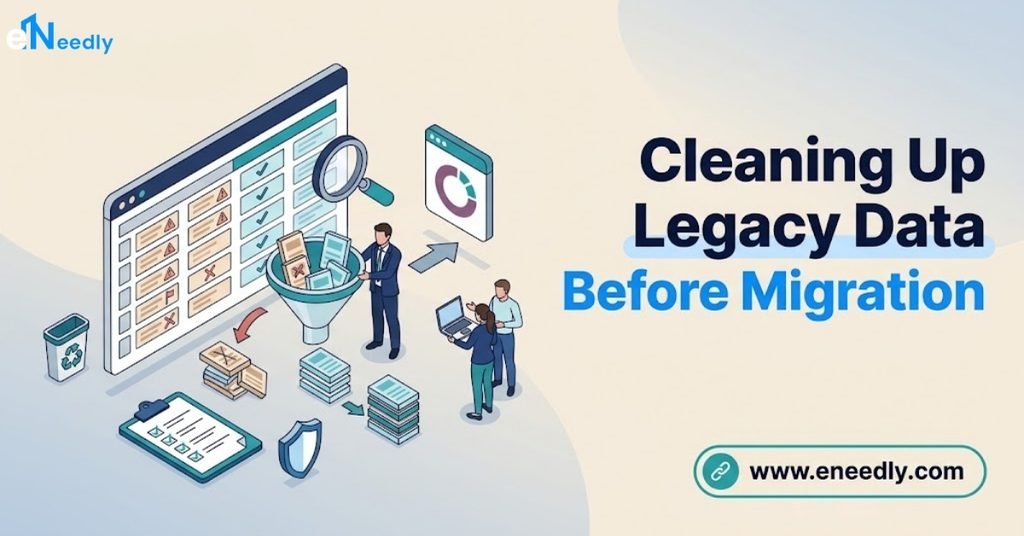
Data Cleansing for Legacy Sources
Data cleansing matters more for legacy migrations than for migrations between modern platforms, since legacy sources have generally had more years to accumulate duplicates, inconsistencies, and outdated information.
This step should happen in the source system, or in an intermediate staging file, before any data touches the new Odoo system.
Common legacy data problems include duplicate customer and vendor records created under slightly different names over years of manual entry, inconsistent formatting for dates, phone numbers, and addresses, and fields that were repurposed informally over time to mean something different than their original label suggests.
Each of these needs identification and resolution before migration, not after.
A structured data cleansing pass, working through the source data systematically by record type rather than attempting to catch every issue in a single review, produces more thorough and reliable results than an ad hoc cleanup effort.
This structured approach also creates a natural checkpoint for validating progress before moving to the next stage.
Data Mapping Without Modern Export Tools
Legacy systems without modern export capabilities sometimes require custom scripts to extract data directly from an underlying database, particularly for older custom-built systems with no standard reporting interface.
This adds technical complexity beyond what a modern platform’s standard CSV export would require.
Data mapping from a legacy source to Odoo’s model should proceed the same way as mapping from any other platform: understanding what business purpose each source field actually serves, then finding or creating the appropriate Odoo equivalent.
The absence of a modern, well-labeled export does not change this underlying mapping discipline, though it does make the initial data extraction more labor-intensive.
Undocumented legacy systems sometimes contain fields whose actual purpose has been forgotten entirely, used inconsistently by different staff over the years for different informal purposes. These fields need a business decision, made with input from long-tenured staff, about whether they carry enough genuine value to migrate at all or whether they can be safely left behind.
Why a Parallel Run Matters More for Legacy Migrations
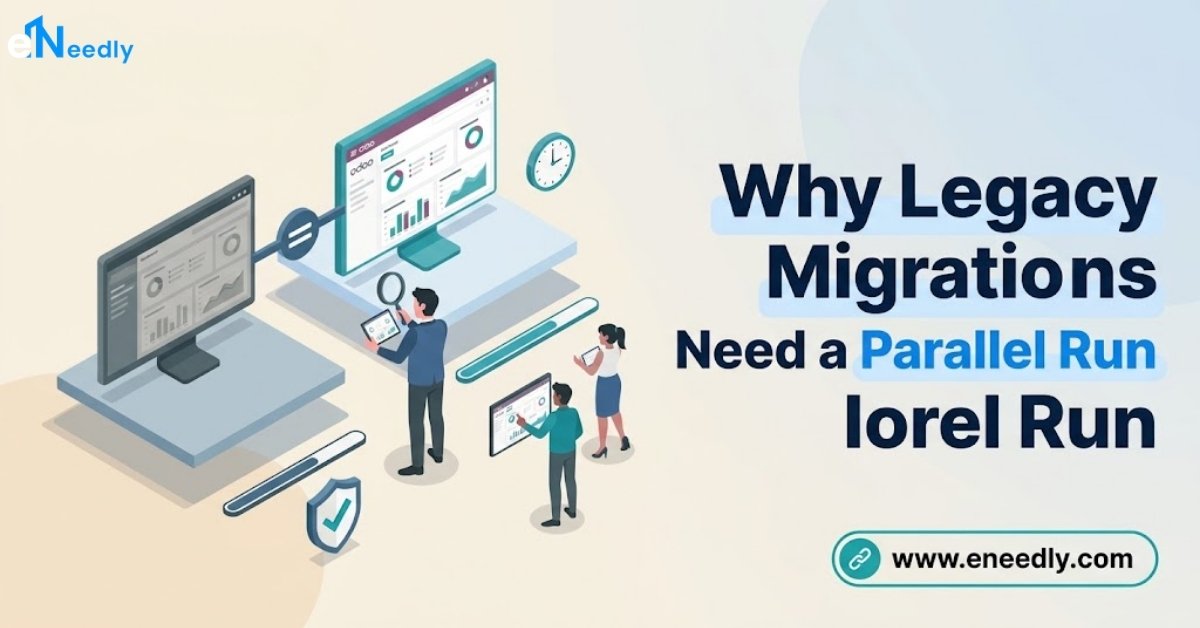
A parallel run, operating both the legacy system and Odoo simultaneously for a defined period before full cutover, provides particular value when migrating from an undocumented or poorly understood legacy source.
This period surfaces discrepancies that assessment and testing, however thorough, may not have caught given the source system’s inherent uncertainty.
Running parallel operations for at least one full business cycle, ideally covering a complete month-end or reporting cycle, catches issues that only appear under real operational patterns rather than isolated test scenarios.
This is worth the added time specifically because legacy migrations carry more unknown risk than migrations from well-documented modern platforms.
Keep the legacy system accessible in a read-only state well beyond the parallel run period, since undocumented systems sometimes reveal additional gaps or questions months after the primary migration work is considered complete.
Common Mistakes in Legacy ERP Migration
Assuming legacy data quality without direct investigation. Years of undocumented workarounds and informal field repurposing are common in legacy systems, and skipping direct investigation risks discovering these issues mid-migration rather than during assessment. Interview long-tenured staff and inspect the actual data directly before finalizing a migration plan.
Treating Excel-based businesses as simpler than they actually are. Multiple overlapping spreadsheets with no single source of truth can be more complex to reconcile than a single, if outdated, database system. Budget genuine reconciliation time for spreadsheet-based legacy migrations rather than assuming minimal complexity.
Attempting to preserve every undocumented legacy field. Migrating fields whose original purpose has been forgotten or repurposed informally adds complexity without corresponding business value. Make deliberate decisions about what genuinely needs to carry forward, with input from staff who understand actual current use.
Skipping a parallel run because the legacy system feels simple. Even a seemingly straightforward legacy system can carry hidden data quality issues that only real operational use surfaces. Run a parallel period regardless of how manageable the legacy system initially appears.
Choosing a migration partner unfamiliar with undocumented systems. A provider experienced only with migrations from well-documented modern platforms may underestimate the investigative time a genuinely undocumented legacy system requires. Confirm specific experience with legacy or undocumented source systems before hiring.
Who Needs Legacy ERP Migration Services
Businesses running an aging, vendor-unsupported ERP platform, a custom-built legacy database, or heavily Excel-dependent record keeping are the clearest candidates for this kind of migration.
This group typically faces more assessment uncertainty than businesses migrating from modern, well-documented platforms.
Businesses with long-tenured staff who understand the legacy system’s history and quirks are better positioned for a smoother migration than those where institutional knowledge has already been lost through staff turnover.
This makes migration timing a genuine strategic consideration, since waiting longer risks losing the people who understand the old system best.
This migration path applies less to businesses already running a modern, well-documented platform, where the general migration guidance in Odoo migration process applies more directly without the added investigative complexity legacy sources introduce.
Frequently Asked Questions
How long does a legacy ERP data migration take?
The data migration work alone typically takes 2 to 8 weeks, separate from any broader implementation timeline, depending heavily on how well-documented and clean the legacy source data is. Undocumented systems generally take longer due to the investigative work required.
Can Excel spreadsheets be migrated into Odoo?
Yes, through structured export and mapping, though reconciling multiple overlapping spreadsheets with no single source of truth often takes more time than the technical migration itself. Formula-driven calculated values should be captured as their resulting values rather than recreated as formulas in Odoo.
What if nobody understands how our legacy system was originally set up?
Interviewing long-tenured staff who use the system daily and directly inspecting the underlying data are the two most effective ways to reconstruct understanding when documentation is missing. Experienced consultants familiar with undocumented systems can meaningfully speed up this investigative process.
Why does a parallel run matter more for legacy migrations?
Legacy sources carry more inherent uncertainty than well-documented modern platforms, so a parallel run catches discrepancies that even thorough assessment and testing may miss. Running it through at least one full business cycle provides the strongest protection against hidden issues.
Should we migrate every field from our legacy system?
No, fields whose original purpose has been forgotten or informally repurposed over time should be evaluated individually rather than migrated by default. Make deliberate decisions about what carries genuine business value with input from staff familiar with actual current use.
How do we extract data from a system with no modern export tool?
Custom scripts accessing the underlying database directly are sometimes necessary for older systems lacking standard export capabilities. This adds technical complexity and time to the extraction phase compared to a modern platform’s standard CSV export.
Key Takeaways
Migrating from a legacy ERP, custom database, or Excel-based system to Odoo succeeds through patient investigation and disciplined data cleansing, not through assuming the source data is cleaner or better understood than it actually is.
The absence of modern documentation or export tools adds genuine complexity that a migration timeline should account for honestly.
A parallel run before full cutover provides particular protection for legacy migrations specifically, given the inherent uncertainty these older or informal systems carry.
Involving long-tenured staff early in the assessment process captures institutional knowledge that formal documentation may no longer reflect accurately.
Interview the staff who actually use your legacy system daily before finalizing any migration timeline or scope.