
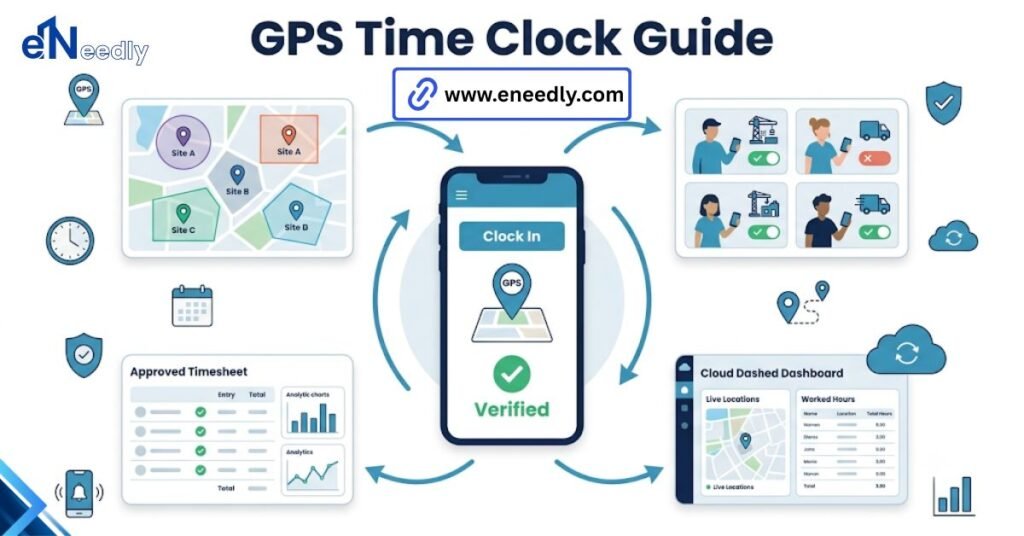
A GPS time clock app for employees records an employee’s location when they clock in or out, tied to a set work site. Many versions add geofencing, which restricts clock-ins to a defined radius around that site.
Businesses use it to confirm remote and field staff are actually on site when they clock in. A construction supervisor gets a text from head office asking why three crew members clocked in from a coffee shop two miles from the site.
That is the exact problem a GPS time clock app for employees exists to catch, and also the exact moment where most rollouts start going sideways with the crew.
The technology itself is not complicated. What separates a rollout that works from one that generates weeks of employee complaints usually comes down to details nobody covers in the sales call.
What A GPS Time Clock App For Employees Actually Does
At its core, this is a mobile app that captures an employee’s location at the moment they punch in or out, then attaches that location stamp to the time record. Managers see where a clock-in happened, not just when. Some versions stop there.
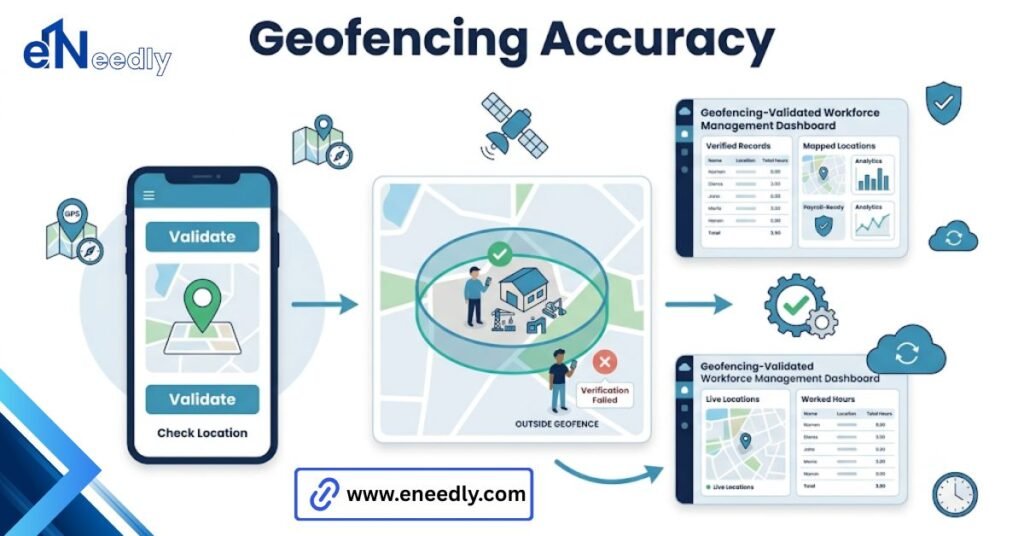
Others layer on geofencing, which draws a virtual boundary around an approved work site and blocks or flags clock-ins that happen outside it. The GPS stamp itself is not the point. It is the verification layer sitting on top of a standard time punch.
What Gets Marketed Versus What Actually Matters
Product pages for this category lean hard on “real-time location tracking.” It sounds impressive. It is also mostly irrelevant to whether the tool works for a specific crew.
What actually decides whether a GPS time clock app holds up in practice is geofence radius accuracy at each individual site. Set it too wide, and someone clocks in from a parking lot down the street. Set it too tight, and legitimate employees get locked out, standing right at the entrance.
Battery draw matters more than most buyers expect, too. Continuous or frequent GPS pinging over an eight- or ten-hour shift pulls noticeably on the employee’s own phone battery, not the employer’s device. That cost lands on the worker, and it is rarely mentioned before rollout.
Employee pushback tends to come less from the tracking concept itself and more from unclear rules. When nobody explains exactly when the app captures location and when it does not, people assume the worst. A short, plain explanation up front heads off most of that friction before it starts.
How Geofencing Time Clock Accuracy Really Works
Geofencing sounds precise. GPS on a phone is not, especially indoors or between tall buildings, and that gap between the marketing and the physics is where most complaints originate.
Why Geofence Radius Size Decides Whether It Helps Or Annoys
A radius set at 50 meters works fine for an open lot. The same radius on a dense downtown block, surrounded by other buildings, can put half a legitimate work address outside the boundary.
Site-by-site tuning is not optional if the workforce spans different environments. A single default radius applied everywhere is one of the fastest ways to generate support tickets in the first week.
What Causes GPS Drift On Real Job Sites
GPS drift happens most often indoors, in parking structures, or near tall buildings that bounce the satellite signal. A phone can report a location 30 to 100 meters away from where the person is actually standing.
Field staff working inside warehouses or multi-level facilities run into this constantly. A tool that only tests well in open outdoor conditions during a demo will behave differently once it hits a real site.
Where Businesses Choose Badly, and How eNeedly Helps Avoid It
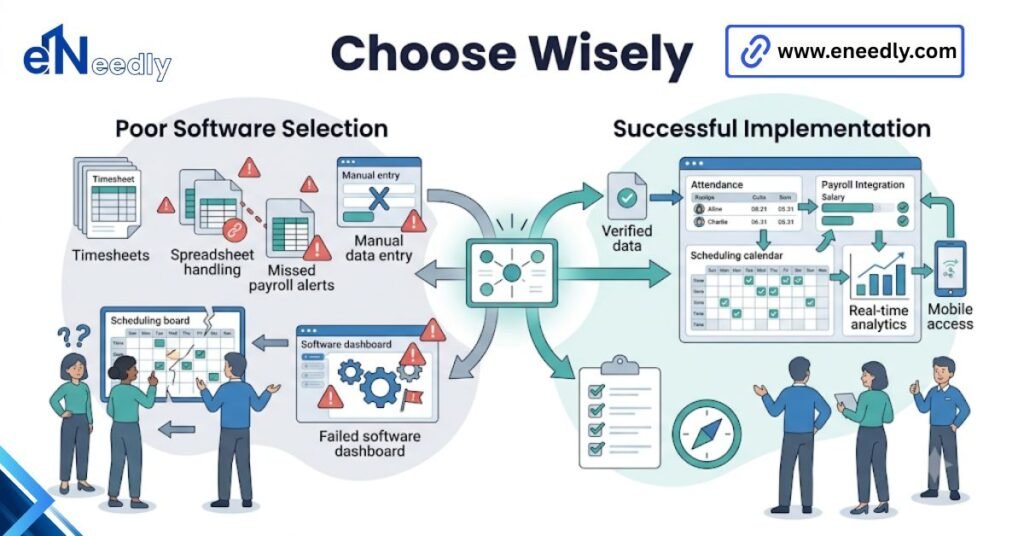
Most bad choices in this category happen for the same reason: a business picks the app with the most location features listed, then discovers during rollout that the geofence accuracy or legal compliance for their specific sites was never actually tested against their conditions.
Several jurisdictions restrict tracking an employee’s location outside scheduled work hours, and a tool that pings constantly rather than only at clock events can create exposure that a business did not intend to take on.
eNeedly, with more than eight years of experience evaluating and implementing workforce software rather than selling any single platform, typically starts these projects by mapping the actual job sites and legal constraints first. Software selection comes after that, not before it.
GPS Time Clock App For Remote Employees Versus Field Staff
A GPS time clock app for remote employees usually needs looser geofencing, since home offices and coworking spaces vary and a tight radius creates constant friction for people working from wherever suits them that day.
Field staff sit at the opposite end. A geofencing time clock for field workers on a defined job site benefits from a tighter, well-tuned radius because the whole point is confirming someone is physically where the work is happening.
Trying to run both groups on identical settings is a common misstep. Remote knowledge workers and field crews need the location rules configured differently, not the same app deployed the same way twice.
The Battery And Privacy Questions Nobody Asks Upfront
Before rolling this out to a team, a few questions are worth settling early, and they rarely come up during a vendor demo.
- Does the app track location continuously, or only at the moment of clocking in and clocking out?
- What happens to location data once an employee clocks out for the day?
- Does the app request full location permissions, or only “while using the app” access?
- Is there a written policy explaining what gets tracked, when, and why?
Getting these answered before launch, not after the first complaint, is usually the difference between a smooth rollout and a defensive one.
Geofencing Time Clock For Field Workers, Beyond The Basic Punch
Field crews get more value out of this category than most other workforce segments, mainly because location verification solves a problem that predates the software: confirming a technician actually reached the customer site listed on the job.
Some tools extend past the simple punch and attach location stamps to job status updates, not just clock events. That turns the app into a lightweight proof-of-presence tool across a whole visit, not a single data point at the start and end of a shift.
The tradeoff is setup effort. Multi-site geofencing across dozens of scattered customer addresses takes more configuration than a single fixed job site, and someone has to keep that site list current as jobs change.
Frequently Asked Questions
Is a GPS time clock app legal for tracking employees?
In most jurisdictions, yes, provided employees are informed and tracking is limited to work hours or clock events. Some regions restrict location tracking outside scheduled shifts, so local law is worth checking before rollout.
How accurate is GPS on a time clock app?
Accuracy typically ranges from a few meters outdoors to 30 meters or more indoors or near tall buildings. Geofence radius should be set with that variance in mind rather than assumed to be exact.
Does a GPS time clock app drain an employee’s phone battery?
Yes, particularly with frequent or continuous location pinging over a full shift. Apps that only capture location at clock-in and clock-out have a much smaller battery impact than those tracking constantly.
Can employees turn off location tracking on a GPS time clock app?
Usually not without also losing the ability to clock in through the app, since location capture is often tied directly to the punch event. Some apps do allow reduced tracking outside active shifts.
What is the difference between a GPS time clock app and a geofencing time clock?
A GPS time clock records location at each punch. A geofencing time clock goes further, restricting or flagging clock-ins that fall outside a defined radius around an approved site.
Do remote employees need the same GPS settings as field workers?
No. Remote employees generally need a wider, more lenient radius given varied work locations, while field workers benefit from tighter geofencing tied to specific job sites.
Will a GPS time clock app work without a cell signal?
Most rely on the device’s GPS chip rather than cell signal for location, though the app still needs a data connection to sync the punch. Some offer offline capture that syncs once the signal returns.