
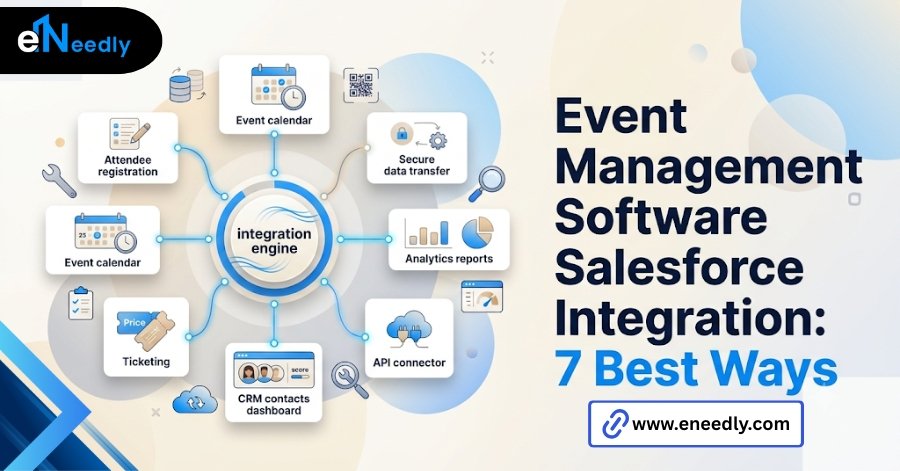
Event management software Salesforce integration connects an event platform’s registration data directly to Salesforce as contacts, leads, and campaign members.
It works through a native Salesforce app, a third-party connector, or a custom API built, each syncing data differently. Businesses use it to turn event registrations into usable sales leads and accurate campaign attribution. A marketing team runs a successful conference.
Three hundred people register, the event goes well, and two weeks later, sales operations is still manually cleaning up duplicate contact records and unmapped custom fields in Salesforce.
That gap between a good event and clean CRM data is what event management software Salesforce integration is actually supposed to close. Most vendor pages treat the integration as a single checkbox: yes, it syncs with Salesforce.
That answer hides almost everything a buyer actually needs to know. This guide covers how the sync really works, where it breaks, and what separates a clean integration from a data cleanup project waiting to happen.
What Salesforce Integration Means For Event Management Software
At a basic level, Salesforce integration means registration data collected on an event platform flows into Salesforce without someone exporting a spreadsheet and uploading it by hand. Names, emails, and registration status become Salesforce records automatically.
How deep it goes varies enormously between products. Some integrations only push a name and email into a lead record. Others sync custom registration questions, session attendance, and post-event survey responses as structured fields tied to a campaign.
The phrase “syncs with Salesforce” covers both of those cases equally, which is exactly why it is a poor question to lead with when evaluating options.
How Attendee Data Actually Syncs Into Salesforce
Sync typically happens in one of two ways: in near real time as someone registers, or in scheduled batches that run every few minutes or hours. Real-time sync means a registration shows up in Salesforce almost immediately.
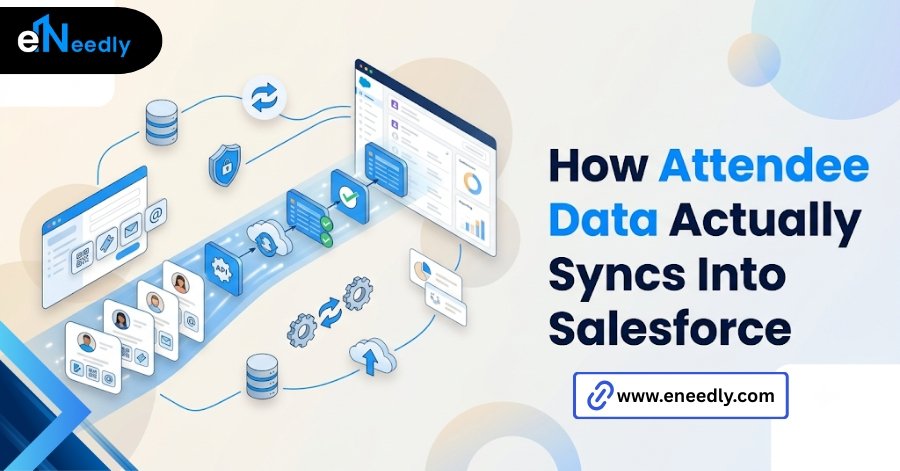
Batch sync means there is a lag, sometimes small, sometimes not. That lag matters more than it sounds. A sales rep following up with a hot lead the same day an event ends needs current data, not a record that will populate three hours later.
Field mapping sits underneath all of this. Every piece of registration data has to be told which Salesforce field it lands in. Standard fields like first name, last name, and email usually map automatically. Everything else needs a decision.
Registration To Lead Capture, Step By Step
An attendee fills out a registration form. That form submission is the actual trigger for everything downstream, so what the form captures determines what Salesforce receives.
The event platform checks Salesforce for an existing match, usually by email, before deciding whether to create a new lead or contact or update an existing one. This matching step is where a lot of integrations quietly fall short.
If no match exists, a new lead or contact record gets created. If a match exists, the platform should update that existing record rather than duplicate it, assuming duplicate matching was configured correctly in the first place.
The record then typically gets attached to a campaign in Salesforce, with a campaign member status reflecting where the person is in the event journey: registered, attended, or no-show.
Campaigns And Campaign Members, Where This Gets Complicated
Campaigns are where event data becomes useful to sales and marketing, and also where a lot of integrations get shallow fast. A campaign member status of “registered” is not the same as “attended.”
Serious integrations update the status automatically based on actual check-in data, not just registration. Weaker ones leave every attendee marked as registered regardless of whether they showed up. Multi-session events complicate this further.
Someone who registers for a conference but only attends two of six sessions has a very different engagement profile than someone who attends all six, and that distinction should show up in Salesforce if the sales team is going to prioritize follow-up correctly.
Campaign attribution reporting depends entirely on this data being accurate. A campaign with unreliable attendance status data produces a return on investment report nobody actually trusts.
Native Salesforce Event Apps Versus Third-Party Integrations
There are two broad architectural approaches here, and they trade cleanliness for feature depth in opposite directions. Native Salesforce apps, built directly on the Salesforce platform, tend to have cleaner, more reliable data sync because there is no external system in the loop.
They often have thinner event management features: fewer registration page design options, lighter agenda tools, fewer marketing integrations outside the Salesforce ecosystem. Dedicated event platforms with a Salesforce connector go the other direction.
Registration pages, agenda builders, and attendee engagement tools tend to be richer. The sync layer connecting back to Salesforce can lag, drop fields, or require more manual mapping than a native tool would.
| Approach | Data sync reliability | Event feature depth | Best fit |
| Native Salesforce app | High | Lower | CRM heavy teams, simple events |
| Third-party platform with a connector | Medium | Higher | Marketing-led teams, complex multi-session events |
| Custom API integration | Depends on the build | Depends on the platform | Unusual requirements, high event volume |
Neither approach is universally correct. A CRM heavy sales organization running straightforward events often prefers the native option.
A marketing team running large, complex conferences usually needs the feature depth of a dedicated platform and accepts more sync maintenance in exchange.
What Best Event Management Software Salesforce Integration Actually Depends On
There is no single best answer to this question, despite how often the phrase gets searched. What counts as best depends on three things: event complexity, team ownership of the CRM, and internal capacity to maintain field mapping over time.
A company running a handful of simple webinars a year has very different needs than one running large annual conferences with dozens of sessions and sponsor tracking requirements.
Who owns Salesforce administration matters just as much as the software itself. A dedicated Salesforce admin can maintain a more complex, custom-mapped integration. Without that role, a simpler, more automated native connection tends to hold up better over time.
Where Buyers Get Burned On CRM Field Mapping
The integration demo almost always shows standard fields syncing cleanly: name, email, company. That demo rarely shows what happens to the custom registration questions a real event actually needs.
Standard Fields Versus Custom Fields
Standard fields sync automatically in nearly every product on the market. Custom fields, the specific questions an event actually needs, like dietary requirements or job title categories, almost always require manual mapping before they land anywhere useful in Salesforce.
Buyers who assume every registration field maps automatically discover otherwise after the first event, when half the custom data they collected sits unused because nobody configured where it should go.
Duplicate Records And Match Rules
Duplicate matching rules decide whether a returning attendee updates their existing Salesforce record or creates a second one. Almost nobody configures this before the first event syncs.
The result shows up months later as a Salesforce instance full of duplicate contacts for the same person, each with a partial, inconsistent history. Cleaning that up after the fact costs far more time than setting match rules correctly from the start.
How To Integrate Event Software With Salesforce, In Practice
Start with field mapping, not platform selection. Before comparing tools, list every piece of data the event actually needs to capture, including anything custom, and decide where each field should land in Salesforce.
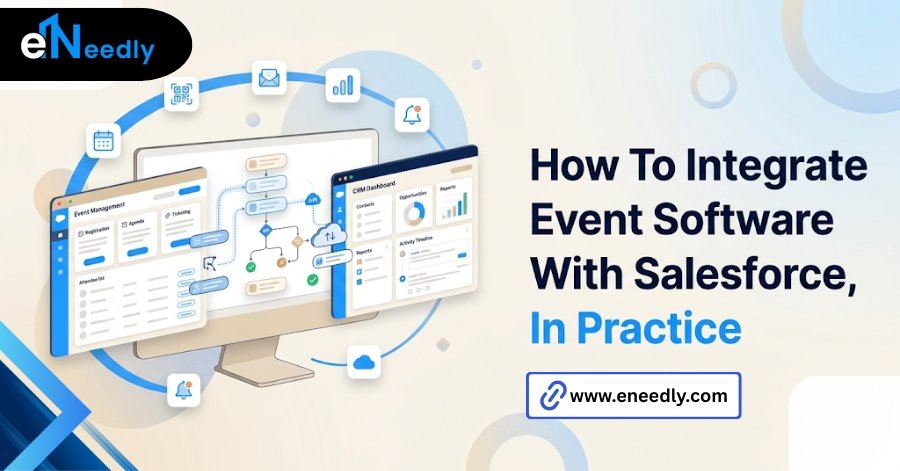
Set duplicate matching rules next, based on email as the primary match key in most cases. This step, done before the first event rather than after, prevents the majority of the cleanup work that shows up later.
Configure campaign member status updates tied to actual check-in data, not just registration, so sales and marketing can see real engagement rather than a flat registered status for everyone.
Test the full flow with a small internal event before a real one goes live. Register a handful of test accounts, check them in, and confirm the data lands correctly in Salesforce with the right campaign status before trusting it with real attendees.
What Salesforce Admins Wish Event Planners Knew Before Rollout
The event side of an organization cares about registration conversion, page design, and attendee experience. The Salesforce side cares about clean campaign attribution and a CRM that does not fill up with duplicate, half-mapped records.
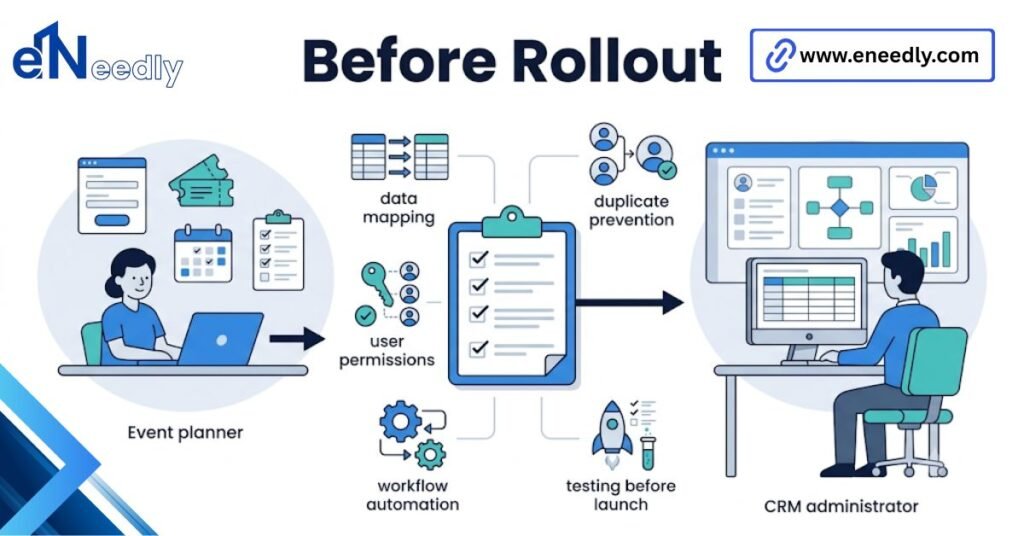
Software chosen without input from both teams tends to satisfy neither one fully. An event team picks based on the polish of the registration page. A Salesforce admin inherits whatever sync problems come with that choice, often without being consulted first.
The fix is not complicated. It just requires both teams in the room before a contract is signed, not after the first event has already synced messy data into production.
How eNeedly Approaches Event and CRM Integration Projects
eNeedly works with both sides of this problem, drawing on more than eight years of helping businesses evaluate software and, where the fit calls for it, building custom integrations rather than forcing an off-the-shelf connector to do something it was not designed for.
A typical engagement starts by mapping what the event side actually needs to capture against what the Salesforce side needs to receive, including campaign structure and match rules, before any platform gets shortlisted.
Where a native app or existing connector genuinely covers the requirement, eNeedly says so. Where the requirement is unusual enough that no off-the-shelf option maps cleanly, a custom integration between the event platform and Salesforce is often the more reliable long-term choice.
Frequently Asked Questions
Does event management software automatically sync with Salesforce?
Only partially, in most cases. Standard fields like name and email usually sync automatically. Custom registration fields typically need manual mapping before they populate correctly in Salesforce.
What is the difference between a native Salesforce event app and a third-party integration?
A native app is built directly on Salesforce and tends to sync more reliably but with fewer event features. A third-party platform usually offers richer event tools with a separate sync layer to Salesforce.
How do I stop duplicate contacts from event registrations in Salesforce?
Set up duplicate matching rules, usually based on email, before your first event syncs. Without this in place, returning attendees often create a second contact record instead of updating the existing one.
Can event software update Salesforce campaign status based on attendance, not just registration?
Some platforms support this, updating campaign member status when someone checks in rather than only when they register. Confirm this specifically, since many integrations only track registration status.
Is a custom Salesforce integration better than an out-of-the-box connector?
Not automatically. Out-of-the-box connectors work well for standard needs. Custom integrations make sense when event requirements, like complex multi-session tracking, do not map cleanly to what a standard connector supports.
How long does it take to set up event management software with Salesforce integration?
A native app or standard connector with mostly standard fields can be running within days. Custom field mapping, duplicate rules, and campaign status automation usually add one to a few weeks, depending on complexity.
Who should be involved in choosing event software with Salesforce integration?
Both the event or marketing team and whoever administers Salesforce. Choosing based only on registration page features often creates data problems that the Salesforce side has to resolve after the fact.