
Quick Answer
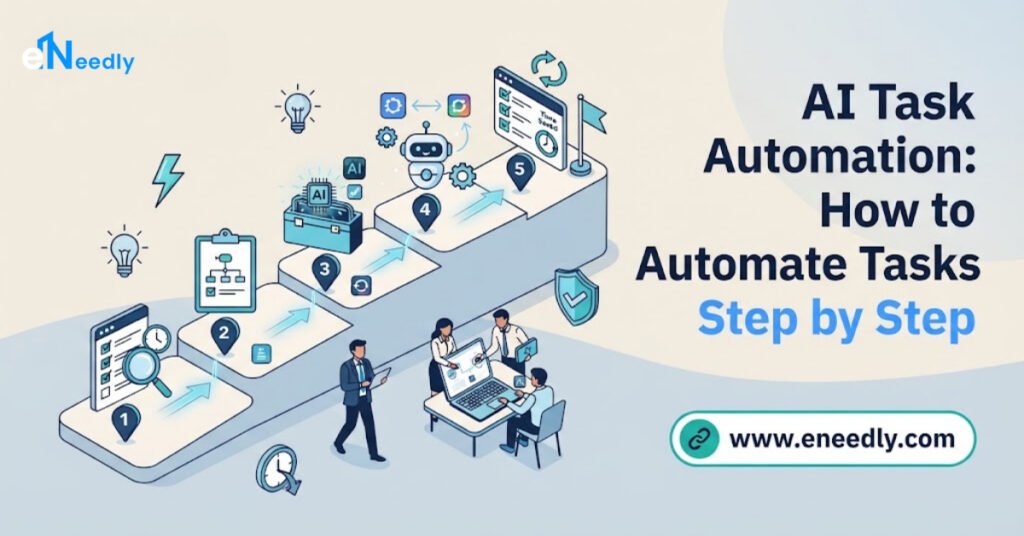
To start with AI task automation, first list the repetitive jobs your team does by hand, pick the ones that follow clear steps and take the most time, design a simple workflow for each, connect it to the tools you already use, test it carefully and improve it over time.
You can start with one small task and grow from there. eNeedly, a digital solutions agency with over 8 years of experience, helps businesses find the right tasks to automate and builds the AI workflows that handle them, so your team can focus on work that needs a human touch.
What Does It Mean to Automate Tasks with AI?
Automating a task with AI means letting a system do work that a person used to do by hand, such as sorting messages, entering data, sending replies or preparing reports.
There are two parts to this:
- Automation is the process of carrying out steps automatically, in a set order, whenever something happens. For example, when a customer fills in a form, a confirmation message is sent.
- Artificial intelligence adds the ability to understand and decide. AI can read a message and work out what it is about, sort documents into the right groups, write a draft reply or spot an unusual pattern.
Traditional automation can only follow fixed rules. AI automation can handle work that is less predictable, such as understanding free-text messages from customers or pulling information from documents that all look a little different.
The result is that tasks which once needed a person to read, think and act can now be handled automatically, at any hour and at any volume.
Why Should You Use AI Task Automation?
Businesses automate for practical reasons that show up quickly in daily work.
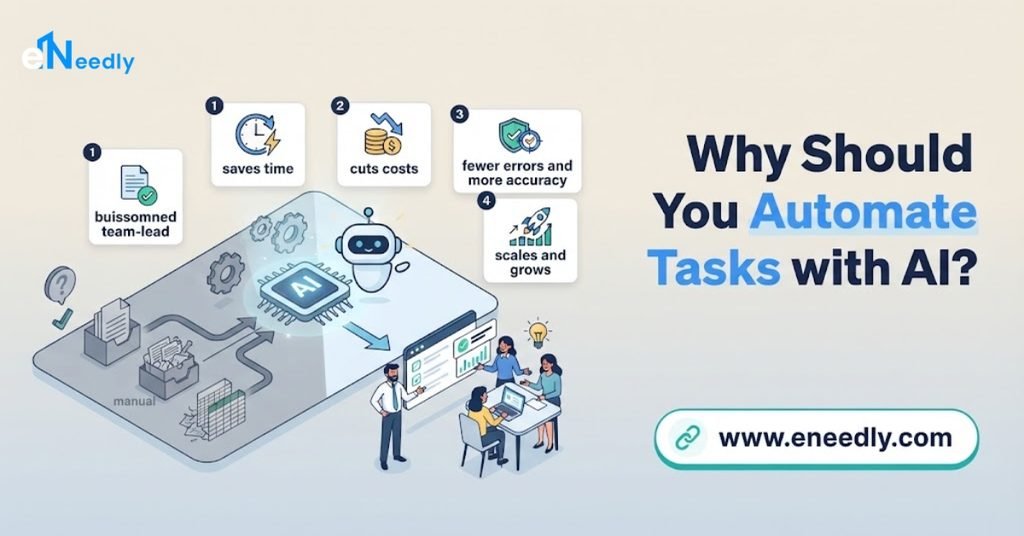
- It saves time. Hours spent on repetitive tasks can be given back to your team.
- It reduces mistakes. A system follows the same steps every time and does not get tired or distracted.
- It speeds up responses. Customers and leads get answers in seconds instead of hours.
- It works around the clock. Tasks continue at night, on weekends and during holidays.
- It lowers costs. You can handle more work without a matching increase in staff time.
- It helps you grow. When your volume increases, the automation handles more without breaking down.
- It improves team morale. People can spend more time on interesting, valuable work instead of repetitive chores.
The goal is not to remove people from your business. It is to remove the boring and repetitive parts of their work.
Which Tasks Suit AI Task Automation?
Many everyday business tasks are good candidates. The most common ones fall into a few groups.
Communication tasks
Replying to common customer questions, sending confirmation and reminder messages, sorting incoming emails and passing them to the right person.
Sales and lead tasks
Capturing new inquiries, sorting leads by quality, sending a quick first reply and scheduling follow-ups.
Data and admin tasks
Entering the same information into several systems, updating records, filing documents and checking forms for missing details.
Reporting tasks
Collecting numbers from different places and building daily, weekly or monthly reports.
Marketing tasks
Scheduling content, running email sequences, tracking campaign results and organizing leads from different channels.
Scheduling tasks
Booking appointments, sending reminders and handling changes without long back-and-forth messages.
Finance tasks
Creating invoices, sending payment reminders and tracking who has paid.
Internal team tasks
Onboarding new employees, answering common internal questions and routing requests to the right person.
If a task is repetitive, follows clear steps and takes up regular time, it is probably worth looking at.
How to Automate Tasks with AI: Step by Step
This is the process we recommend. It works for small tasks and for larger projects.
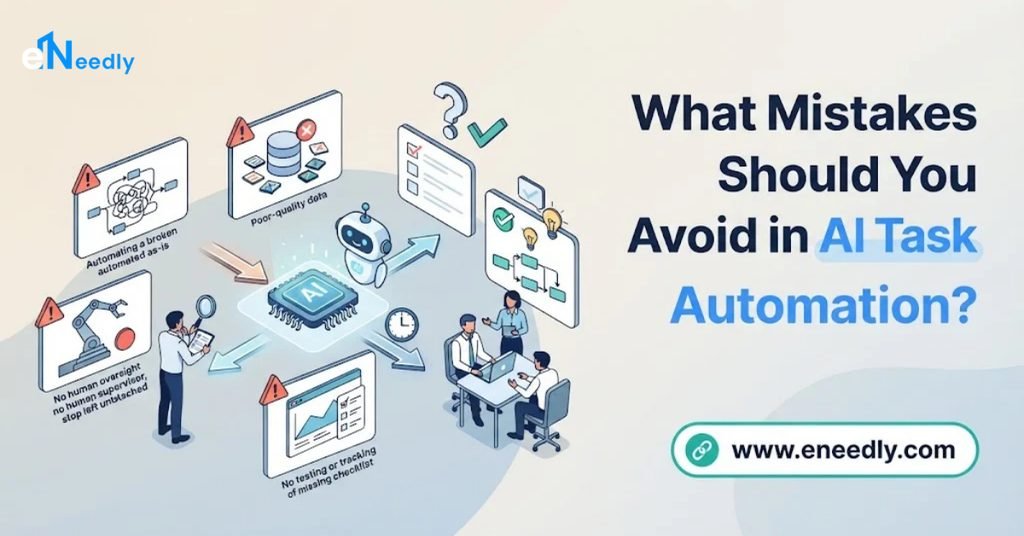
Step 1: List your repetitive tasks
Ask your team what they do again and again. Track their time for a week if you can. Often the biggest time-wasters are the ones people no longer notice.
Step 2: Choose the right task to start with
Pick a task that is repetitive, follows clear steps and takes a lot of time or often contains mistakes. Do not begin with the hardest process. A simple task with a clear benefit gives you a quick win and builds confidence.
Step 3: Write down the steps
Describe exactly how the task is done today, step by step: what starts it, what information is used, what decisions are made and what the final result is. If you cannot explain the steps clearly, the task needs more thought before it can be automated.
Step 4: Decide what AI should do and what people should do
Some steps can be fully automatic. Others should need a person’s approval, especially anything involving money, sensitive information or important decisions. Mark which is which.
Step 5: Design the workflow
Plan the flow: what triggers the automation, which steps follow, how the data moves between tools and what happens when something goes wrong.
Step 6: Connect your tools
Automation works best when it connects the systems you already use, such as your website forms, email, spreadsheets, customer records and calendars. This way information moves by itself.
Step 7: Build and test with real examples
Test the workflow using real situations, including unusual ones. Check that it handles mistakes politely and does not cause problems for your customers.
Step 8: Start small and watch the results
Launch with a limited scope first. Watch how it performs, collect feedback from your team and fix any problems before expanding.
Step 9: Measure the benefit
Compare the time spent, the number of mistakes and the response speed before and after. This shows the value and helps you decide what to automate next.
Step 10: Improve and expand
Once the first workflow is running well, move on to the next task. Over time, these improvements add up to a big difference.
What Mistakes Should You Avoid in AI Task Automation?
Most automation problems come from a few common mistakes.
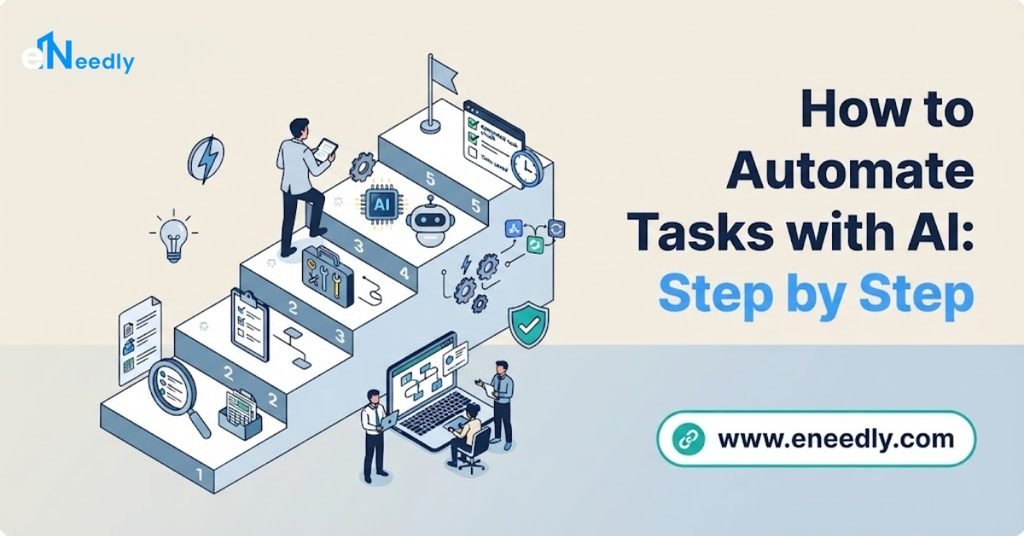
- Automating a broken process. If a process is confusing or inefficient, automating it only makes the problem faster. Fix the process first.
- Trying to automate everything at once. Large projects are harder to test and control. Start small.
- Removing people completely. Sensitive or complex situations still need human judgment.
- Skipping testing. An untested workflow can send wrong messages or lose data.
- Ignoring data quality. AI works with the information it receives. Messy data leads to messy results.
- Not training your team. People need to understand how the system works and what to do when it asks for help.
- Forgetting to review. Business needs change, so automation must be checked and improved regularly.
- Overlooking privacy. If your automation handles personal information, it must be designed to protect it.
Avoiding these mistakes is often the difference between automation that helps and automation that creates new problems.
How Can eNeedly Help with AI Task Automation?
You can try to build automation yourself, but many businesses prefer expert help, because the hardest part is knowing what to automate and how to connect everything properly.
eNeedly combines digital marketing, web development, business development and lead generation, so we understand the processes that most businesses depend on.
Here is what we can do for you.
Find the best tasks to automate
We review how your business works and identify the tasks that waste the most time or cause the most errors, so you start where the benefit is highest.
Lead capture and follow-up automation
Using our lead generation experience, we build systems that capture new inquiries, sort them by quality and send quick replies, so no lead is left waiting.
Customer support automation
We help you set up automated answers to common questions on your website, with a clear route to your team for complex requests.
Workflow automation between your tools
We connect the systems you already use, so information moves automatically instead of being typed in again and again.
Automated reporting
We create reports that gather your key numbers and present them clearly, without manual effort.
Marketing automation
We help you automate content scheduling, email sequences and campaign tracking, so your marketing stays consistent.
Website forms and business processes
We build website forms, booking systems and internal workflows that handle routine requests and send the right information to the right person.
Training and ongoing support
We train your team and offer ongoing support, so your automation keeps working well as your business changes.
Our Process at eNeedly
We follow a clear path so you always know what is happening.
Free consultation. We listen to your goals and the tasks that take the most time.
Process review. We map how work currently moves through your business.
Recommendation. We suggest which tasks to automate first and why.
Design. We plan the workflow, including which steps are automatic and which need approval.
Build and connect. We create the automation and link it to your existing tools.
Testing. We check it with realistic situations before it goes live.
Launch and training. We launch the system and show your team how to work with it.
Review and improvement. We watch the results and make changes over time.
Which Tasks Should You Keep Human?
Not everything should be automated. We usually recommend keeping people in charge of:
- Sensitive conversations, such as complaints or difficult customer problems.
- Important decisions, especially those involving contracts, money or legal questions.
- Creative and strategic work, where experience and judgment are important.
- Relationship building, which depends on real human connection.
The best approach is a partnership. Automation handles the routine work, and your people handle the work that needs care.
Which Businesses Benefit Most from AI Task Automation?
Any business with repetitive work can benefit, but the effect is especially strong for:
- Small and growing businesses where a few people handle many tasks.
- Service businesses with many inquiries, bookings and follow-ups.
- Online stores that manage orders, customer questions and updates.
- Agencies and consultants with regular reporting and client communication.
- Sales-focused teams that need fast lead response and organized follow-up.
- Companies planning to grow and wanting to take on more work without adding the same amount of manual effort.
If your team often feels too busy to do the important work, that is a strong sign that automation can help.

How to Get Started Today
You do not need a big project to begin. Here is a simple way to start this week:
Ask each team member to list three tasks they repeat most often.
Mark the tasks that follow the same steps every time.
Pick the one that takes the most time.
Write down its steps from start to finish.
Decide which steps a system could do and which need a person.
Talk to us about turning it into an automated workflow.
Starting with one task is enough. The first success shows you what is possible and makes the next step easier.
What Affects the Cost of AI Task Automation?
The cost depends on your needs, so there is no single price for every business. The main factors are:
- The number of tasks you want to automate.
- The complexity of each workflow and how many steps and decisions it includes.
- The number of tools that need to be connected.
- The level of AI involved, from simple sorting to understanding messages and documents.
- Ongoing support after the system is live.
The easiest way to get a clear answer is to talk to us. After a short discussion about your tasks and goals, we can suggest a plan that fits your business and explain what is included.
Get Started with a Free Consultation
Every week that repetitive tasks stay manual, your team loses hours that could go to growing your business. With the right plan, AI automation can take over those tasks reliably, quickly and at any hour.
Here is how to begin:
Book a free consultation using the booking form on our website.
Tell us about your business and the tasks that take up the most time.
Receive a clear plan for AI automation that fits your needs.
You can also contact us directly at info@eneedly.com or on +92 345 114 4664.
Frequently Asked Questions
How do I start automating tasks with AI?
Start by listing the repetitive tasks your team does by hand, then choose one that follows clear steps and takes a lot of time. Write down its steps, decide which parts a system can handle, and build a simple workflow for it. Starting small gives you a quick win and teaches you what to automate next.
What tasks are best to automate first?
The best tasks to start with are repetitive, follow the same steps each time and take up regular time. Common examples are lead follow-up, data entry between systems, answering frequent customer questions, scheduling and regular reports.
Do I need technical skills to automate tasks with AI?
Not necessarily. Knowing your own processes is the most important skill. The technical work of designing, building and connecting the automation can be handled by a team like ours, so you can focus on describing what you need.
Will AI automation replace my employees?
The aim is not to replace people. Automation takes over repetitive routine work, so employees can spend their time on customer relationships, creative work and decisions. Tasks that need judgment and personal care stay with your team.
Is it safe to automate tasks that involve customer data?
It can be, if the system is designed carefully. Automation that handles personal information should limit who can access it, store it responsibly and follow the data protection rules that apply to your business. It is important to raise this at the planning stage.
How long does it take to set up an automated workflow?
The time depends on how complex the task is, how many tools need to be connected and how much testing is needed. A simple workflow can be much faster to build than a large, multi-step process. After we review your tasks, we can give you a realistic timeline.