
Quick Answer
An odoo services provider typically delivers a full implementation in 6 to 16 weeks depending on module count and customization depth, with mid-market projects running $15,000 to $80,000 in professional services fees.
Odoo Community covers core apps like Sales, Inventory, and Accounting at no license cost, while Odoo Enterprise adds Studio, advanced manufacturing, and official support on a per-user subscription.
Growing businesses usually start with three to five core modules and expand once adoption stabilizes.
Introduction
Most growing businesses do not fail at Odoo because the software is wrong. They fail because they picked the wrong odoo services provider and let scope drift from day one.
A functional consultant who has run this project a dozen times spots the same pattern every time. The business buys Enterprise licenses for twenty users, configures three modules badly, then blames the platform when adoption stalls.
Odoo is one of the few ERP platforms that genuinely scales from a five-person shop to a three-hundred-employee manufacturer. That flexibility is also why the wrong implementation partner can quietly cost a company six figures in wasted licensing and rework.
This article covers what real Odoo ERP services involve, how eNeedly scopes and delivers them, what they cost, where projects go wrong, and who should not attempt a self-managed rollout.
What Do Odoo ERP Services Actually Include?
Odoo ERP services cover far more than installing software. They span discovery, module configuration, data migration, integration, testing, training, and long-term support.
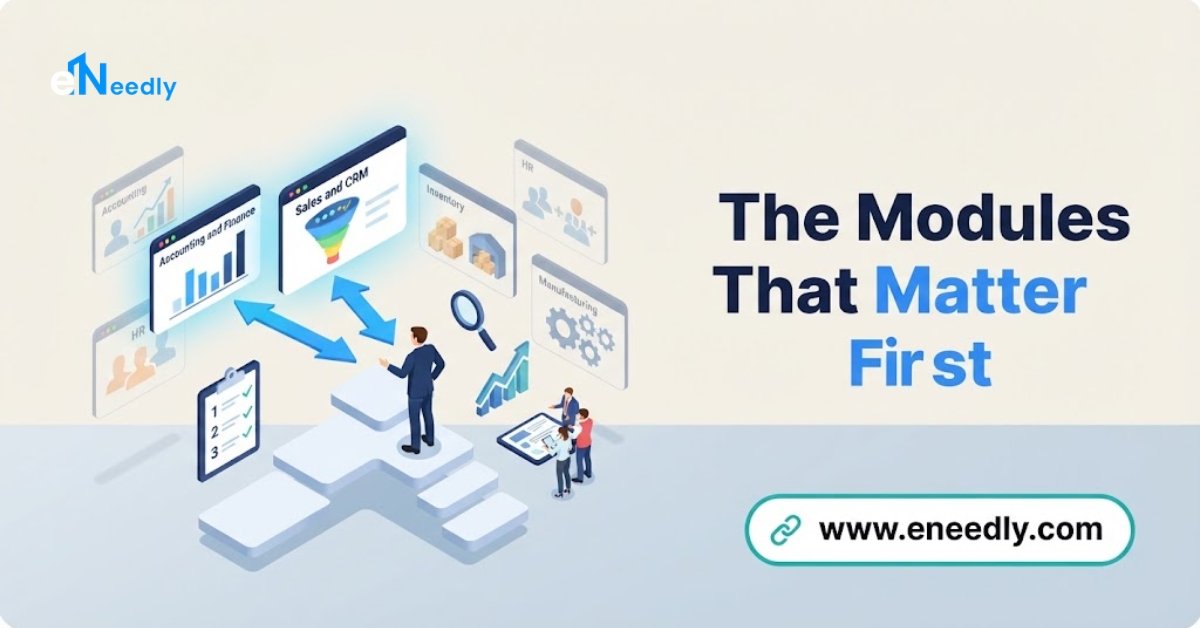
A genuine odoo erp services company works across the full Odoo apps suite. That includes Sales, CRM, Inventory, Accounting, Purchase, Manufacturing (MRP), Point of Sale, eCommerce, and Human Resources.
Each app is modular. A business can run Accounting and Inventory alone in year one, then add Manufacturing or Field Service once operations mature.
Odoo Community is the free, open source edition. It covers core business management functions including Sales, basic Inventory, and Accounting, though not every localization is available out of the box.
Odoo Enterprise adds Studio for no-code customization, advanced manufacturing features like Master Production Scheduling, official Odoo support, and hosting on Odoo.sh. It runs on a per-user, per-app subscription that scales with headcount.
Businesses researching odoo open erp services often start with Community to prove the concept, then migrate to Enterprise once specific apps like Studio or advanced MRP become necessary. That path is common and rarely wasteful if scoped correctly from the start.
How Odoo Compares to SAP and Other ERP Platforms
Buyers researching erp services for sap and odoo usually want one distinction made clear. SAP fits large enterprises with complex, multi-entity finance requirements and dedicated IT departments to manage it.
Odoo fits SMEs and mid-market companies that need broad functional coverage without SAP’s implementation cost or timeline. A typical Odoo rollout costs a fraction of an equivalent SAP Business One project and deploys in weeks rather than a year.
The trade-off is depth in highly specialized industries. A business running complex multi-plant manufacturing with deep regulatory reporting may eventually outgrow Odoo, but most growing companies never reach that ceiling.
The Odoo Implementation Process
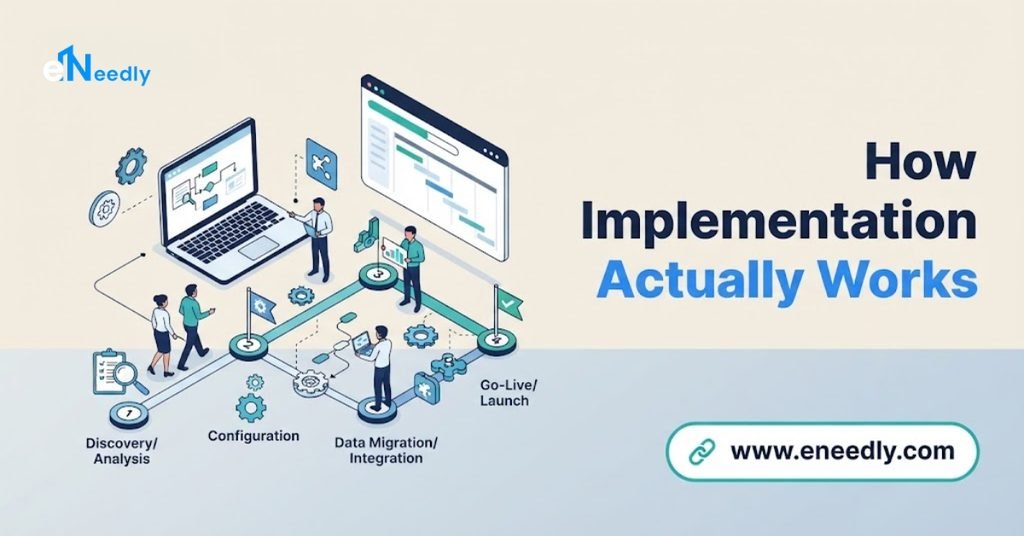
Every real Odoo project follows a recognizable phase structure, even when the details differ by industry. eNeedly’s implementation methodology breaks the project into five stages that keep scope, cost, and timeline predictable.
| Phase | What Happens | Typical Duration |
| Discovery & Scoping | Map current processes, define required modules, document gaps | 1 to 2 weeks |
| Configuration | Set up chosen apps, workflows, approval rules, user roles | 2 to 6 weeks |
| Data Migration | Move customers, vendors, products, and historical transactions | 1 to 3 weeks |
| Integration & Testing | Connect third-party tools, run user acceptance testing | 1 to 2 weeks |
| Go-Live & Support | Launch, monitor adoption, resolve early issues | Ongoing |
Discovery is the phase most businesses underinvest in. Skipping it is the single biggest driver of the mistakes covered later in this article.
Customization, Consulting, and Development
Not every business needs custom code. Configuration alone, using Odoo’s built-in settings and Studio, covers a large share of real-world requirements without touching Python.
When configuration genuinely cannot meet a requirement, Odoo customization services extend the platform with custom fields, workflows, or reports specific to one business.
This differs from Odoo development services, which covers deeper work such as new modules, custom APIs, or bespoke automation logic.
Businesses that are still choosing modules, evaluating fit, or deciding between Community and Enterprise usually start with Odoo consulting services before any configuration begins. A short consulting engagement upfront routinely saves far more than it costs in avoiding rework later.
Migration and Integration
Companies switching from QuickBooks, an older Odoo version, or a legacy ERP need a structured Odoo migration services plan, not a manual data dump.
Version migrations in particular carry real technical risk, since custom modules and third-party apps do not always carry forward cleanly across major Odoo versions.
Most growing businesses also run tools Odoo was never meant to replace outright, such as a dedicated CRM, a shipping carrier platform, or a specialized POS. Odoo integration services connect these systems through APIs so data flows in one direction without duplicate entry.
Ongoing Support
Odoo is never truly finished after go-live. New apps get added, business rules change, and updates need testing before they reach production.
Odoo support services cover this ongoing layer: bug fixes, minor configuration changes, user troubleshooting, and version update guidance. Businesses that skip this and rely on internal staff alone tend to accumulate configuration debt within twelve months.
Common Mistakes Businesses Make With Odoo ERP Services
Choosing Enterprise before proving the need. Many businesses jump straight to Enterprise licensing because a salesperson recommended it, then use none of the features that justify the cost. Start with the minimum edition that covers the actual requirement and upgrade when a specific feature demands it.
Skipping the discovery phase. Teams that go straight to configuration without documenting current processes end up rebuilding workflows mid-project. A proper discovery phase costs one to two weeks and prevents months of rework.
Migrating dirty data. Businesses frequently migrate years of duplicate customers, incomplete vendor records, and inconsistent product codes straight into Odoo.
Clean the data before migration, not after, since post-migration cleanup is far more expensive.
Under-training end users. A perfectly configured system fails if the sales team reverts to spreadsheets because nobody explained the new workflow. Budget real training time, not a single one-hour walkthrough on go-live day.
Customizing before configuring. Some odoo services in the US and abroad jump to custom code for requirements that Odoo’s built-in settings or Studio already solve. Custom code costs more to maintain long-term and should be the last resort, not the first instinct.
Ignoring third-party app compatibility during version upgrades. A business running five community apps from the Odoo App Store can find several breaks silently after a major version upgrade. Audit every installed app’s compatibility before committing to an upgrade date.
Who Odoo ERP Services Are Right For
Odoo suits growing businesses with 5 to 300 employees that need broad business management coverage across sales, inventory, accounting, and operations in one connected system.
It particularly fits companies currently running three or more disconnected tools, such as a separate accounting package, a spreadsheet-based inventory tracker, and a standalone CRM.
Manufacturers, distributors, retailers, and service businesses all run production Odoo deployments today. The platform’s modular structure means a distributor can start with Inventory and Sales, then add Manufacturing later without replatforming.
Odoo is a weaker fit for businesses needing extremely deep, industry-specific functionality that has no equivalent Odoo module or reasonable customization path.
It is also not the right starting point for a two-person business with no plans to grow past basic invoicing, where a simpler tool costs less to run.
Businesses evaluating affordable odoo services should weigh Community edition seriously if their core need is Sales, Inventory, and Accounting without industry-specific manufacturing complexity.
It is a legitimate path to a full ERP system without Enterprise licensing costs, provided the implementation partner scopes it honestly.
Frequently Asked Questions
What does an Odoo services provider actually do?
An Odoo services provider scopes, configures, migrates data into, integrates, and supports Odoo ERP for a business. This typically covers everything from initial consulting through go-live and ongoing maintenance.
Is Odoo Community free to use long-term?
Yes, Odoo Community has no license cost and can run indefinitely, though it lacks certain Enterprise-only features like Studio and some advanced manufacturing tools. Many SMEs run Community permanently without ever needing to upgrade.
How long does a typical Odoo implementation take?
Most implementations take 6 to 16 weeks depending on the number of modules and the amount of custom configuration required. Simple single-module deployments can go live in under a month.
What is the real cost of Odoo services?
Costs typically range from $15,000 to $80,000 in professional services for mid-market projects, separate from any Odoo license fees. The final figure depends heavily on data migration complexity and custom development scope.
Can Odoo replace SAP for a mid-market business?
For most mid-market companies without highly specialized multi-entity finance requirements, Odoo covers the same core functionality at a fraction of SAP’s cost and implementation time. Very large or heavily regulated enterprises may still need SAP’s depth.
Does Odoo integrate with existing business tools?
Yes, Odoo connects to most common CRMs, shipping platforms, payment gateways, and eCommerce tools through its API or existing connector apps. Custom integrations are also possible where no pre-built connector exists.
What happens during an Odoo version upgrade?
An upgrade migrates configuration, data, and where possible custom code to the newer Odoo version, following Odoo’s official upgrade path. Third-party apps need individual compatibility checks before the upgrade date is confirmed.
How do I choose between Odoo Community and Enterprise?
Start by listing the specific features your business needs, such as Studio, advanced manufacturing, or official Odoo support, and check whether Community covers them.
If none of the Enterprise-only features are required, Community is the more affordable and often sufficient choice.
Key Takeaways
Odoo ERP services succeed or fail based on scoping discipline, not software choice. A rushed discovery phase, dirty migrated data, and premature customization cause more failed rollouts than any limitation in the platform itself.
Community edition is a legitimate, cost-effective starting point for most SMEs, while Enterprise earns its cost only when a business genuinely needs Studio, advanced manufacturing, or official support.
Growing businesses evaluating an odoo services provider should ask for a phased scope, a realistic cost range, and honesty about what requires custom development.
Start with a proper discovery and consulting engagement before committing to a full implementation budget.